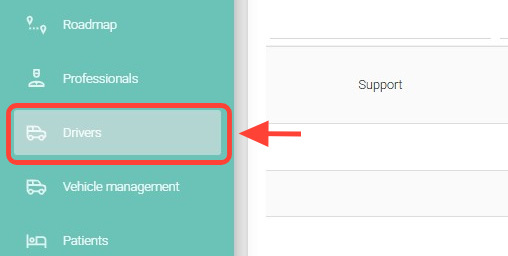
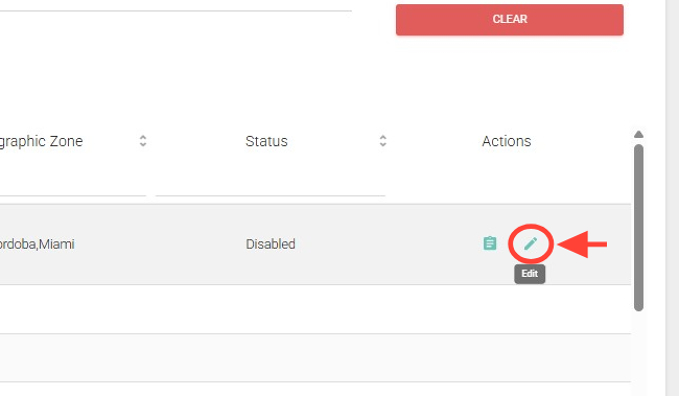
2. Search for the driver you want to edit, and in the Actions column, click Edit.
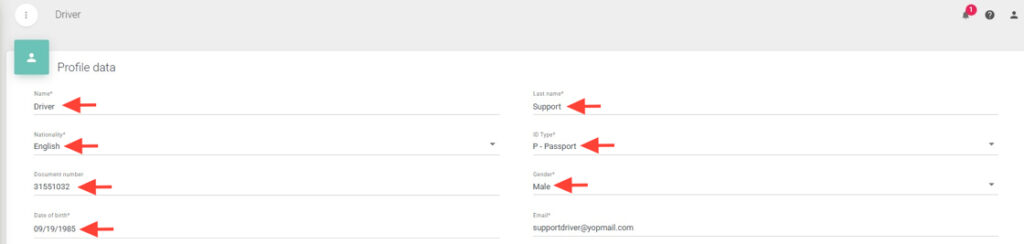
3. Modify the driver’s information in the profile, such as name, nationality, document type, and others. The email address cannot be changed.
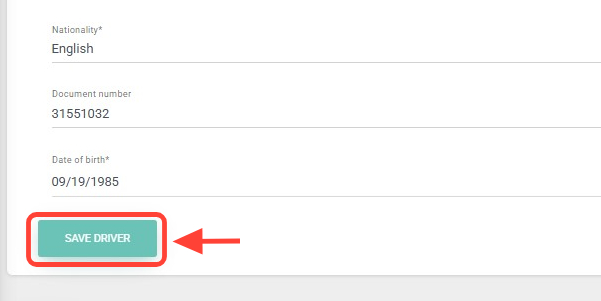
4. Once the fields are updated, click Save Driver.
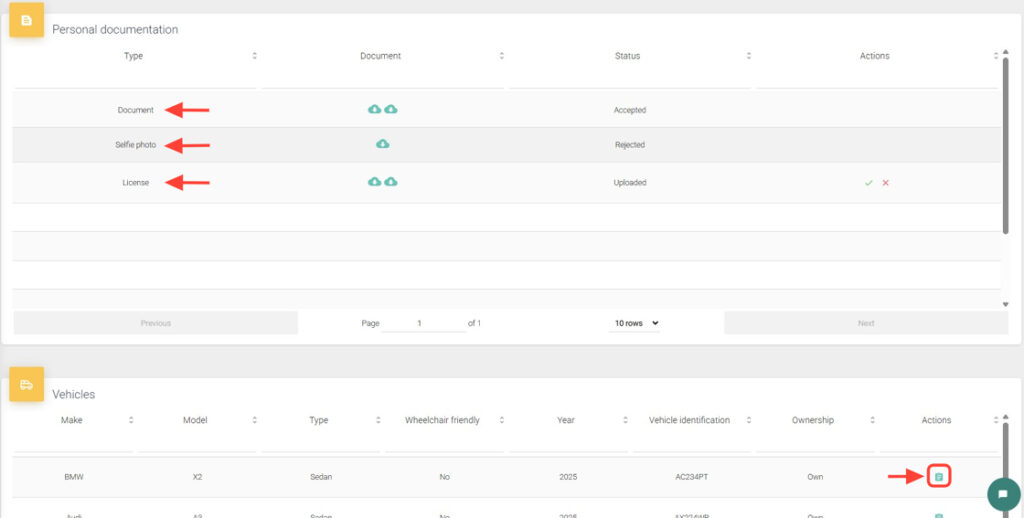
5. You can also approve/disapprove personal and vehicle documentation for the driver.
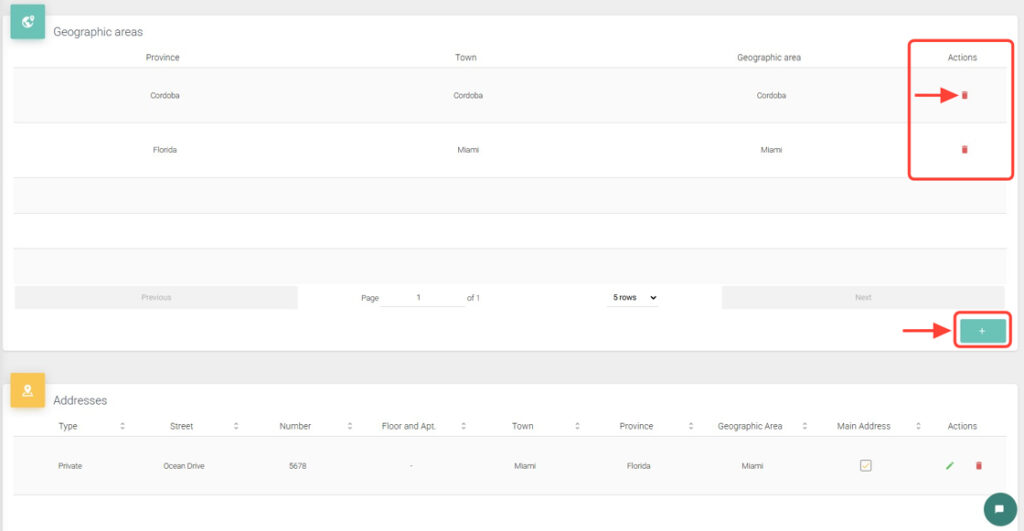
6. You can add or remove geographic zones, addresses, and phone numbers as needed.
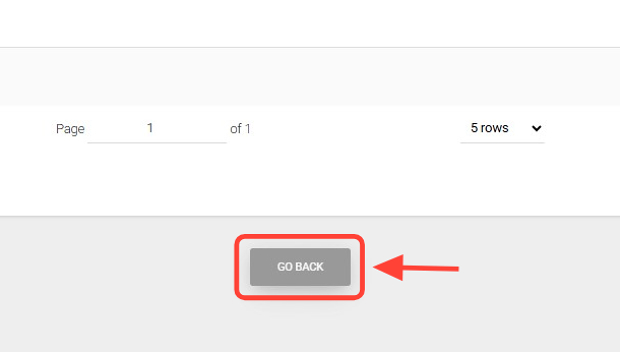
7. Once all changes are made, click Go Back to return.