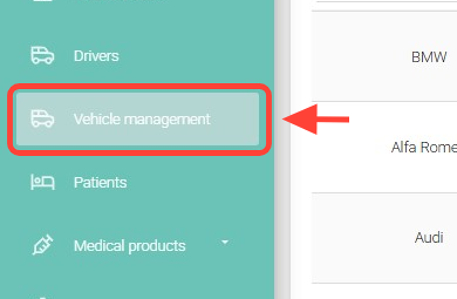
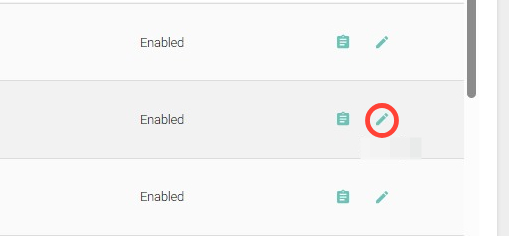
2. Search for the vehicle you want, and in the Actions column, click Edit.
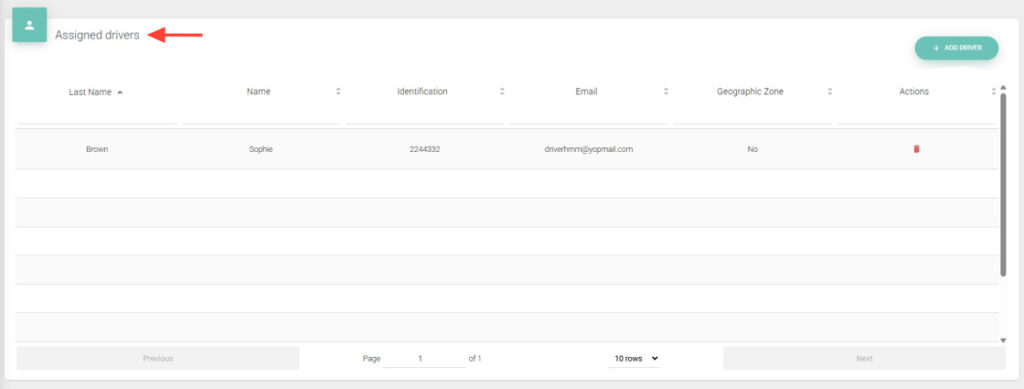
3. Go to the Assigned Drivers table.
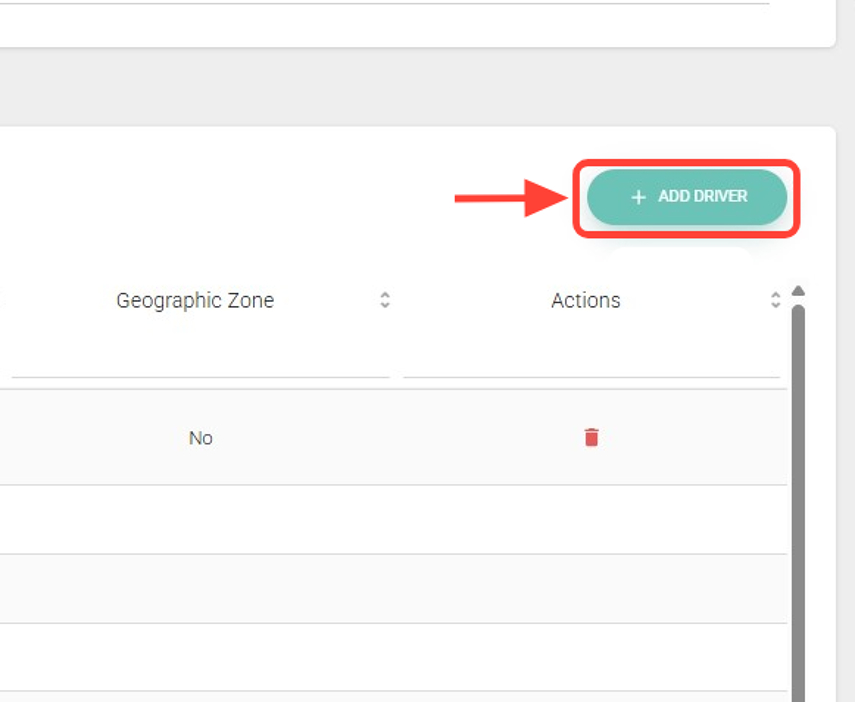
4. Click the + ADD DRIVER button.
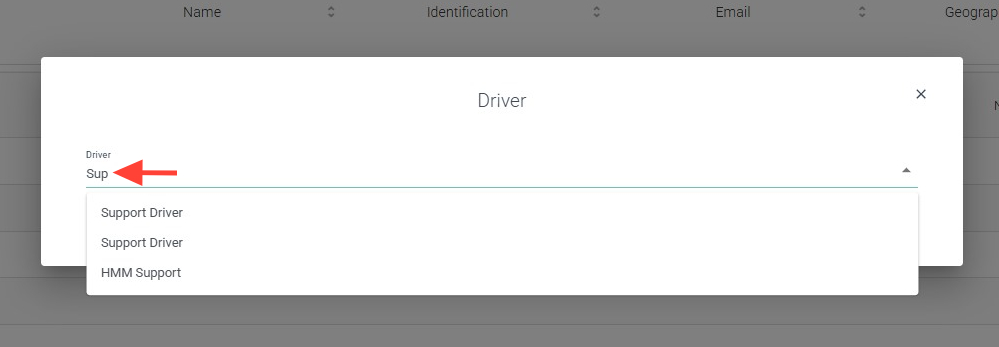
5. Select the driver you want.
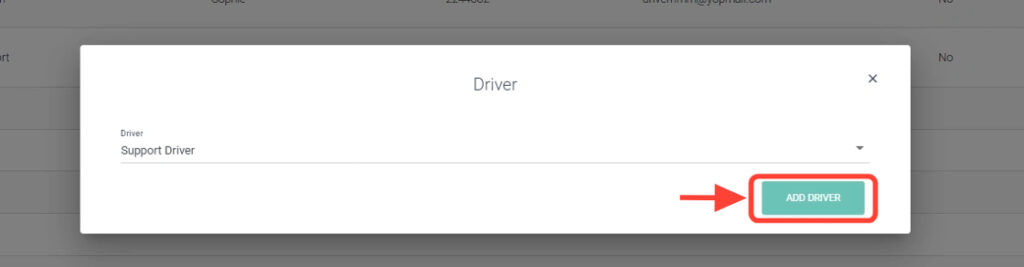
6. Click Add Driver.
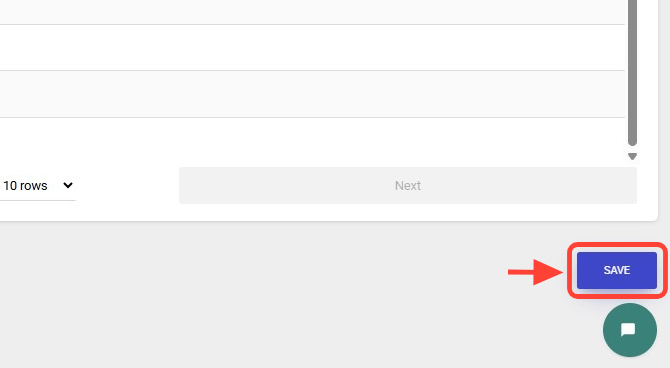
7. Press Save to finish.