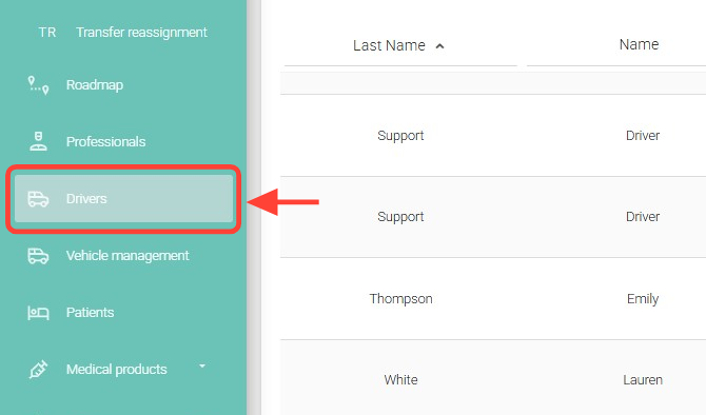
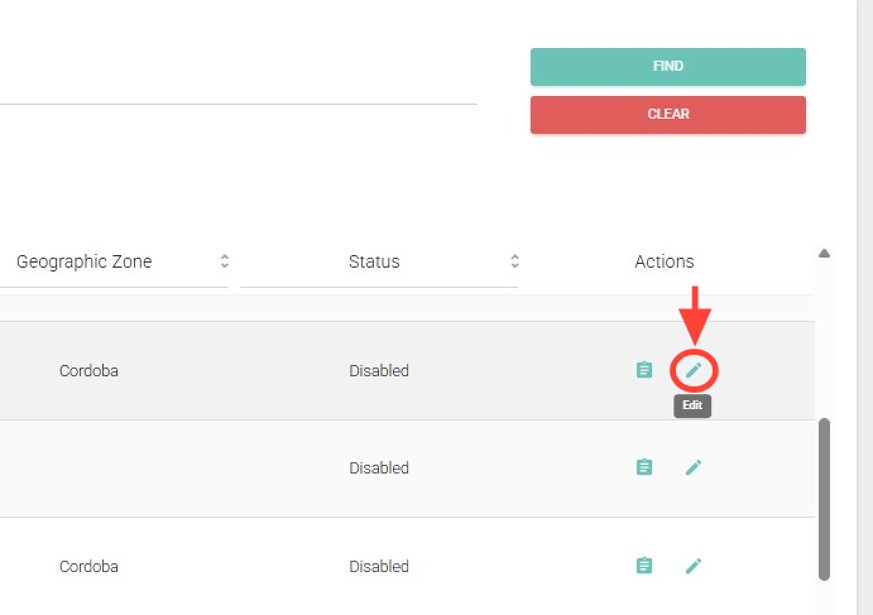
2. Search for the driver you want, and in the Actions column, click Edit.
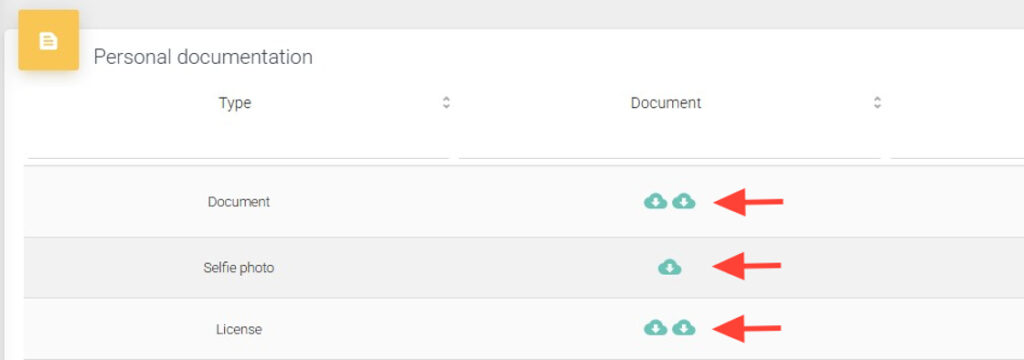
3. In the Personal Documentation table, you can download the documents from the Document column.
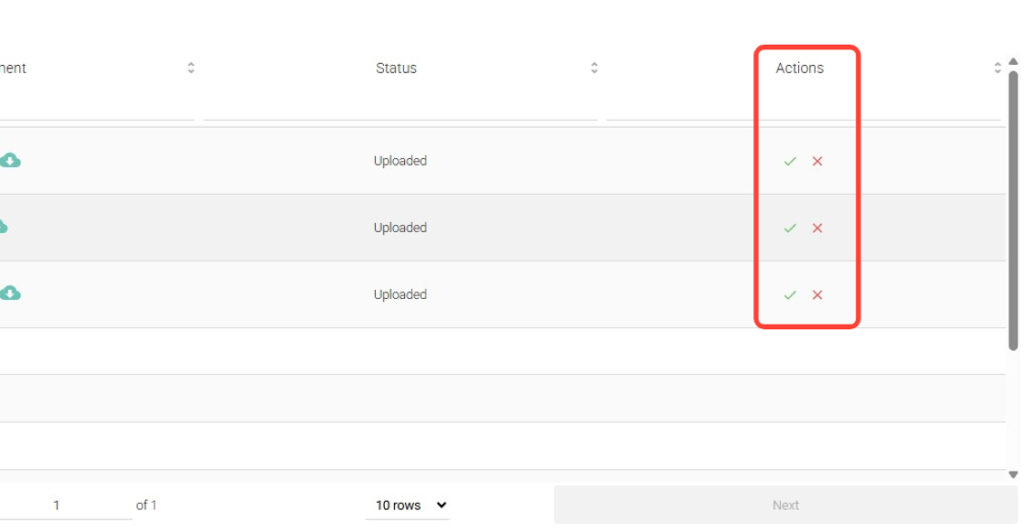
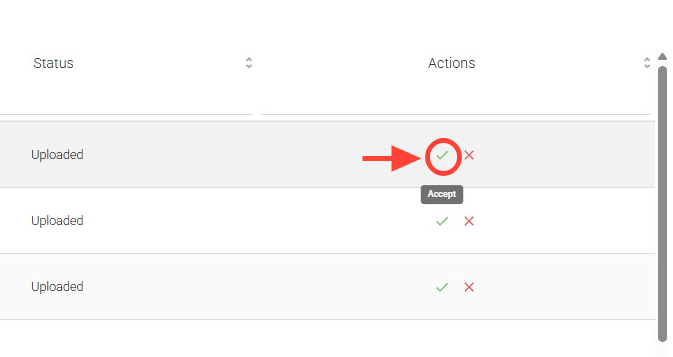
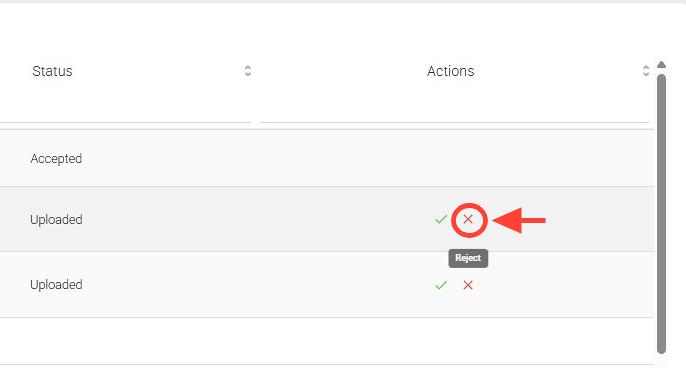
4. You must accept or reject the driver’s documentation from the Actions column.
5. To accept, click the checkmark.
6. To reject, click the cross.
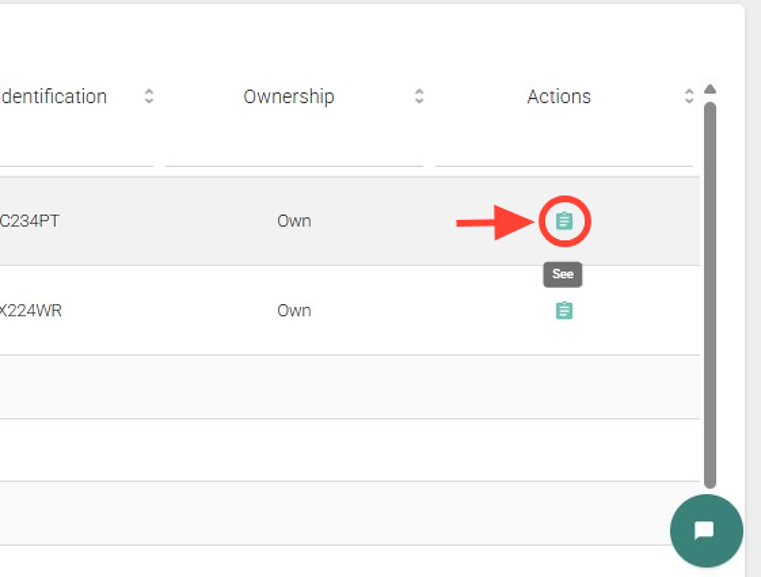
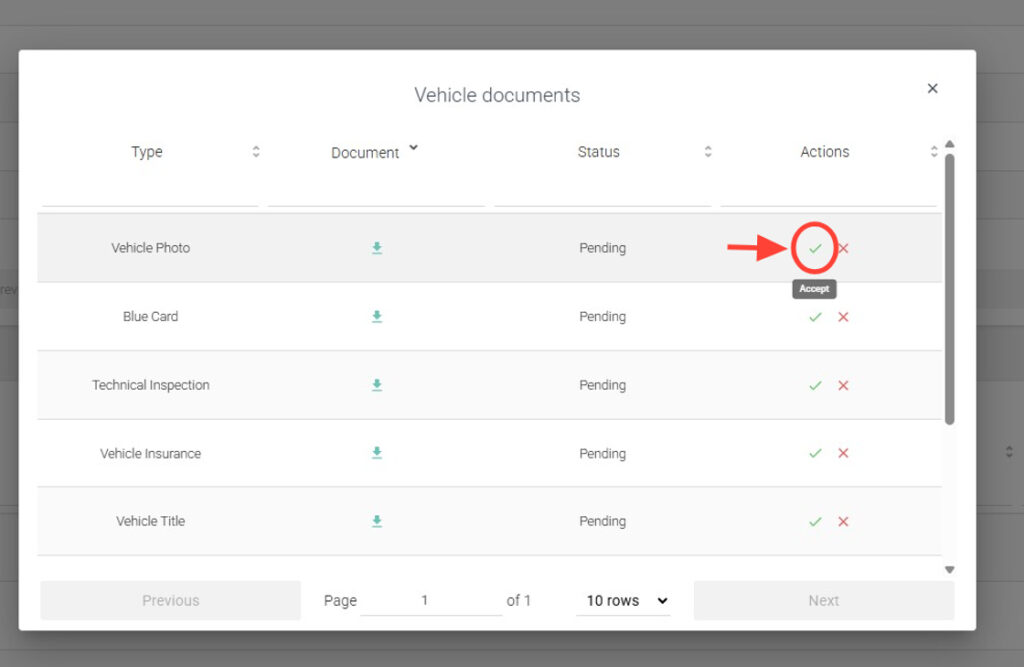
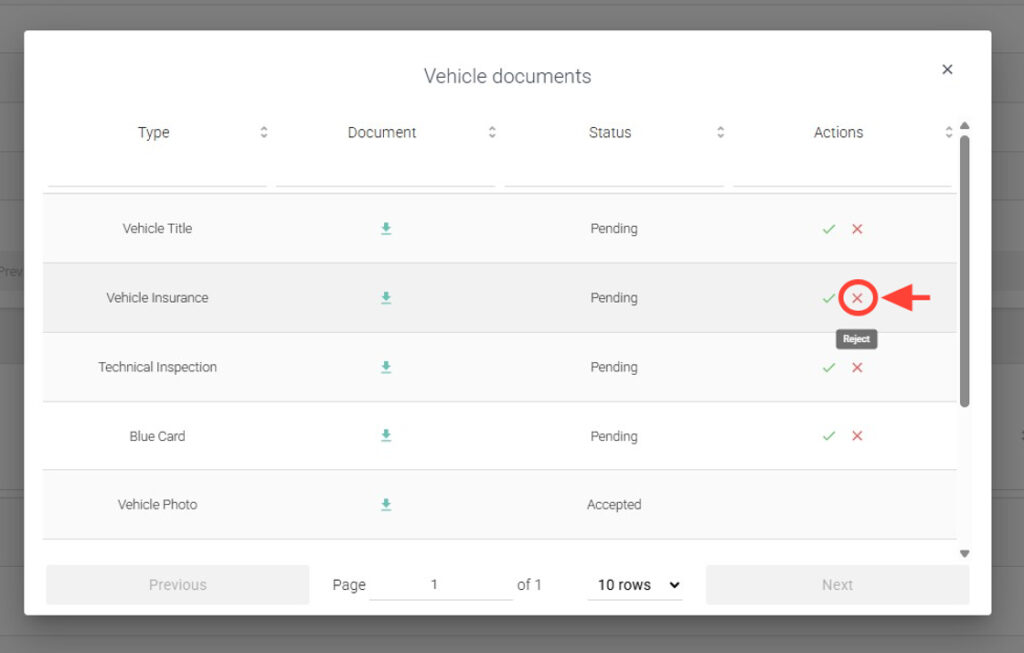
7. Then, in the Vehicles table, you must accept the vehicle documentation from the Actions column by clicking See.
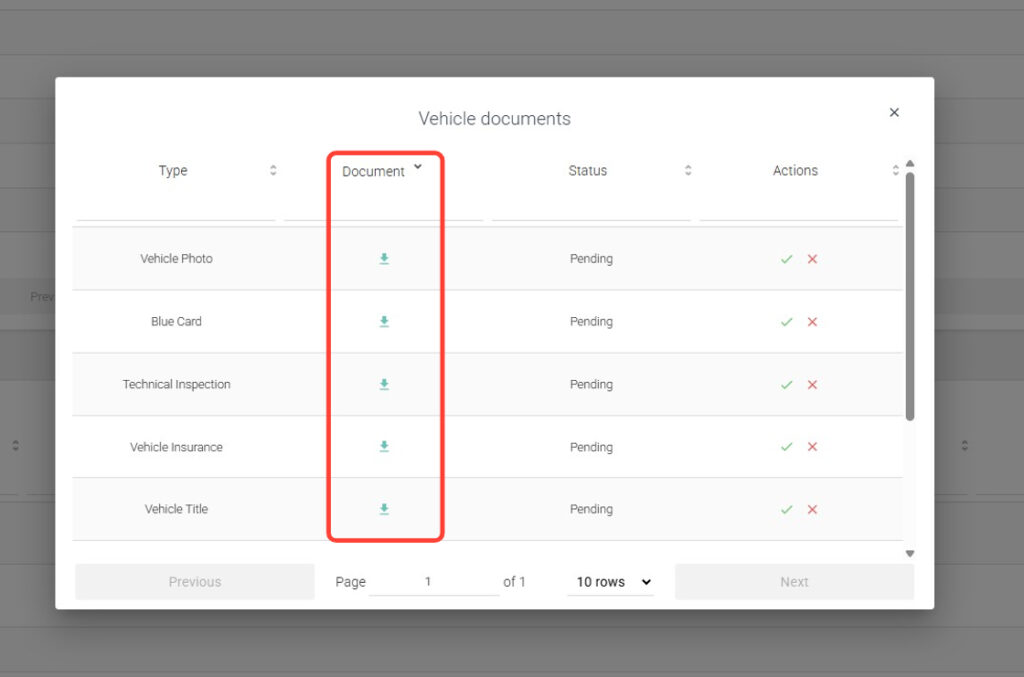
8. You can download the documents from the Document column.
9. To accept, click the checkmark.
10. To reject, click the cross.
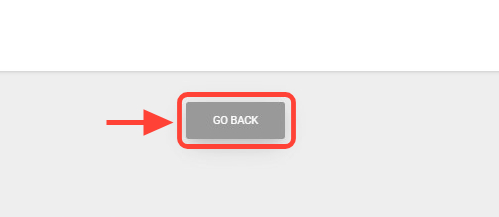
11. Once you have approved or rejected all documents, click Back to return.