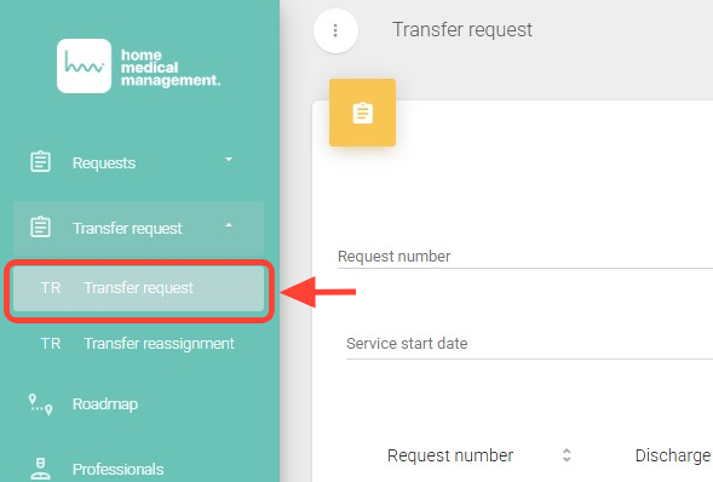
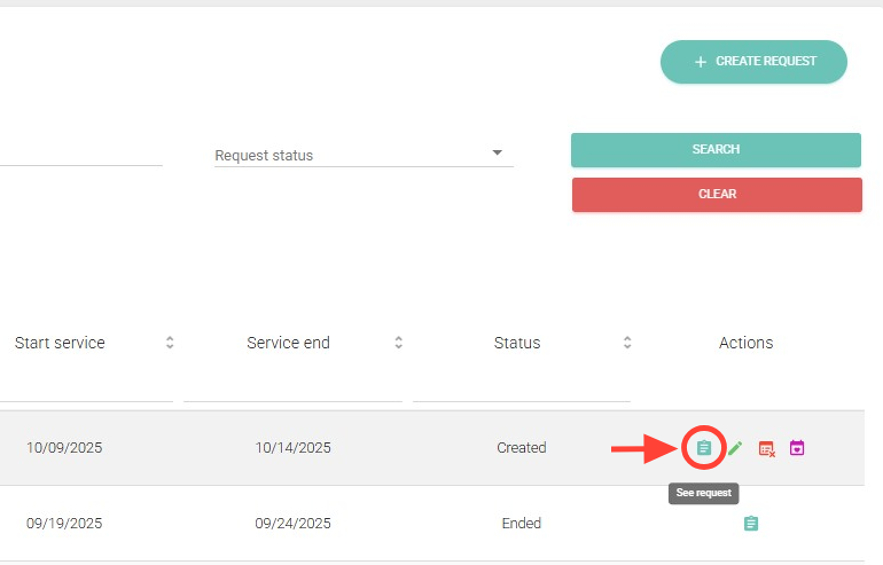
2. Within the Transfer Request section, in the Actions column, click the document icon (View Request).
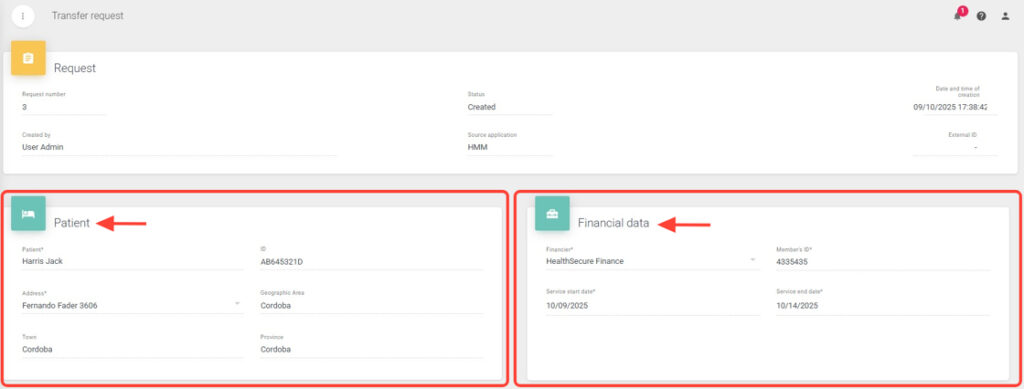
3. You will be able to see the patient and financial information.
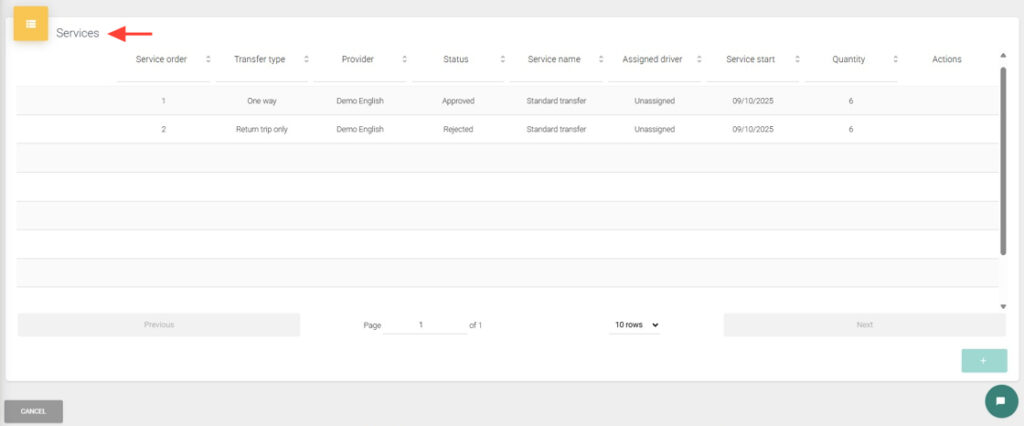
4. You will also see the services included in the request.
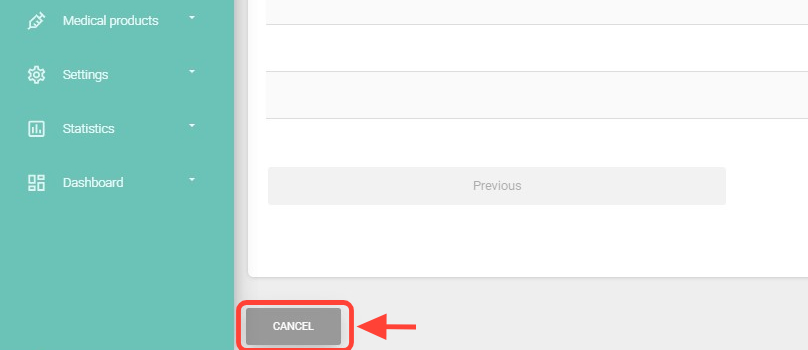
5 To go back, click Cancel.