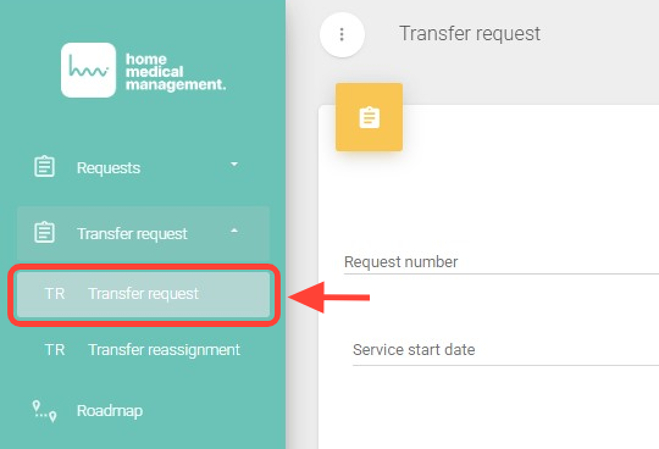
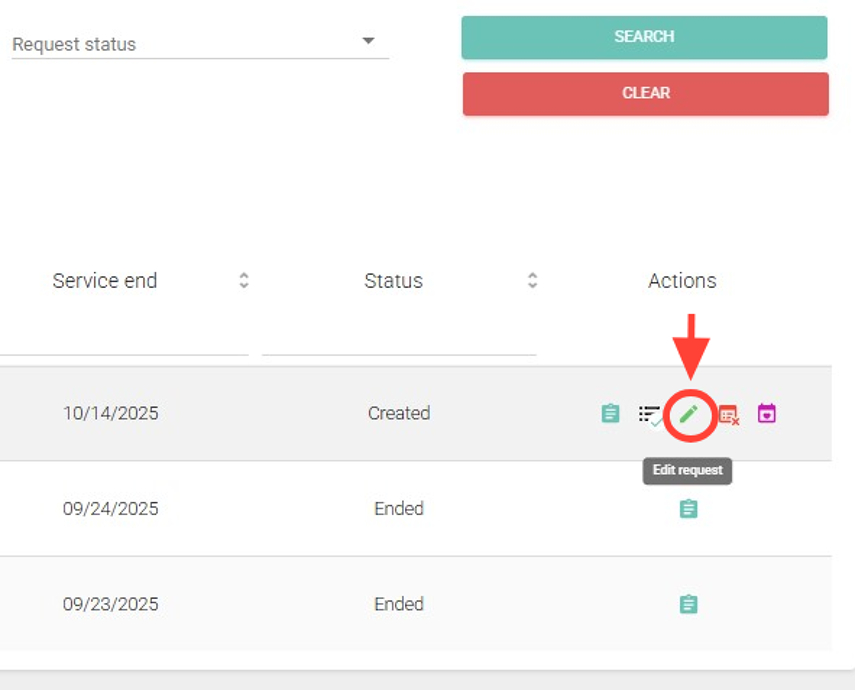
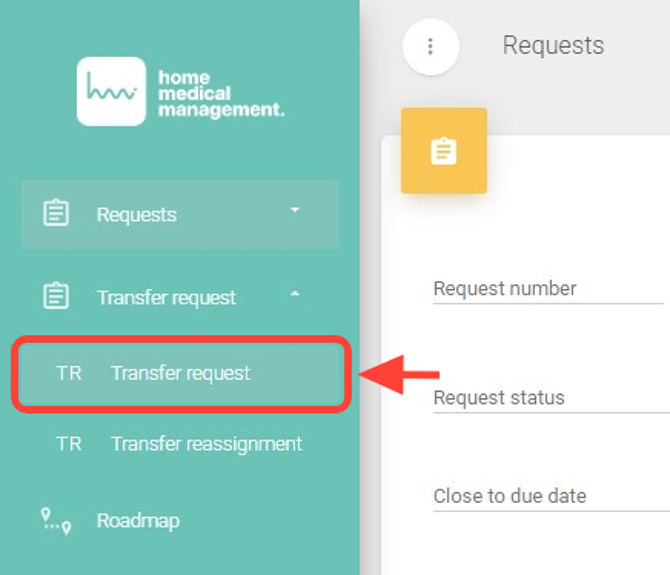
2. Within the Transfer Request section, in the Actions column, click the pencil icon (edit request).
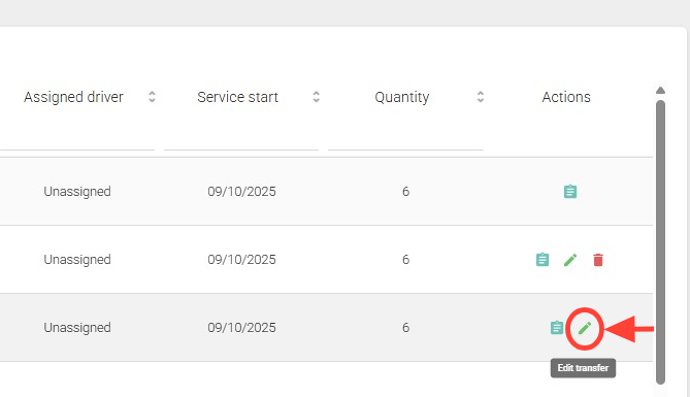
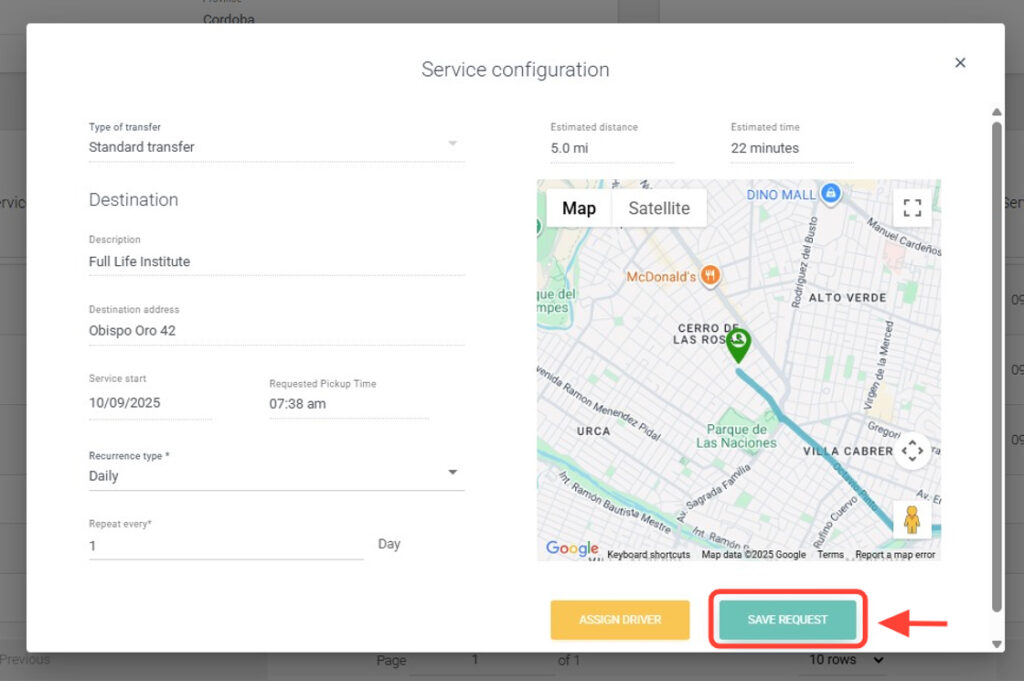
3. Make the necessary changes: In the Services panel, you can modify a service order. In the Actions column, click the pencil icon (edit).
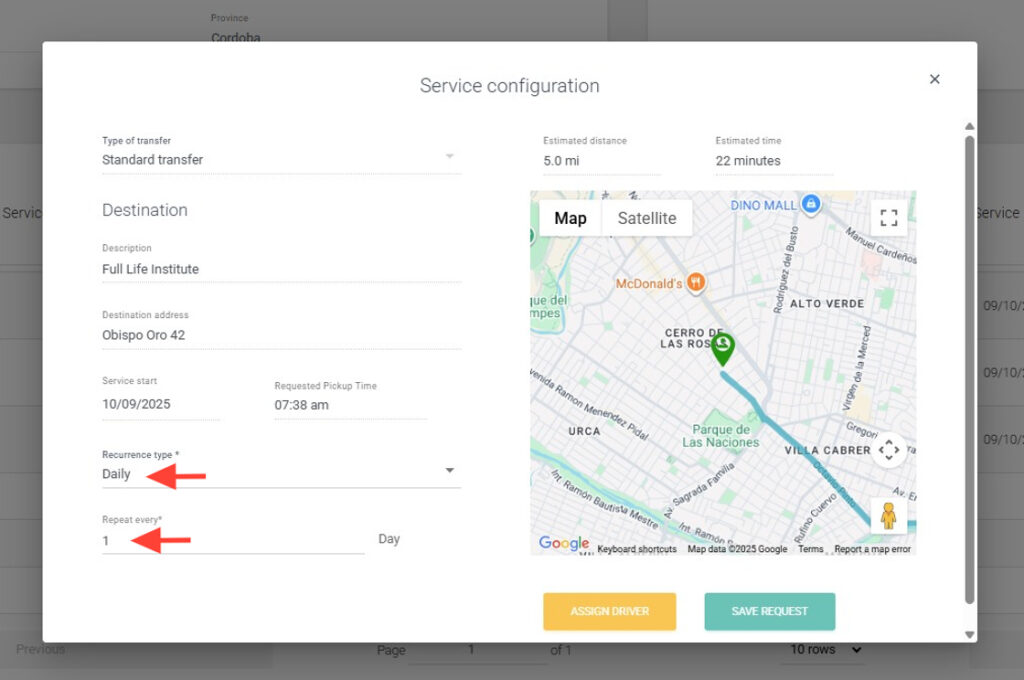
4. Modify the recurrence type and select how often it repeats.
5. You can assign a driver by clicking Assign Driver, or do it later.
6. Click Save Request.
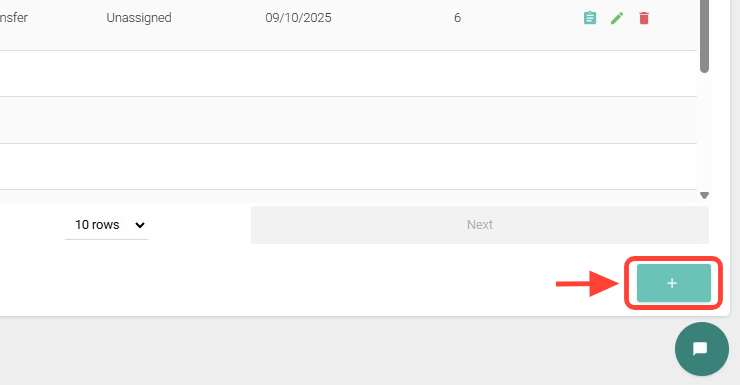
7. Add new services by pressing the + button.
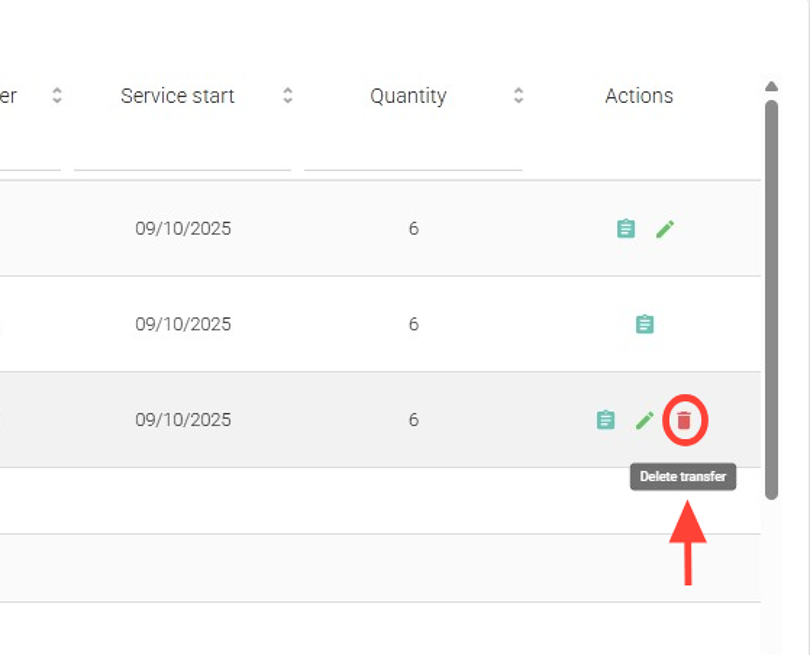
8. You can also delete service orders. In the Actions column, click the trash icon (delete transfer).
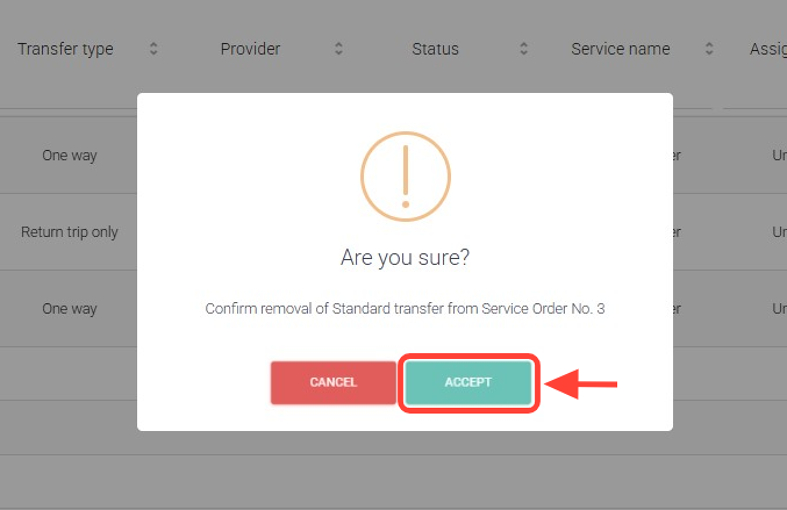
9. Click Accept.
10. Finally, click Transfer Request again to ensure the changes are saved correctly.