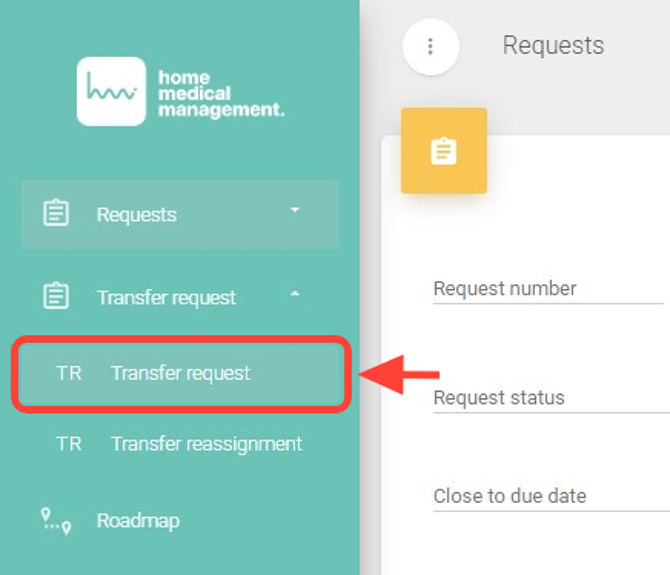
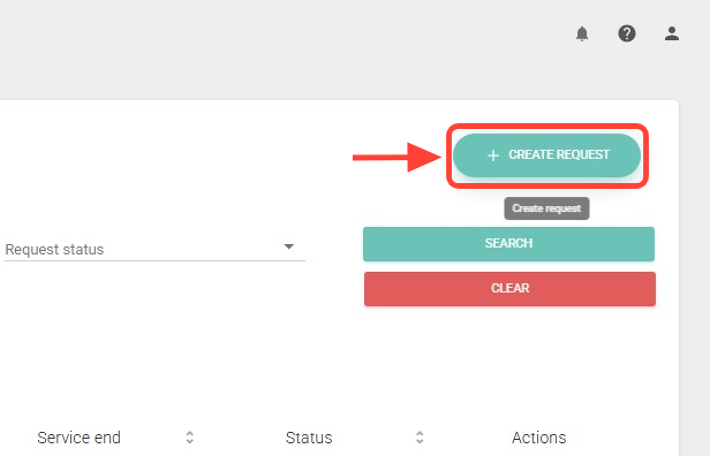
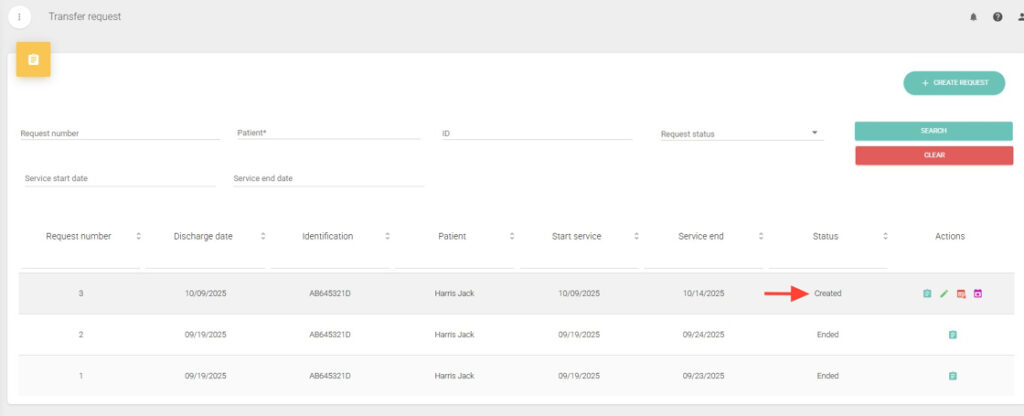
2. Tap + CREATE REQUEST.
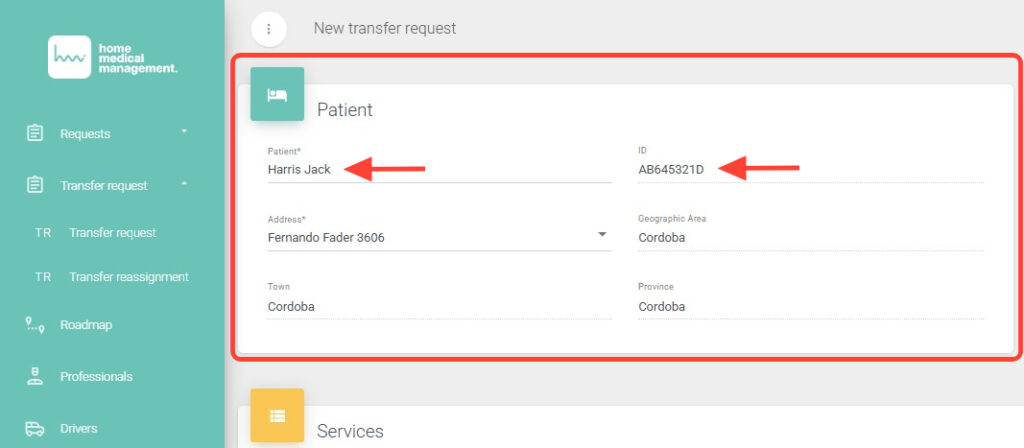
3. Select the patient by searching by first name, last name, or ID.
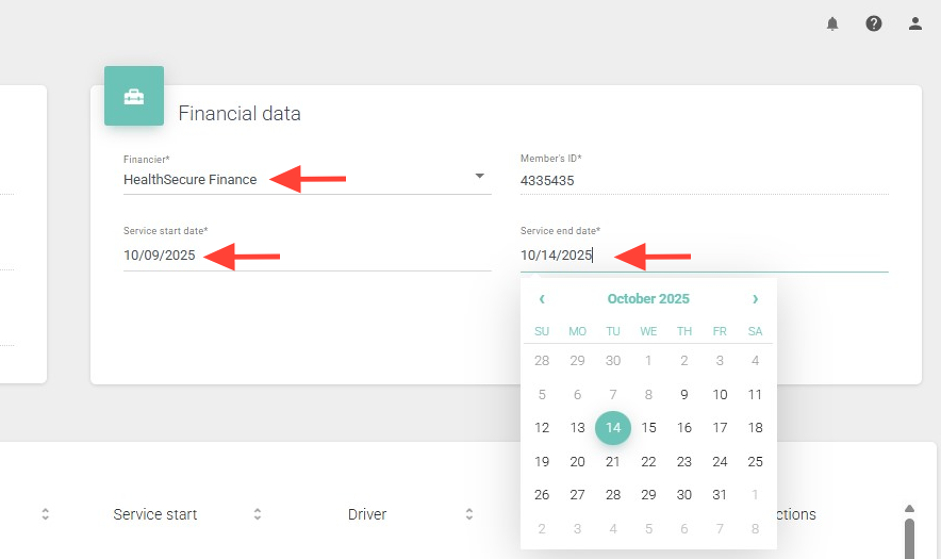
4. If the patient has more than one funding source, choose the appropriate one. Then, set the start and end date range for the request.
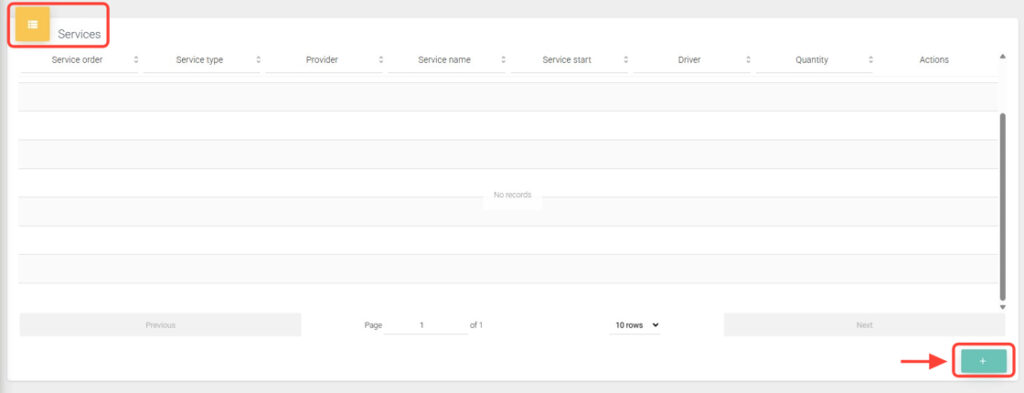
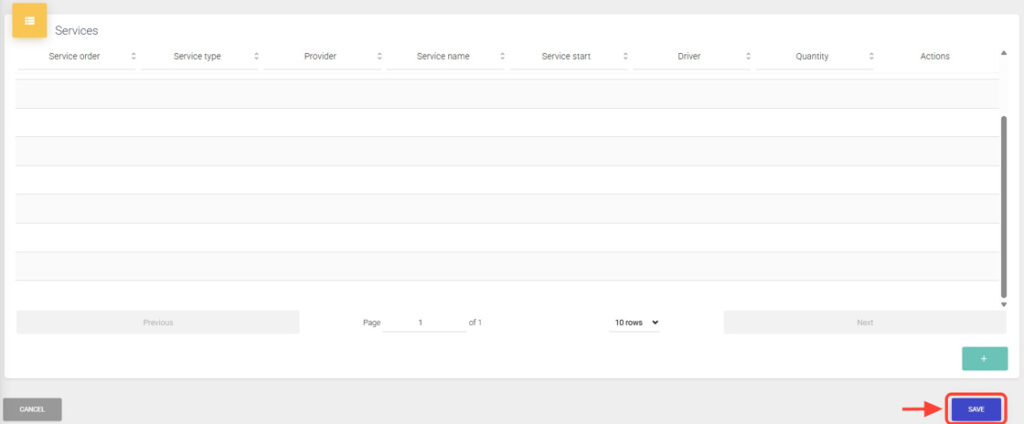
5. In the Services panel, tap + to add a type of transfer.
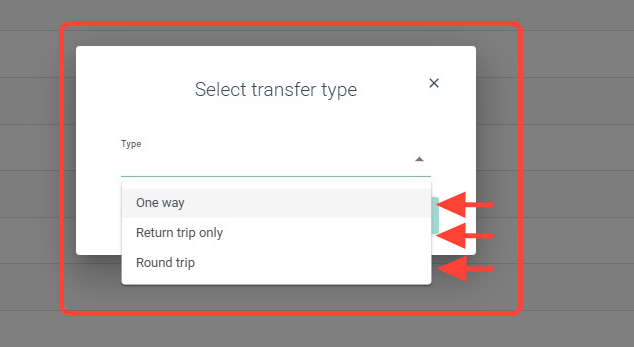
6. Select the appropriate transfer type from the following options: One Way, Return trip only, Round Trip.
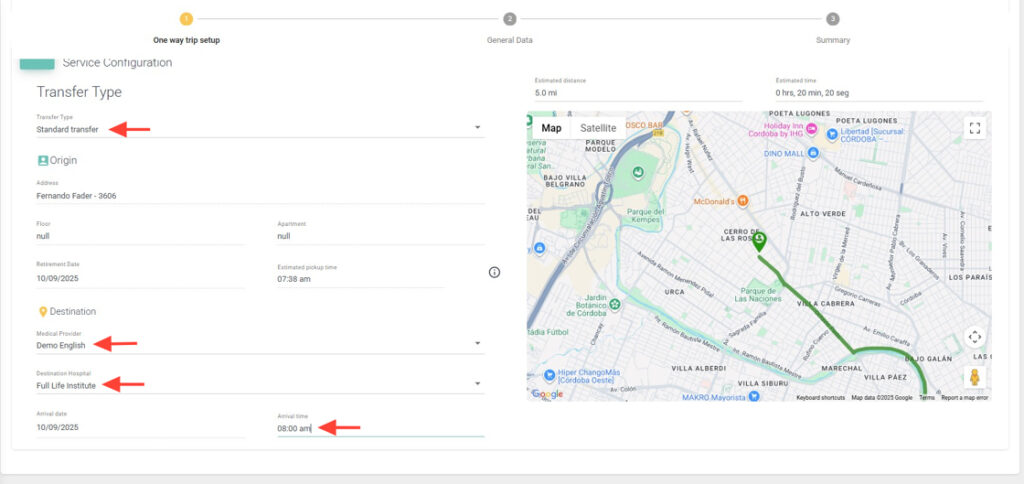
7. Configure the service by completing the following fields: Transfer Type, Medical Provider, Destination Institution, and Arrival Time.
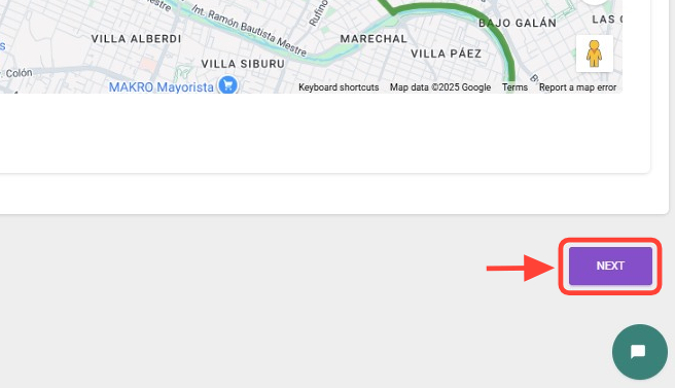
8. Click Next.
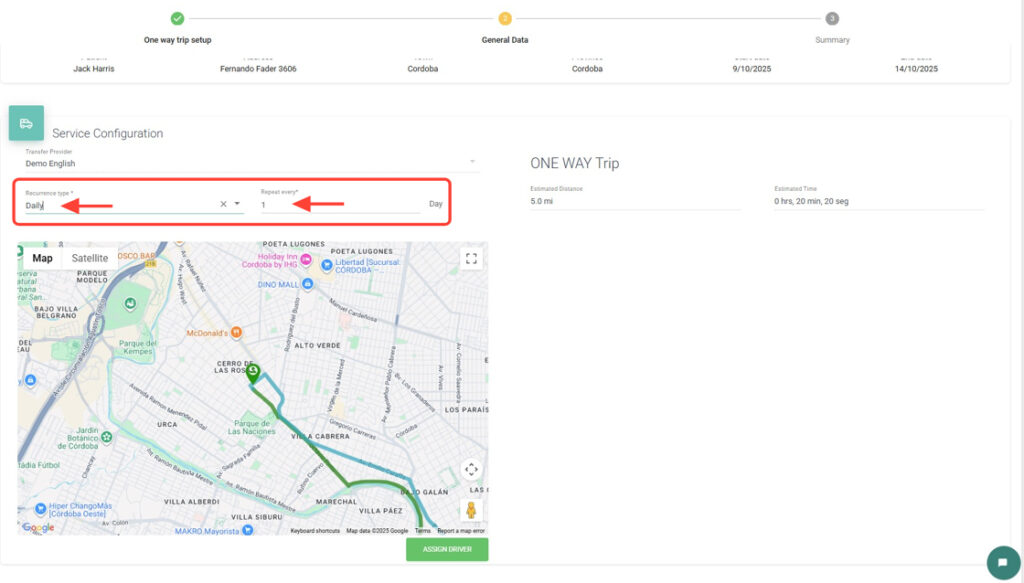
9. Then choose the recurrence type and select how often it repeats.
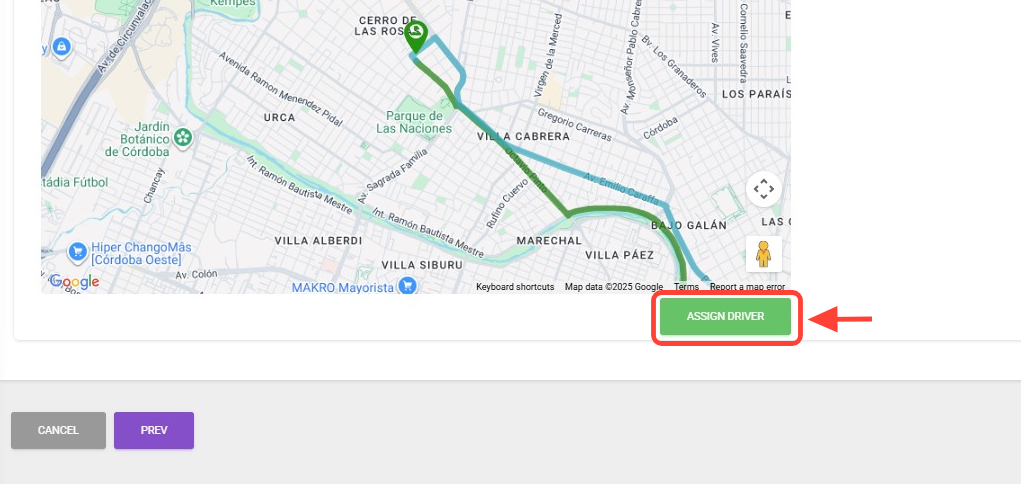
10. You can assign a driver by clicking Assign Driver, or you can do this later.
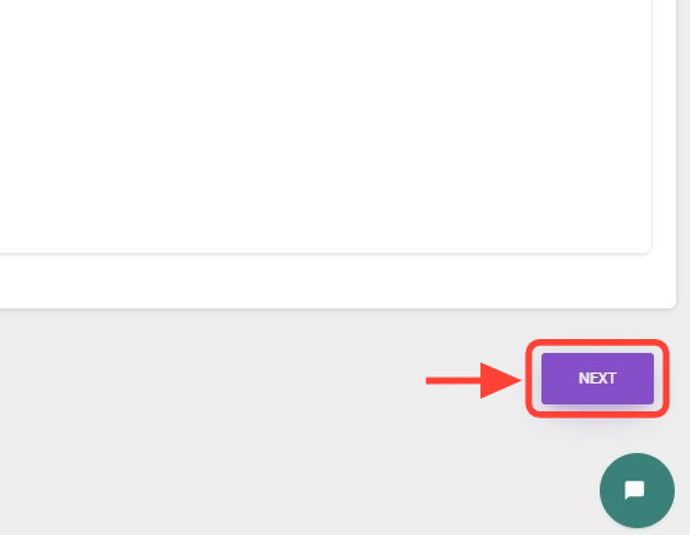
11. To continue, click Next.
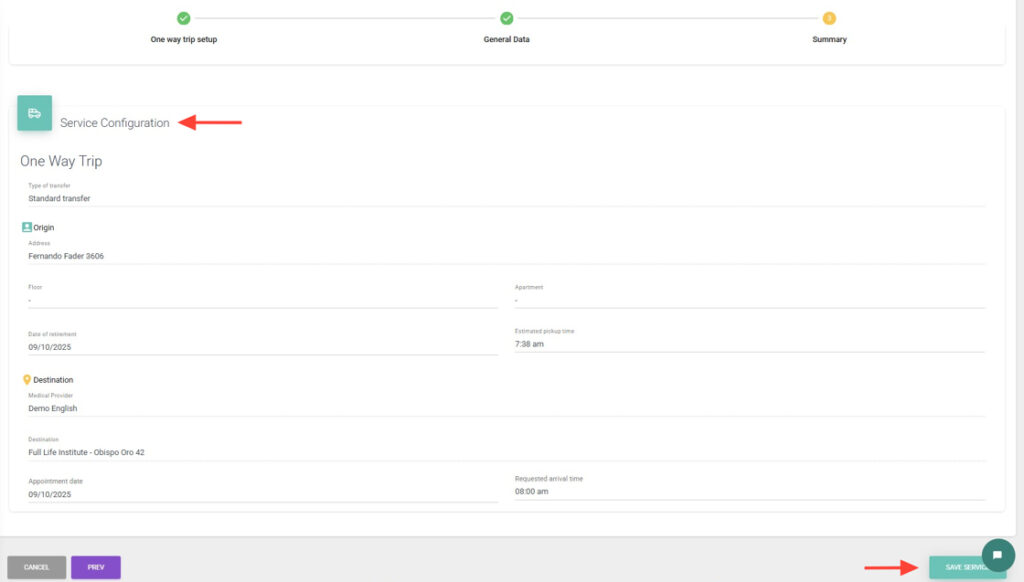
12. Review the service configuration and press Save Service.
13. You can add more services within the same request. If you don’t wish to add more, click Save to successfully create the transfer request.
14. The transfer request is now ready to be assigned.