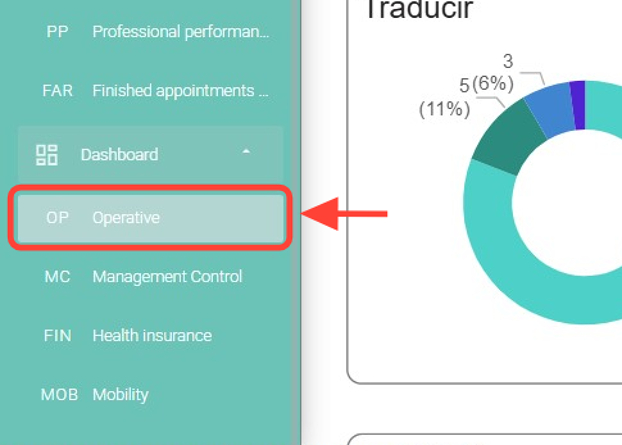
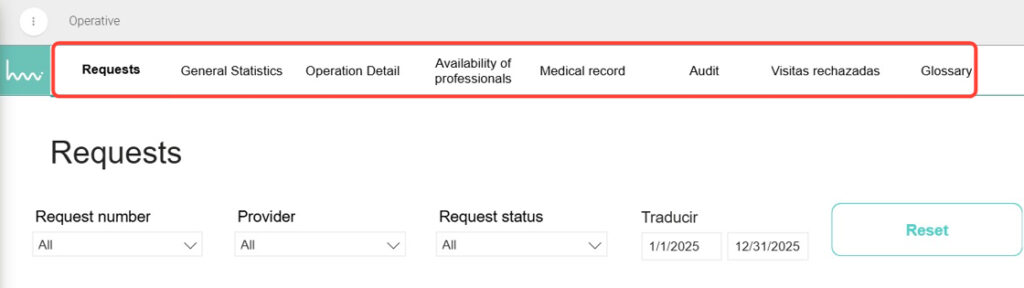
2. Once inside, you can explore the sections you need, such as Requests, Professional Availability, Audits, and others.
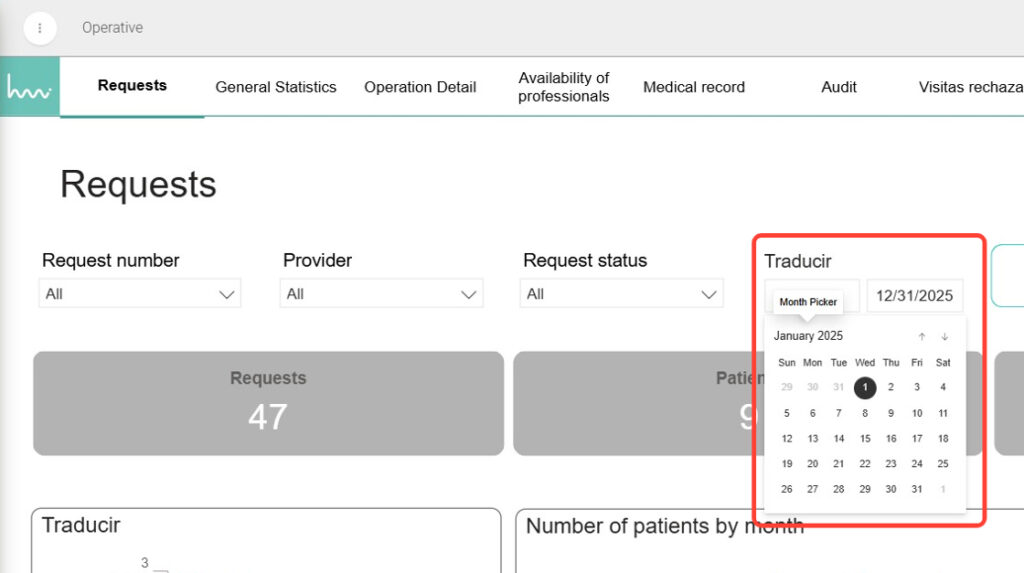
3. In each section, use the available filters to narrow down your search — for example, Date Range, Professional, or other options depending on the section you are viewing.