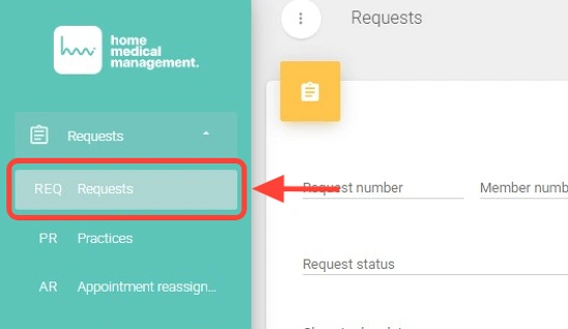
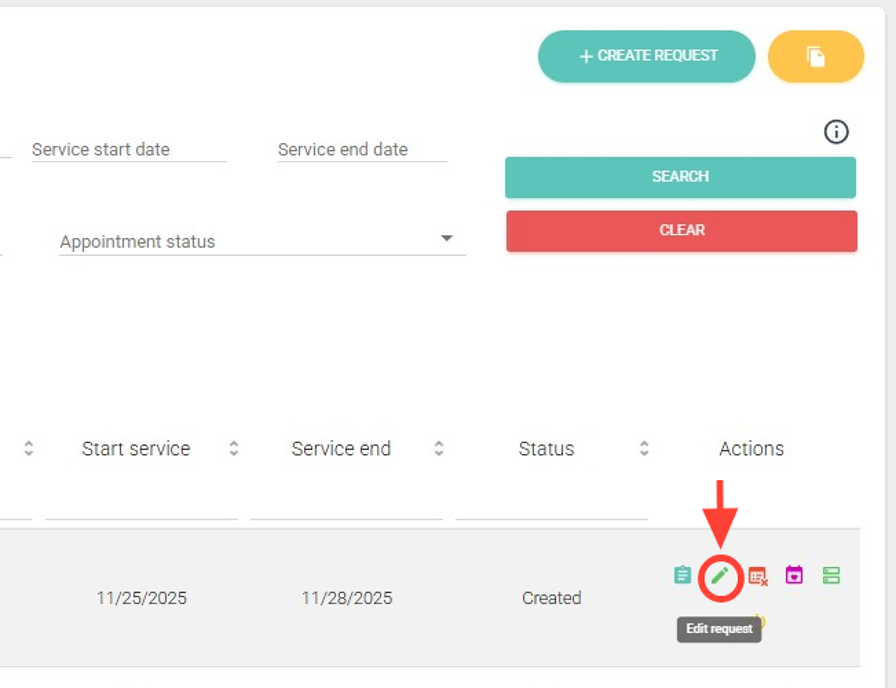
2. Within the Requests section, in the Actions column, click the pencil icon (Edit).
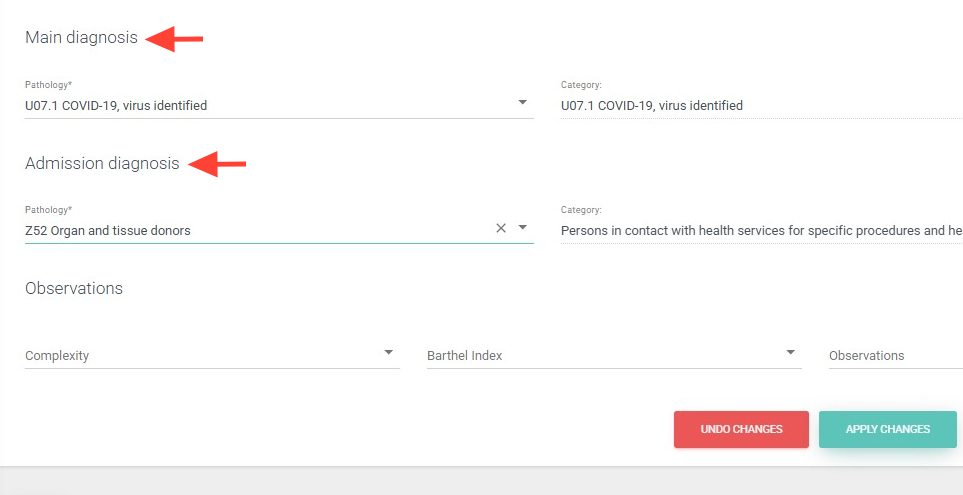
3. Make the necessary changes:
Edit the Clinical Data (Main diagnosis and Admission diagnosis).
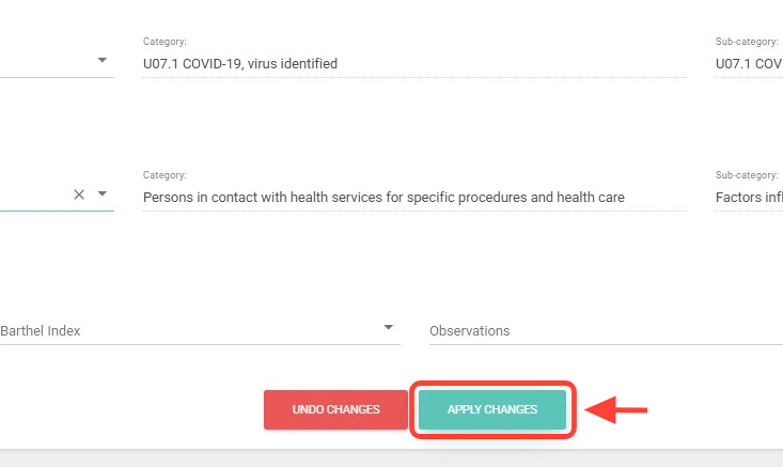
4. Next, click on “Apply changes”.
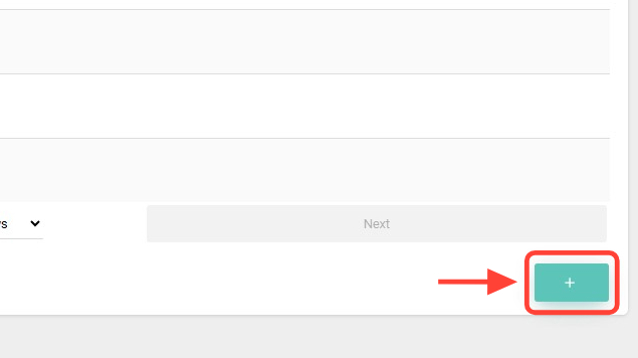
5. Add new practices in the Practices/Modules panel.
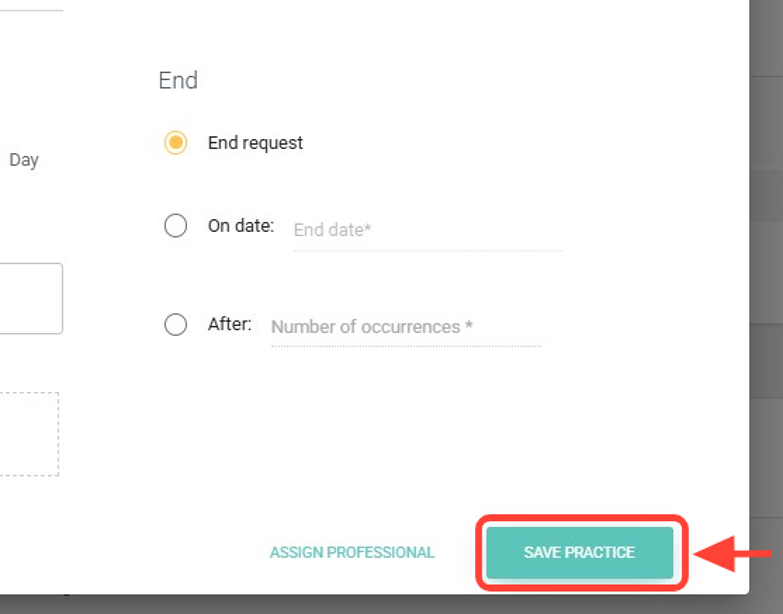
6. If you add, you will need to configure the new practice.
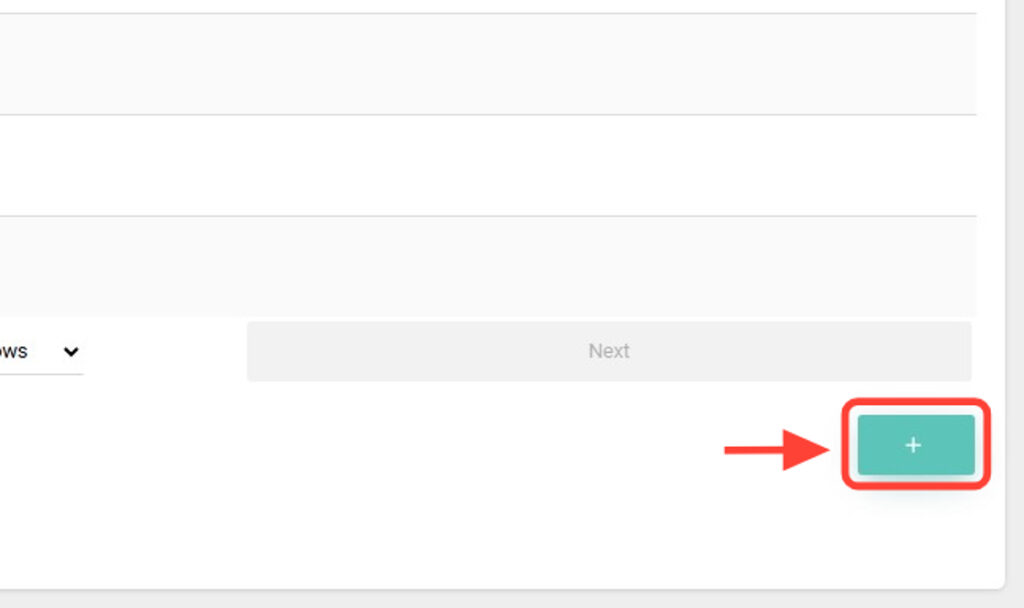
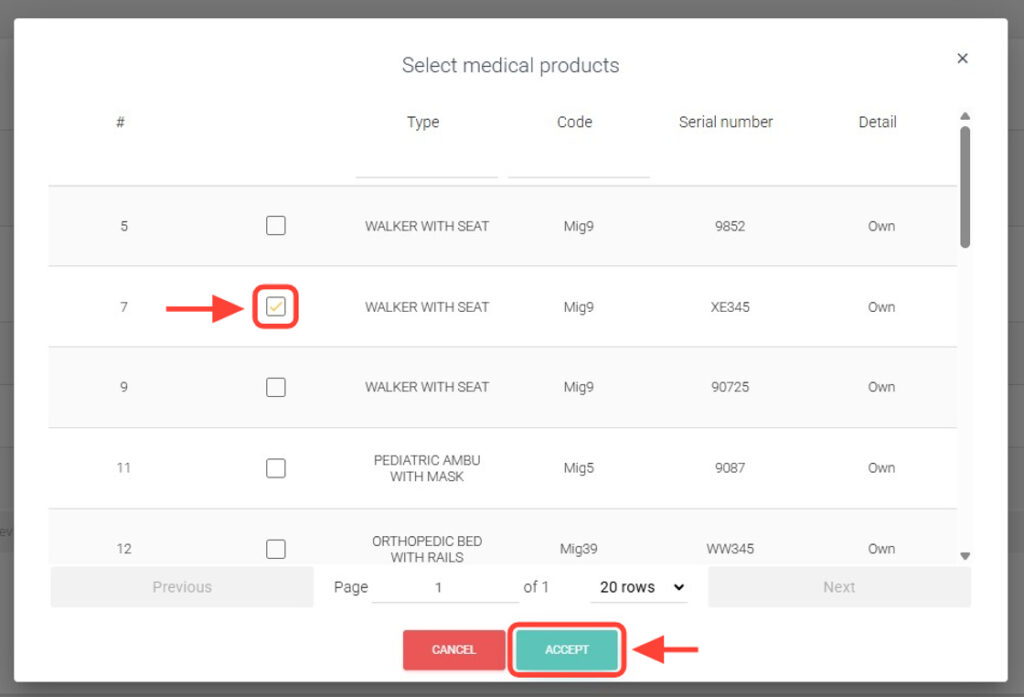
7. Finally, you can add medical products if needed.
8. Select the medical product you consider necessary and press accept.
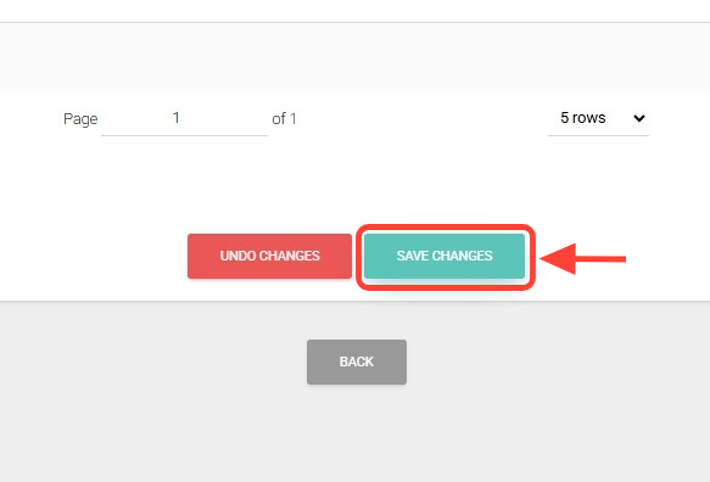
9. After each modification, click Apply Changes and then Save Changes.
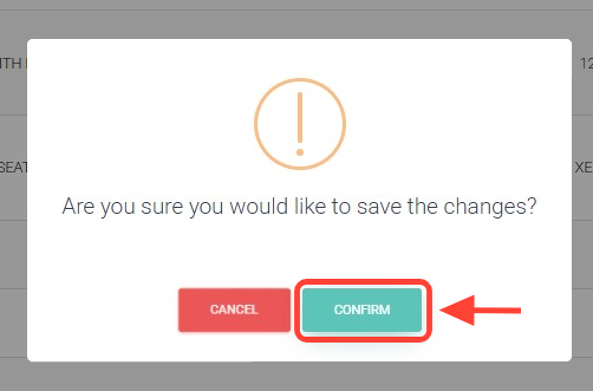
10. Finally, press Confirm and the request will be updated according to your changes.