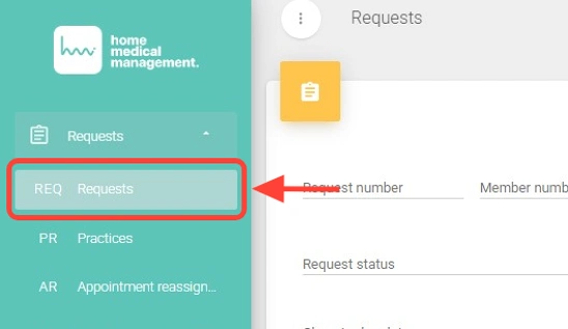
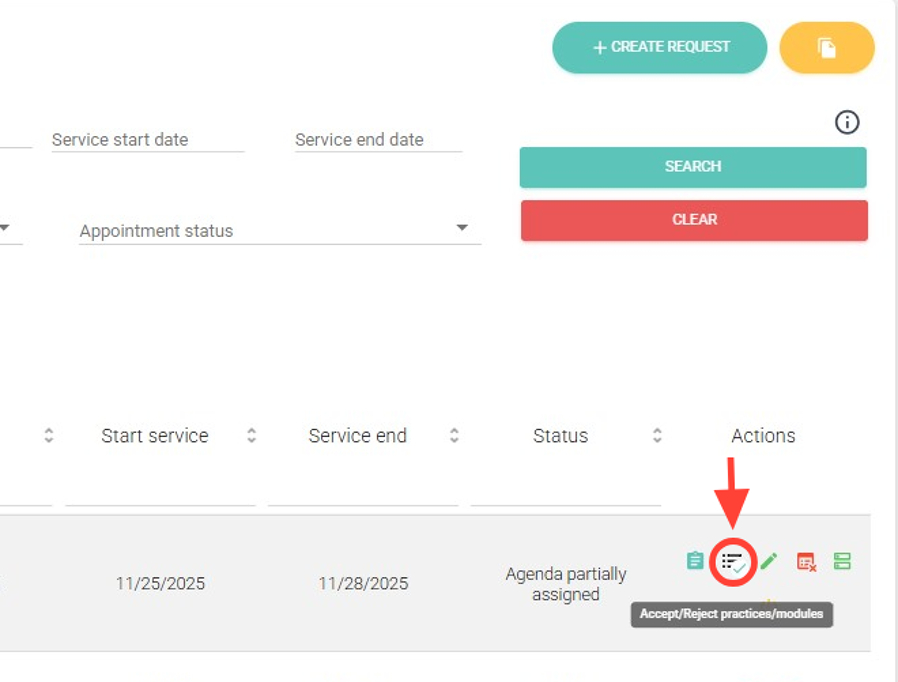
2. In the Actions column, click the Accept/Reject Procedures/Modules button.
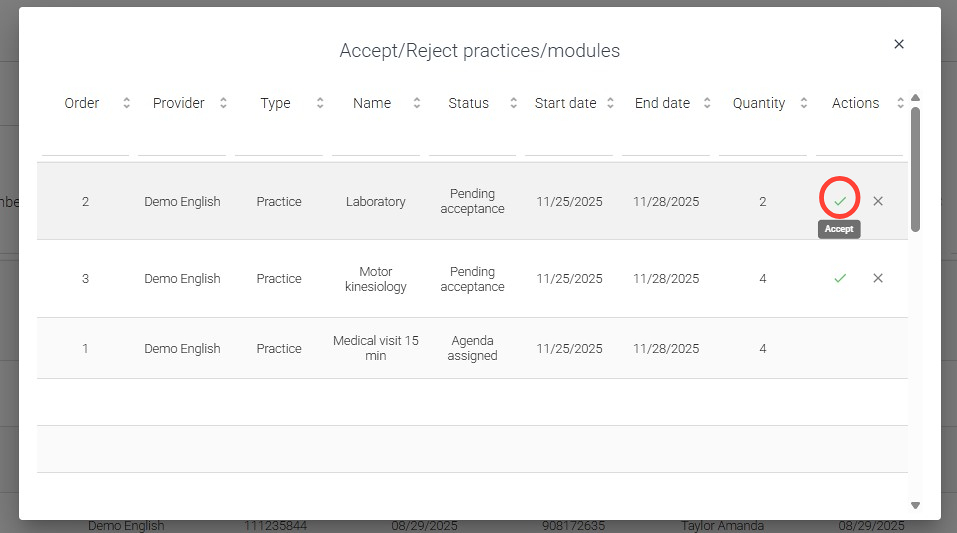
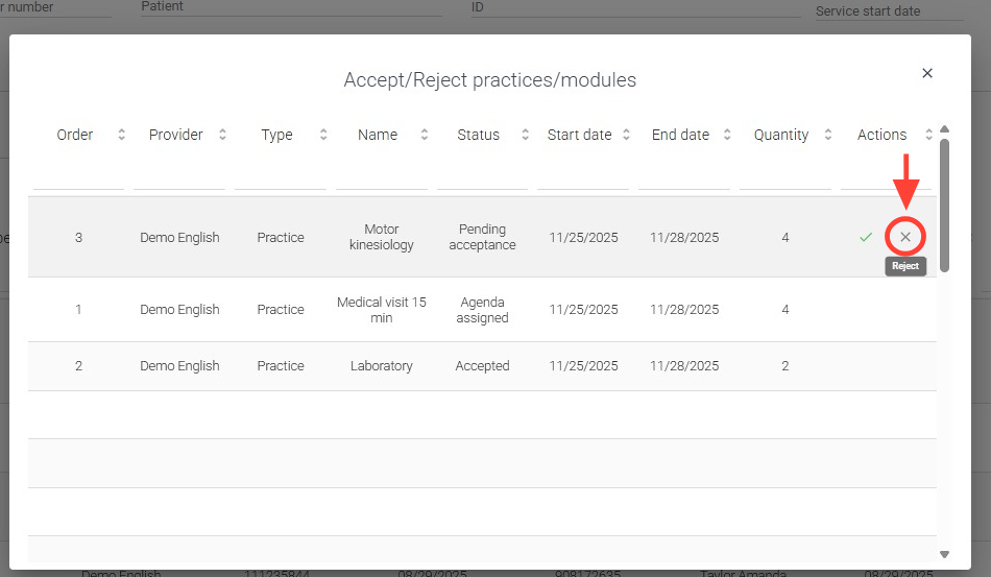
3. Within the request, in the Actions column, choose whether you want to accept or reject the necessary procedures.
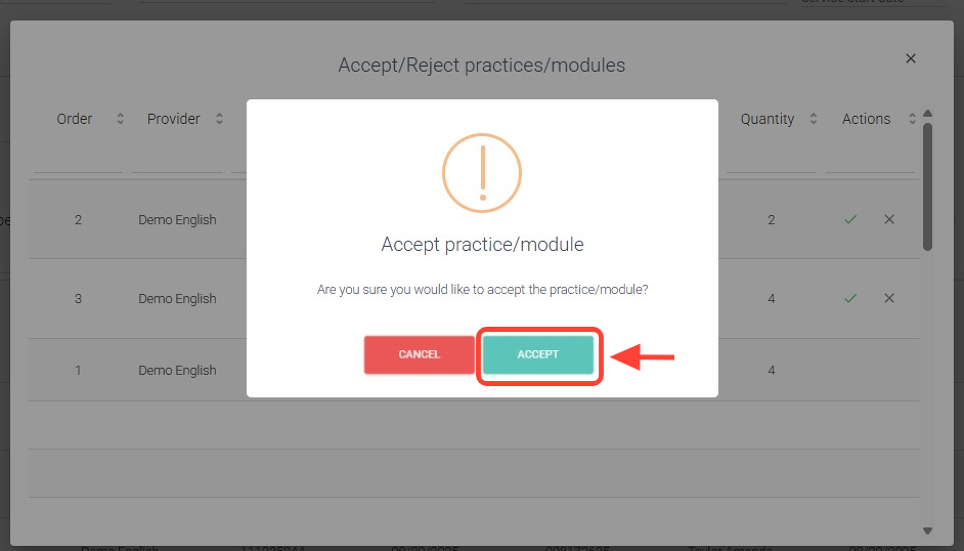
4. Then, press “Accept”.
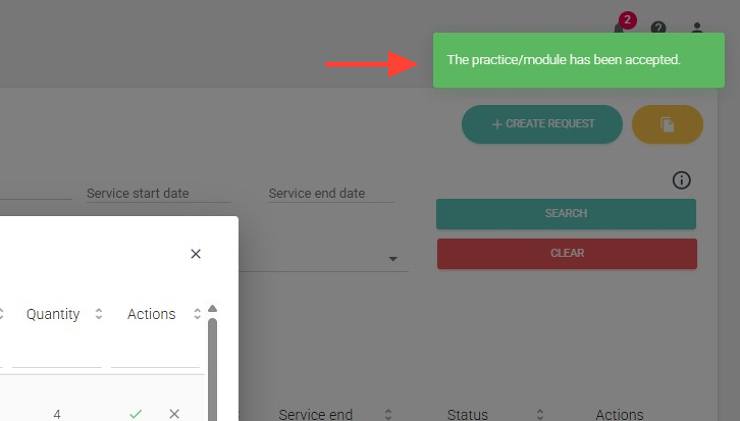
5. At the top right you will see the notification confirming that your practice has been successfully accepted.
6. To reject, click on Reject.
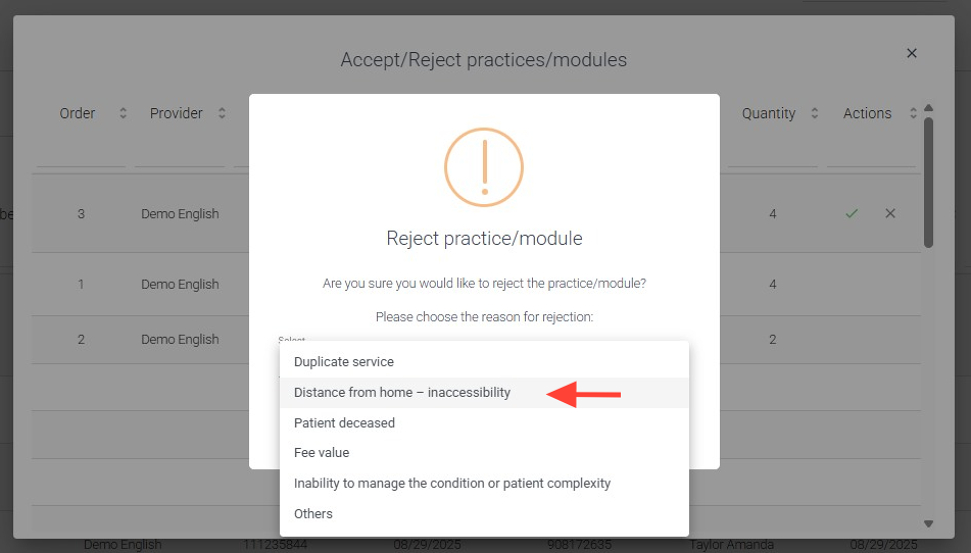
7. Select the reason for rejection.
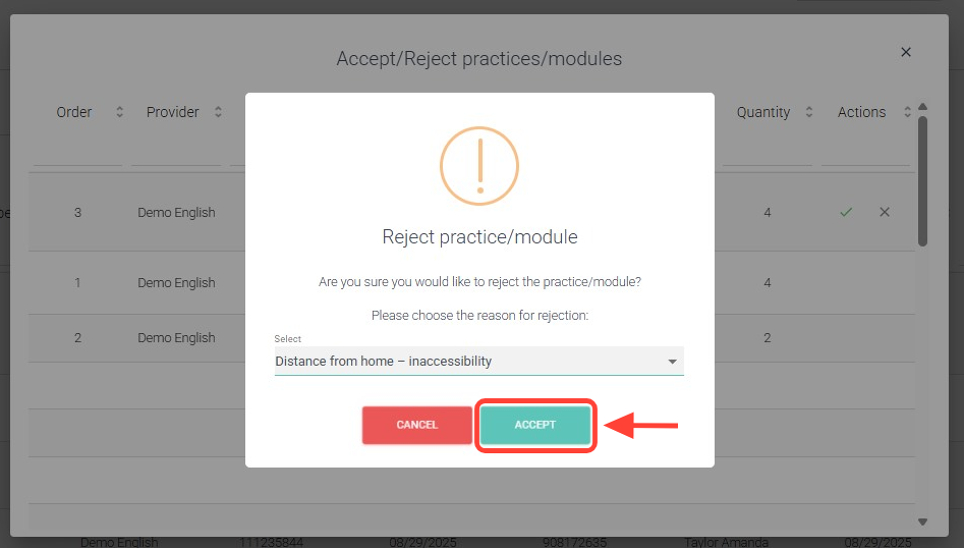
8. Then, press “Accept”.
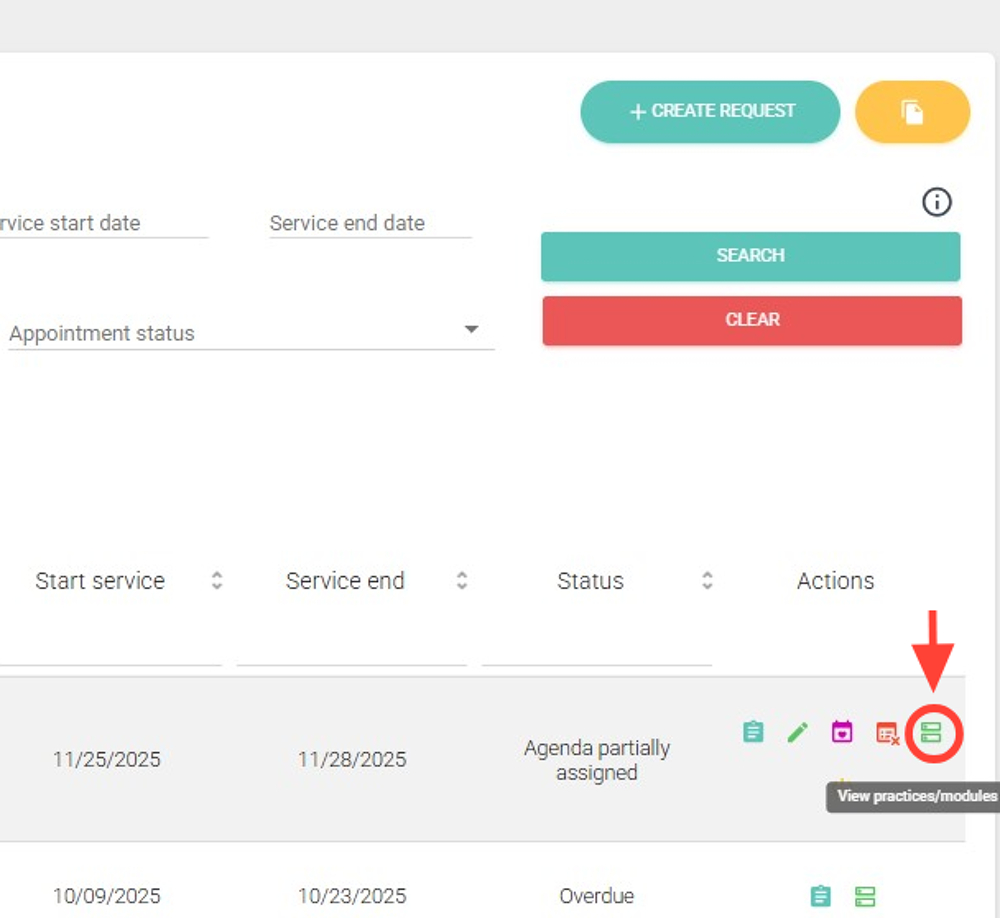
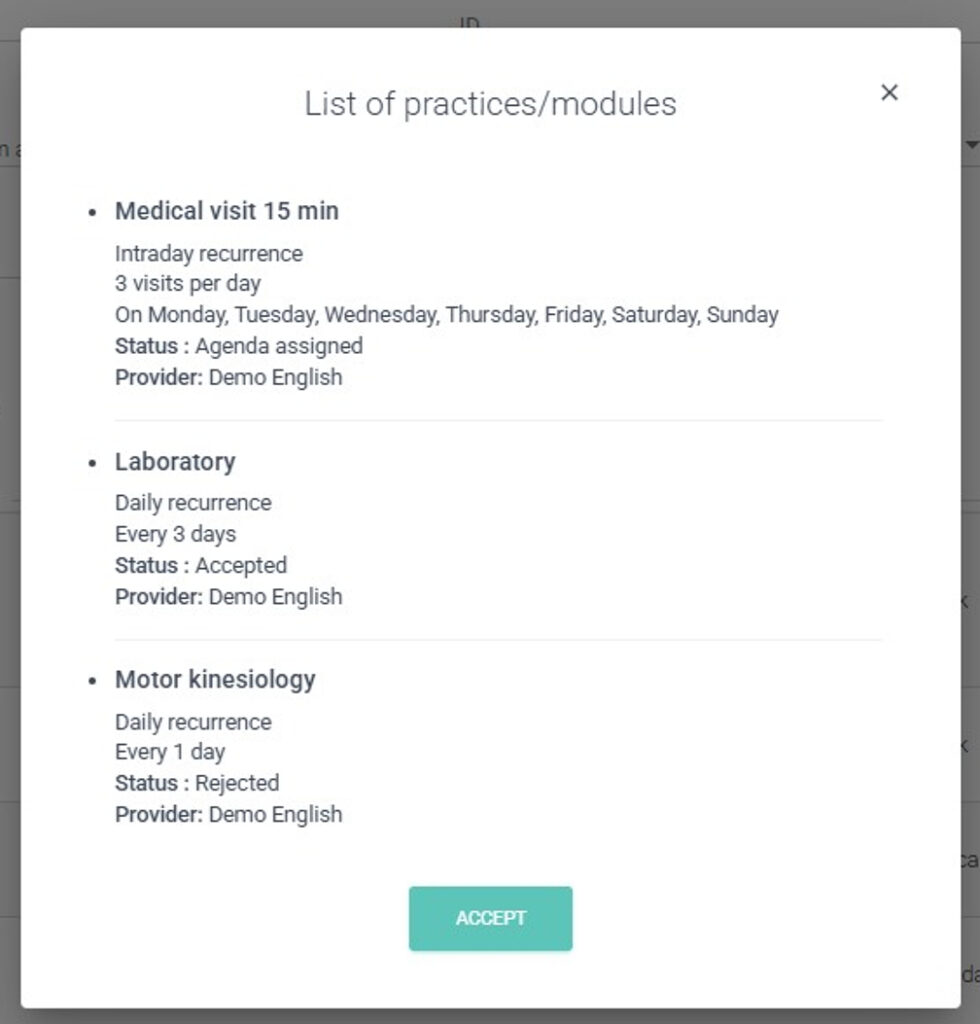
9. To view the request’s practices/modules, click View Practices/Modules in the Actions column. This will open the Practices/Modules List.
10. When you click it, the Practices/Modules List will be displayed.