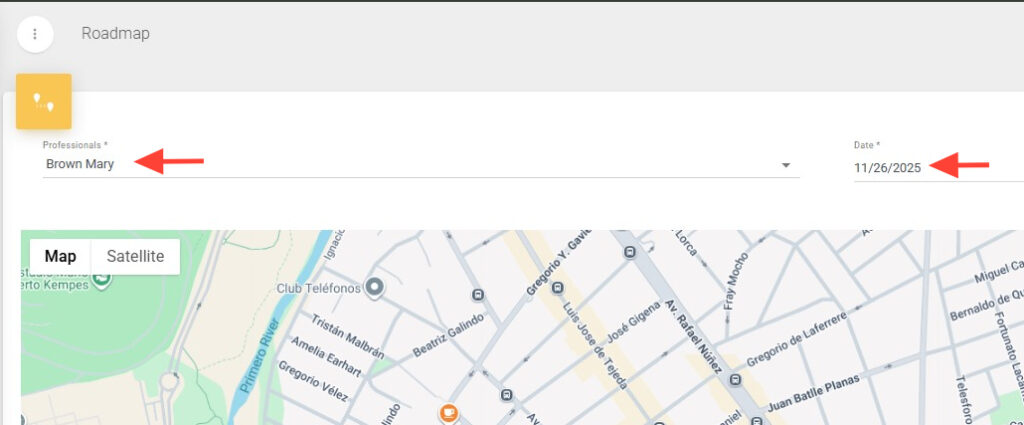
2. Fill in the required fields Professionals and Date.
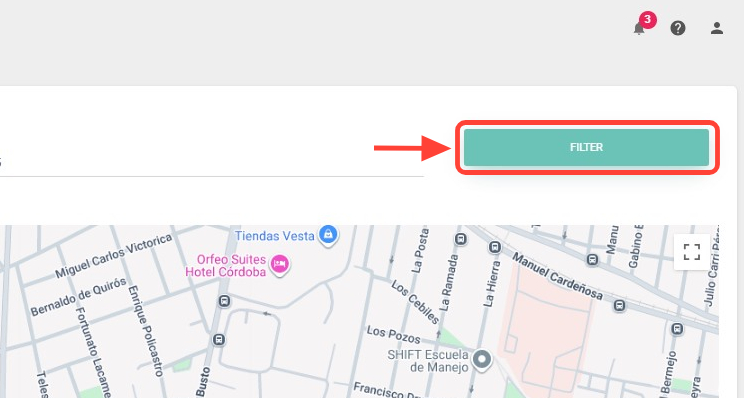
3. Then, click Filter.
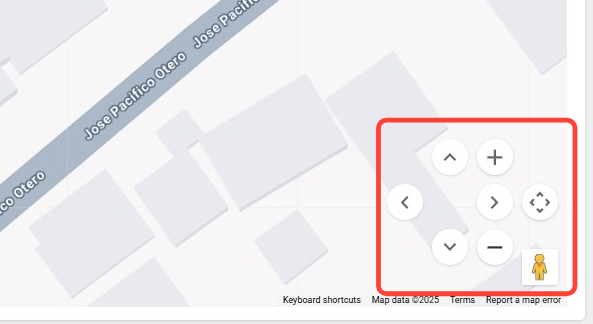
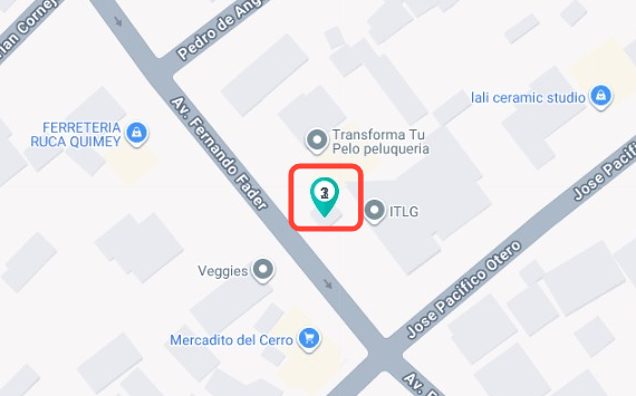
4. You’ll see a map displaying the locations of appointments with a Completed status. Use the buttons on the right side of the screen to navigate the map.
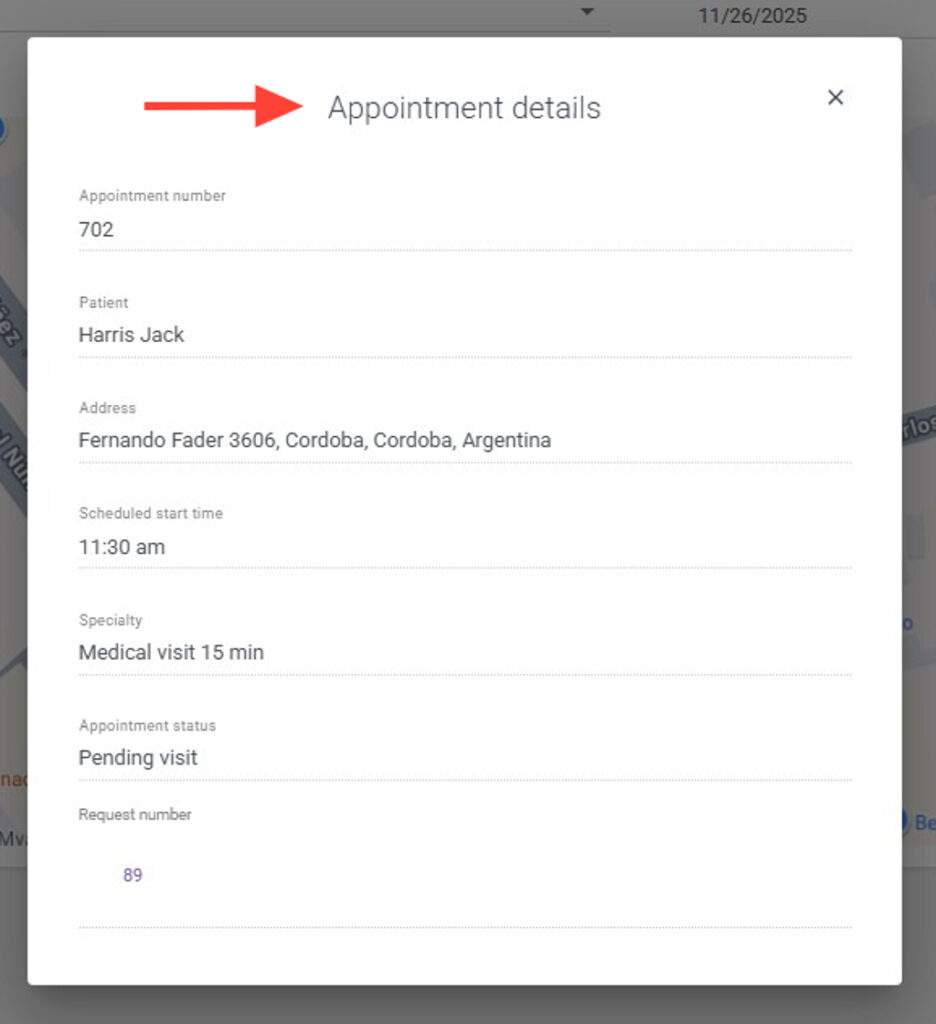
5. Click the map pin icon to view the details of the corresponding appointment.