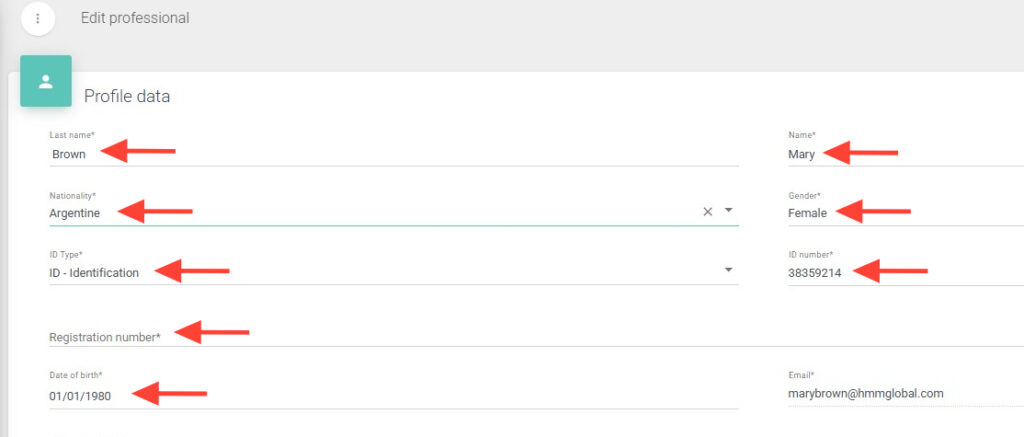
4. Modify the professional’s information within the profile, such as name, nationality, document type, and others. The email address cannot be changed.
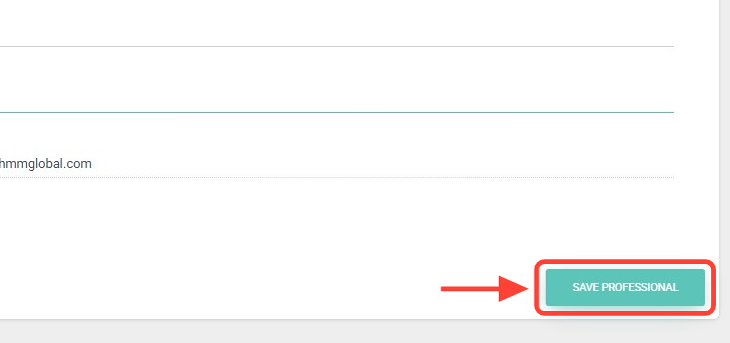
5. Once the fields are updated, click Save Professional.
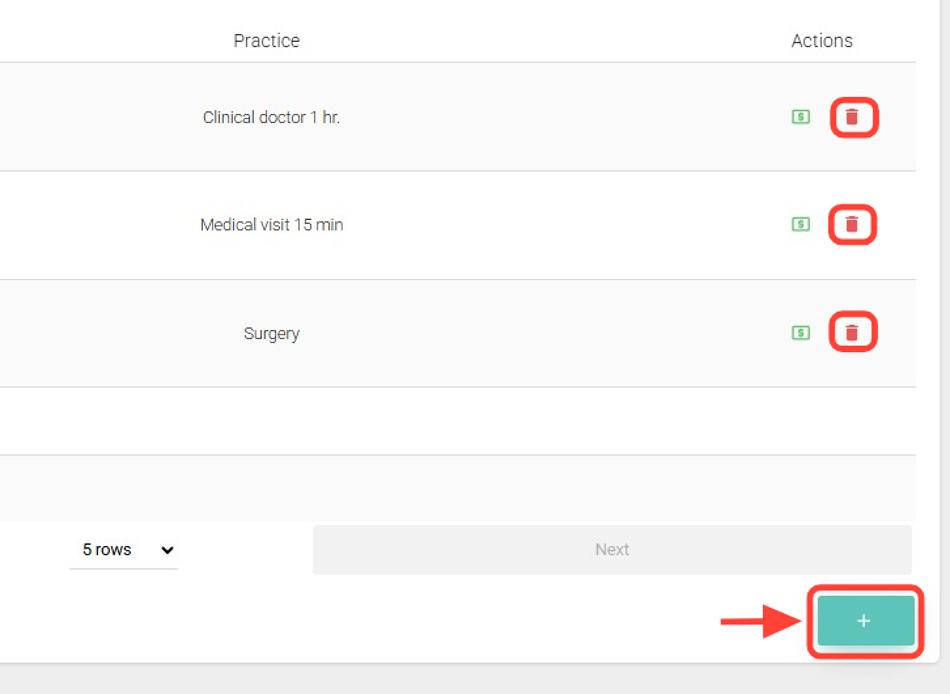
6. You can also add or remove specialties and associated procedures in the Related Specialties and Practices table.
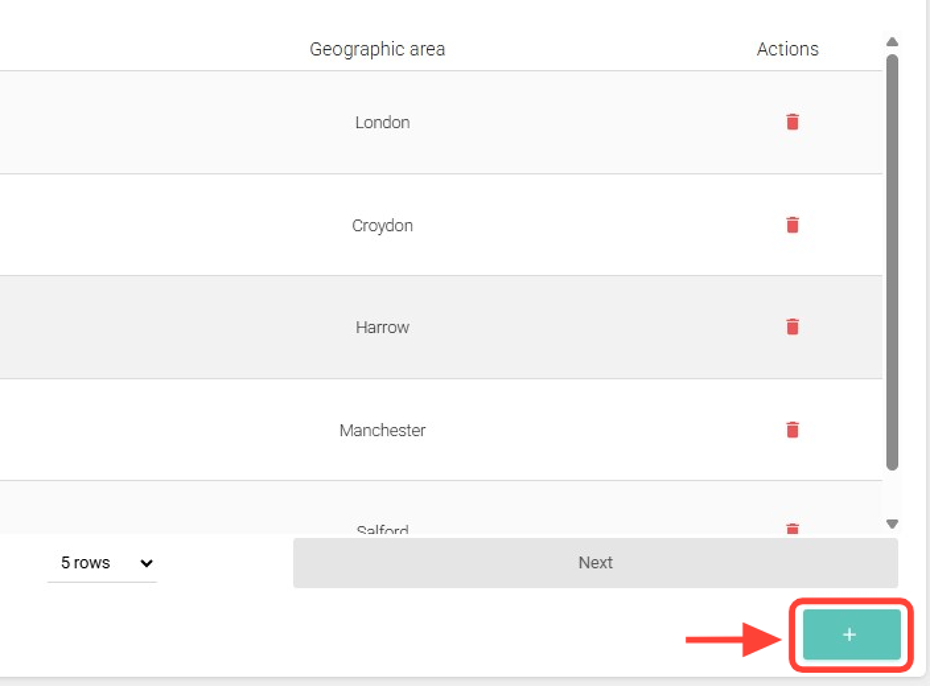
7. Add or delete geographical zones, addresses, and phone numbers as needed.
8. After making all the changes, click Back to return.