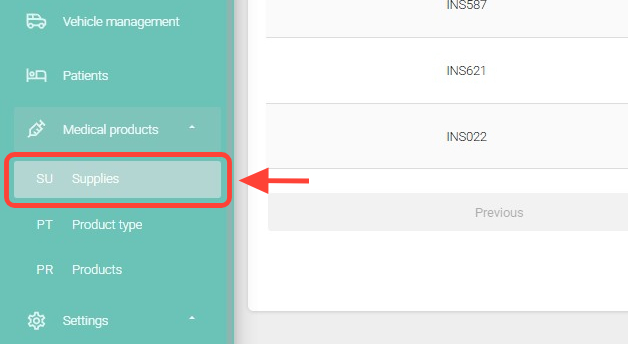
Go to the Medical Products > Supplies section.
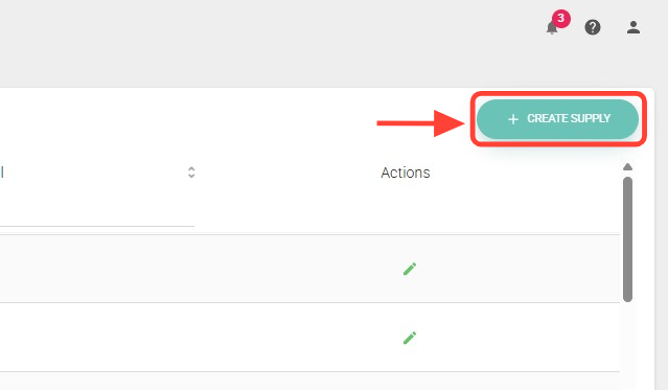
2. Within the section, click the + Create Supply button.
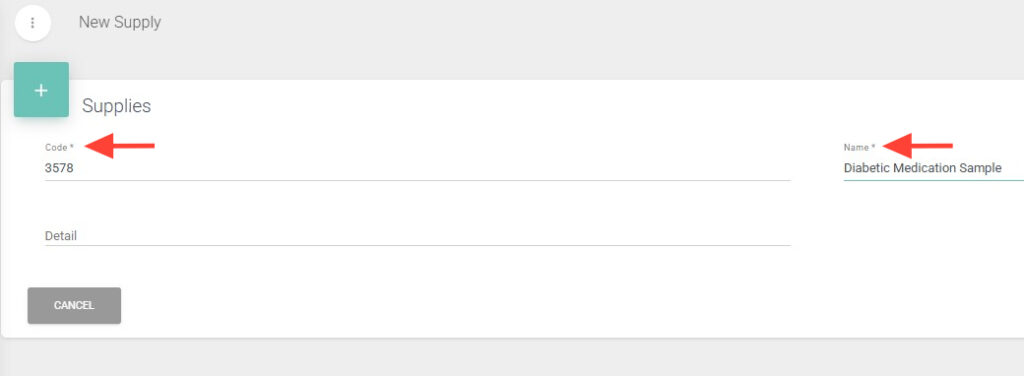
3. Fill in the fields marked with an asterisk (*) as they are mandatory.
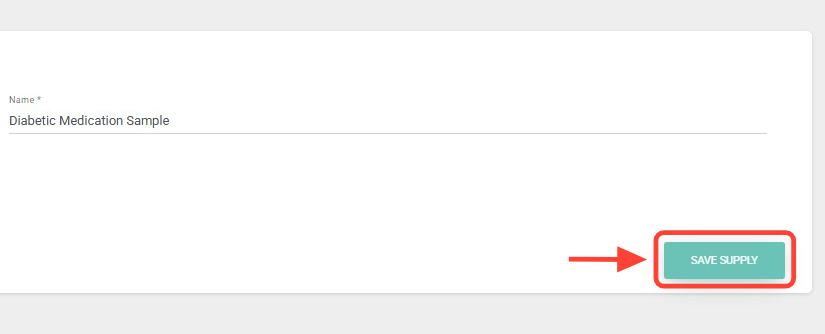
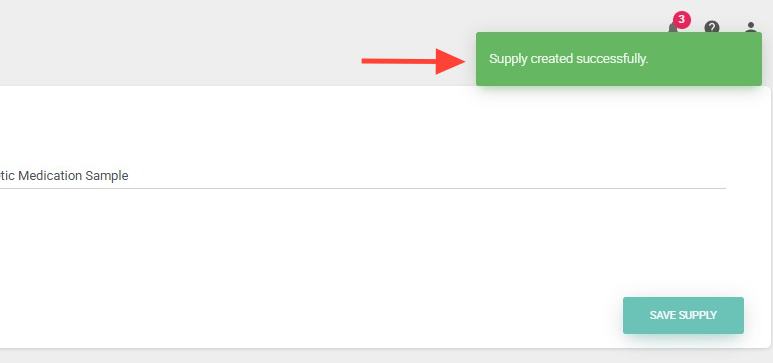
4. Finally, click Save Supply to complete the creation process.
5. A notification will appear in the upper-right corner confirming that your supply has been successfully created.