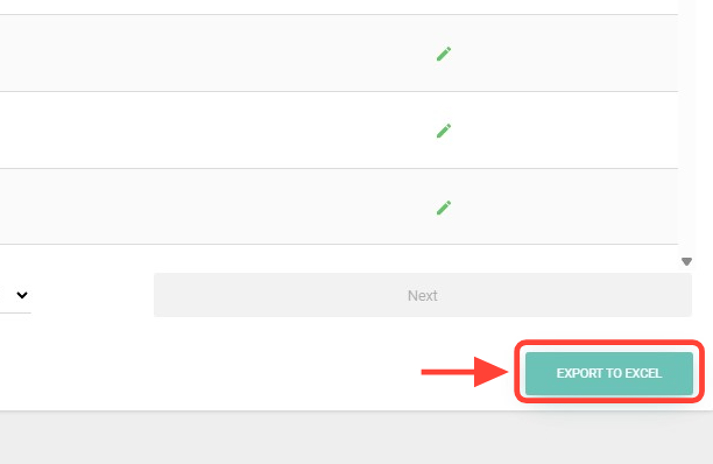
2.In the lower-right corner, click Export to Excel.
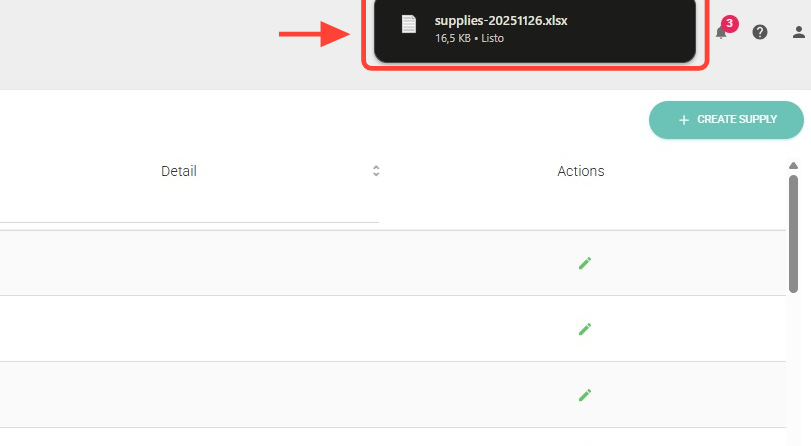
3. The file will be automatically downloaded to your computer. Check your Downloads folder