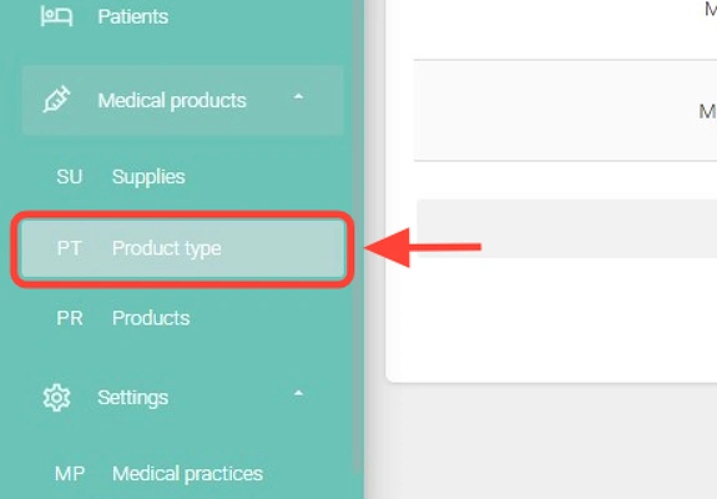
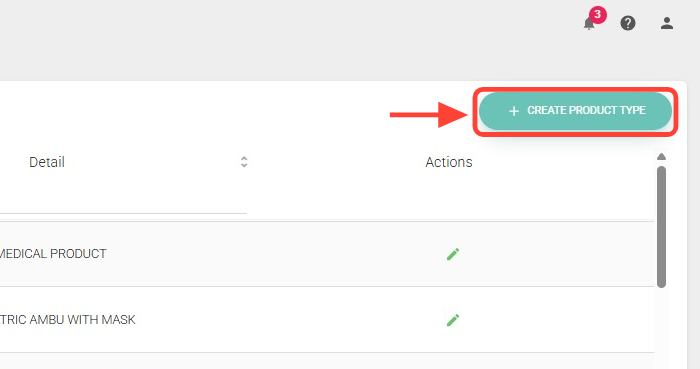
2. Within the section, click the + Create Product Type button.
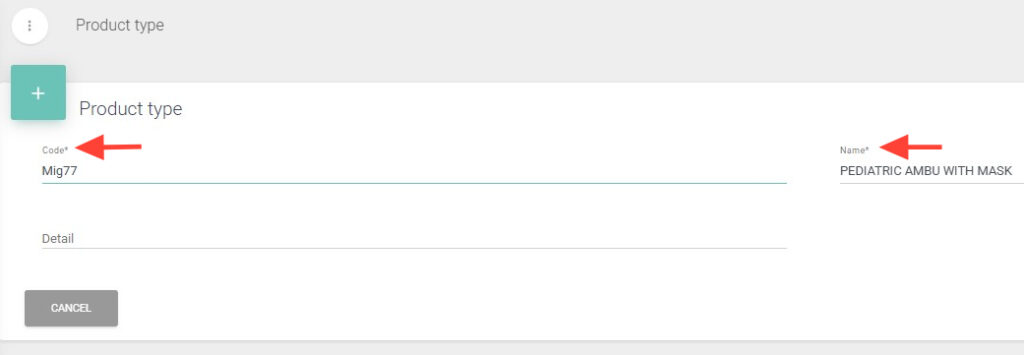
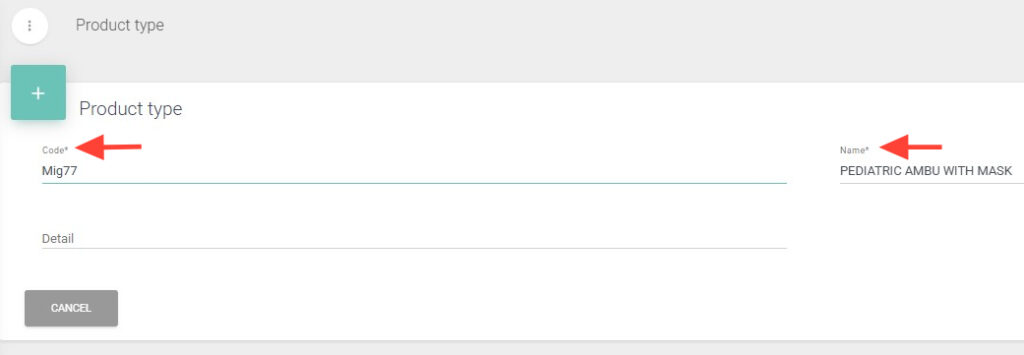
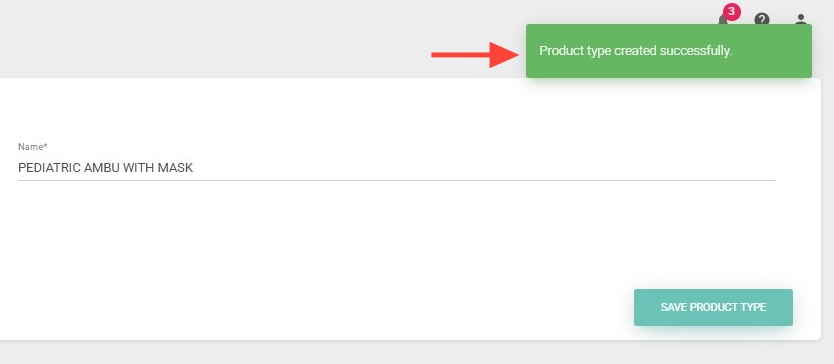
3. Complete the fields marked with an asterisk (*) as they are mandatory.
4. Finally, press Save Product Type to complete the creation.
5. At the top right, you will see a notification confirming that your product type has been successfully created.