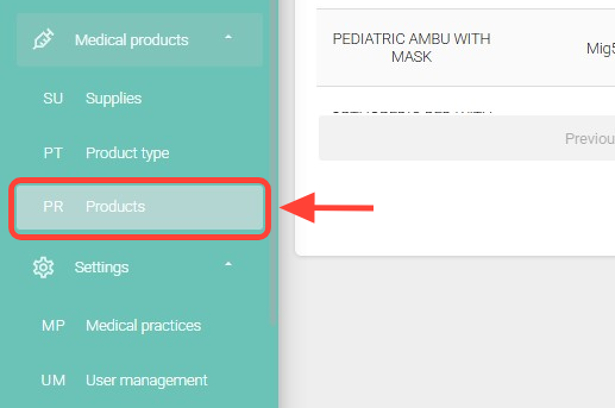
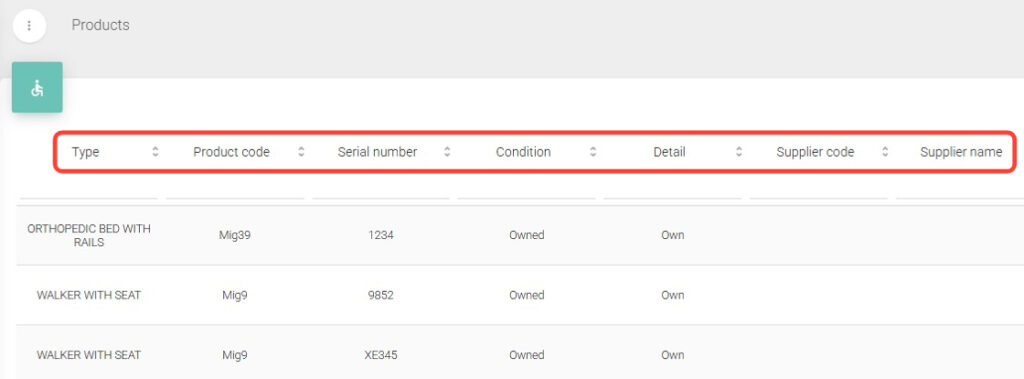
2. Inside the section, you will see different columns you can use for your search.
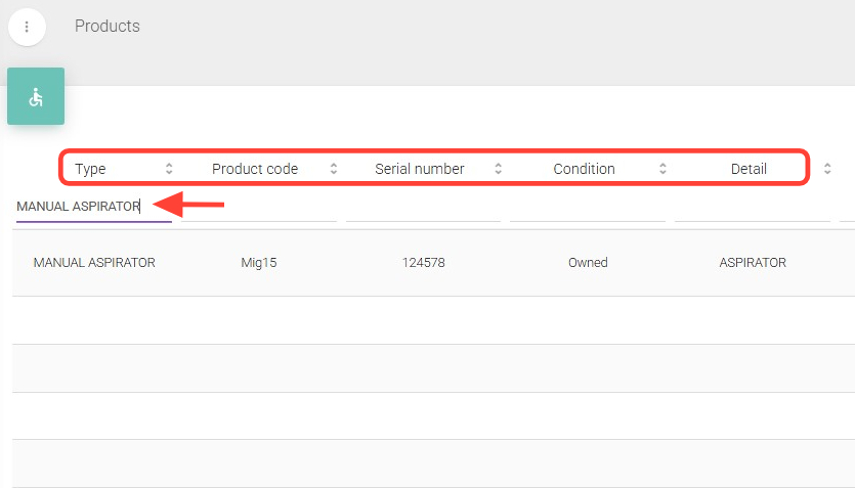
3.Enter data in one or more of the following fields: Type, Product Code, Serial Number, Condition, Detail, Provider Code, Status, Request, or Actions.
It is not necessary to fill out all the fields; using one or several of them will allow you to find the product you need