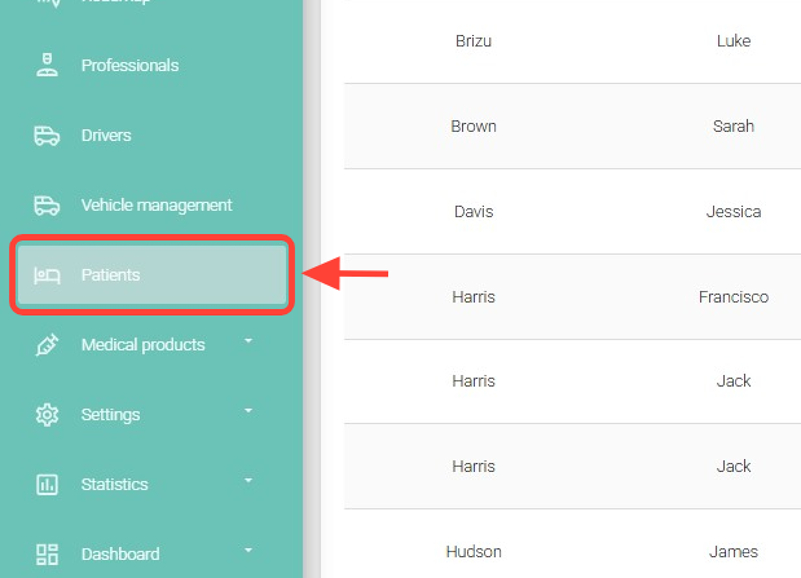
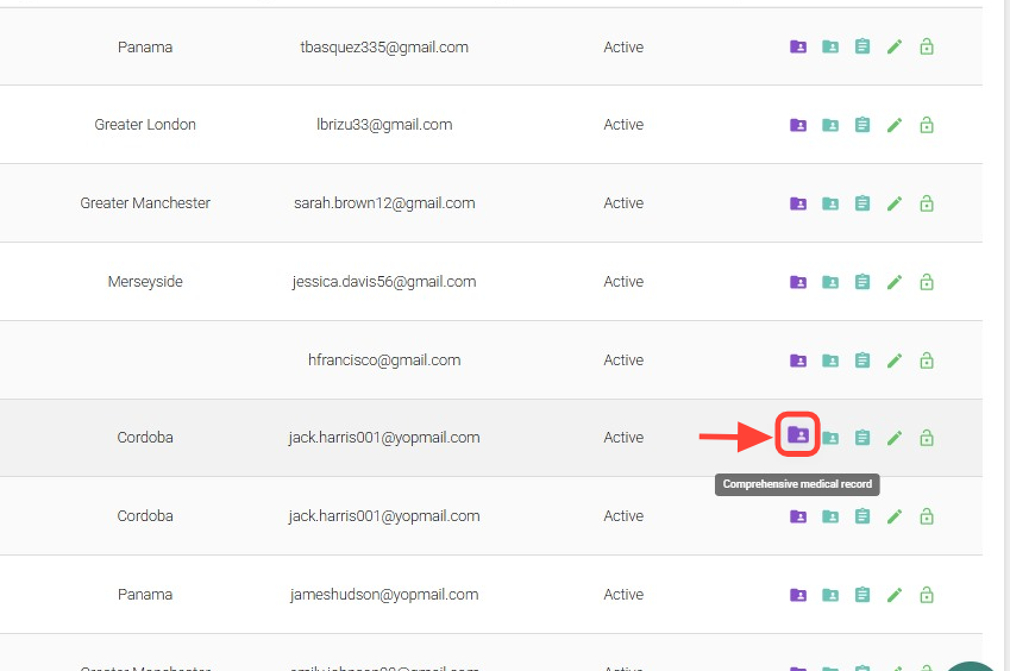
2.Find the patient you want to review and, in the Actions column, click Comprehensive Medical History.
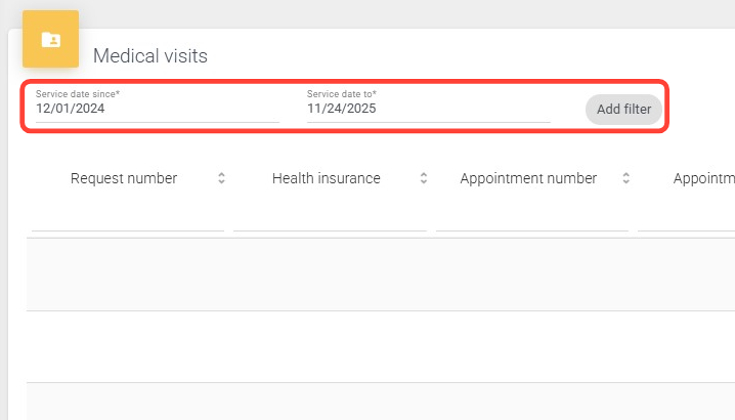
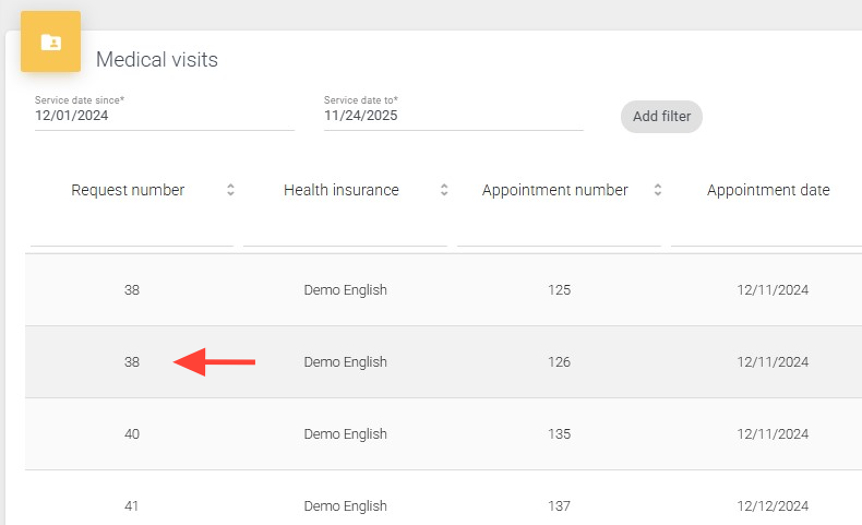
3. In the Medical Visits section, complete the required fields and add filters if needed.
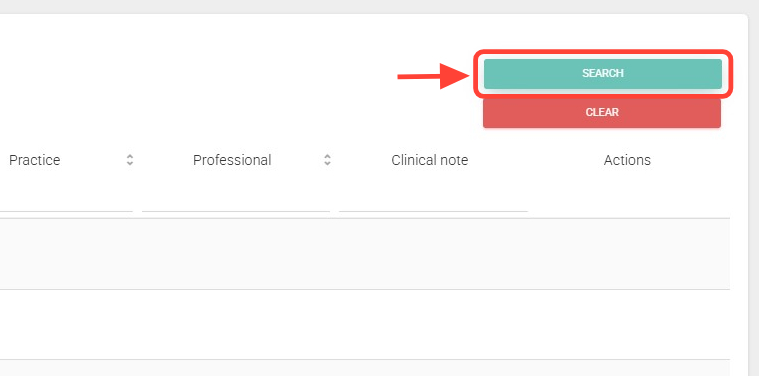
4.Then, click Search.
5. View each completed visit.
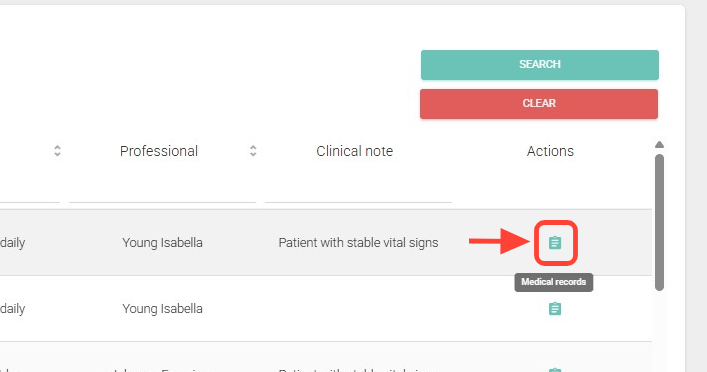
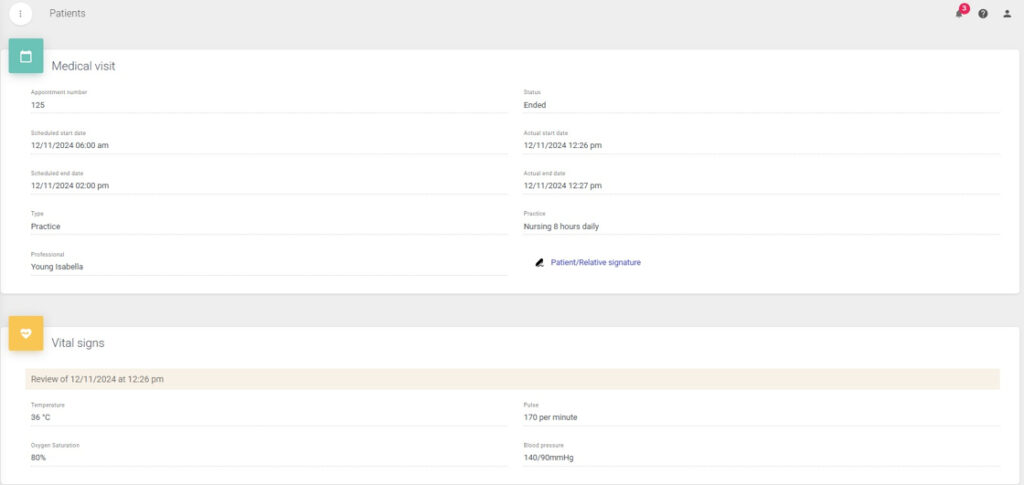
6. From the Actions column, you can click Medical Records to view the details of each visit.
7. You will see a screen like the following:
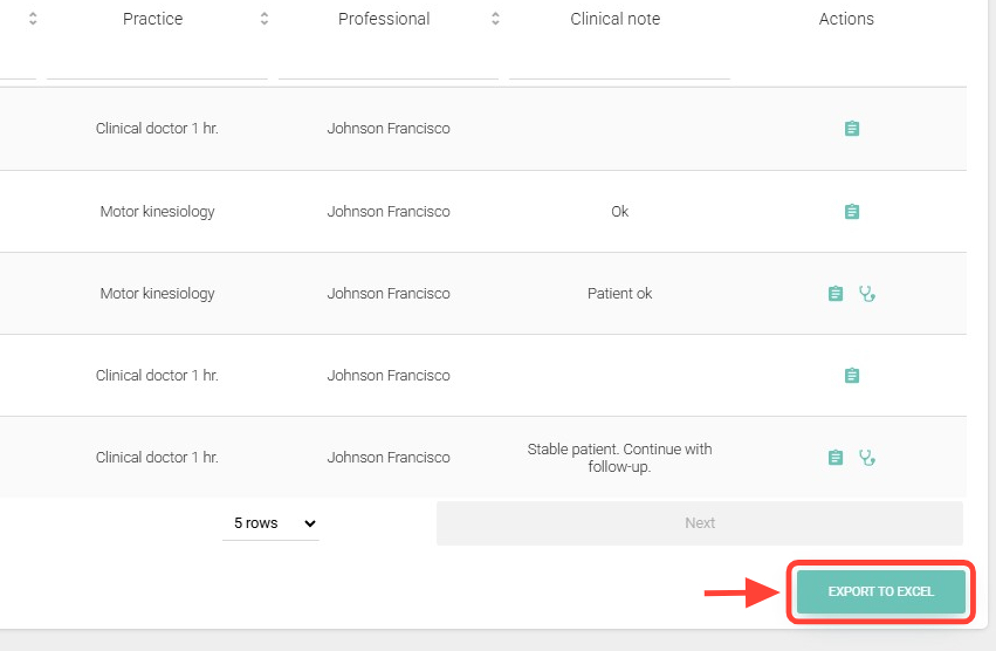
8. If desired, click Export to Excel to download the search results.
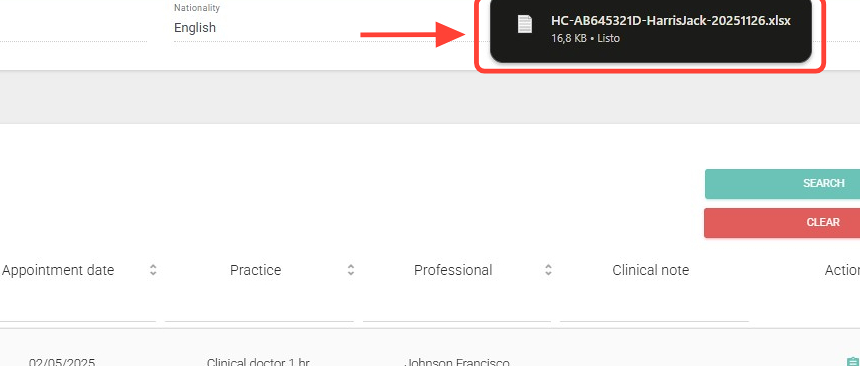
9. The file will download automatically to your computer — check your Downloads folder.