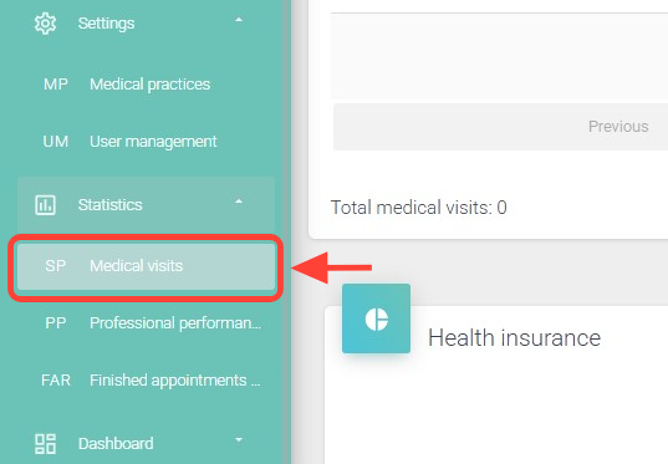
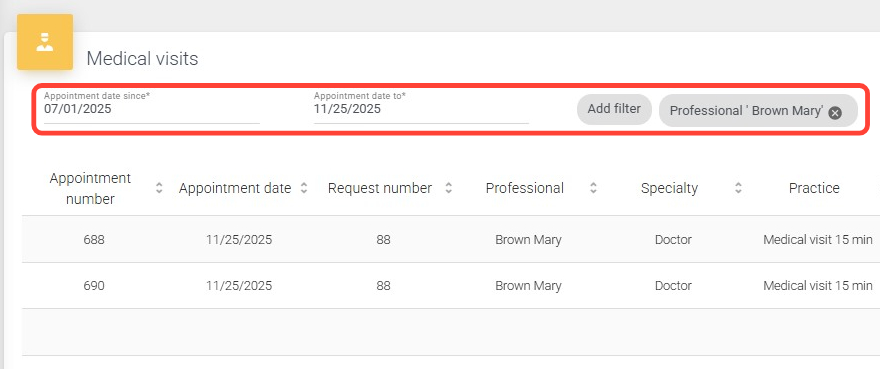
2.In Medical Visits, complete the required fields marked with an asterisk (*).
If desired, add additional filters and click Search.
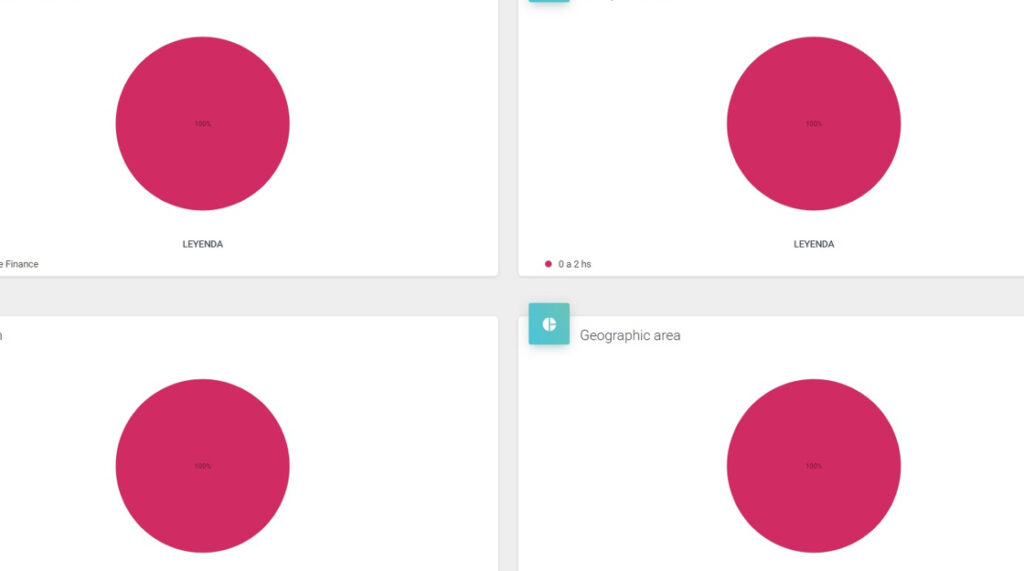
3. At the bottom, you will see the medical visits charts.
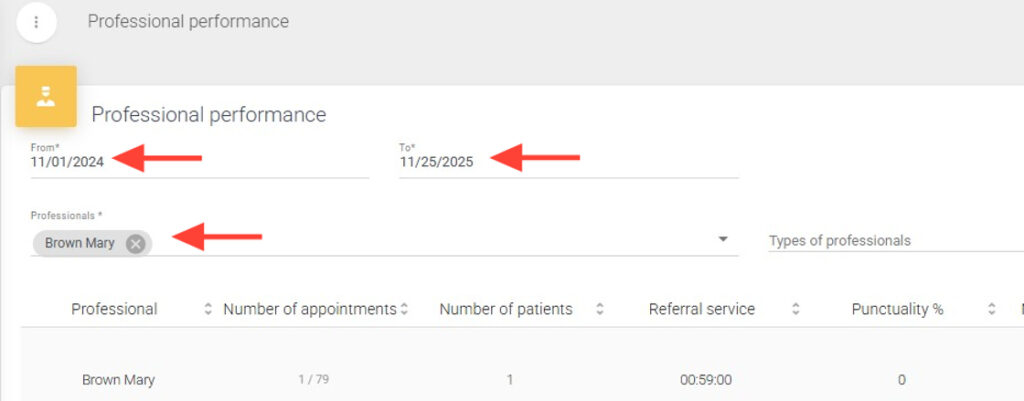
4. In Professional Performance, complete the required fields marked with an asterisk (\*) and click Search.
5.At the bottom, you will see the professional performance charts.