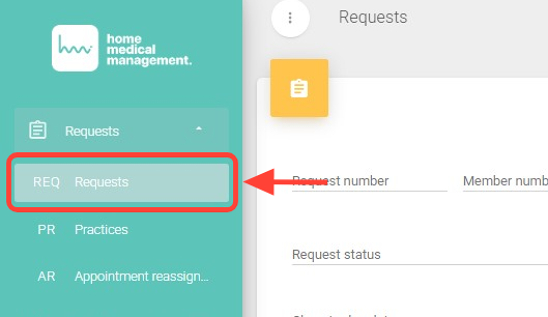
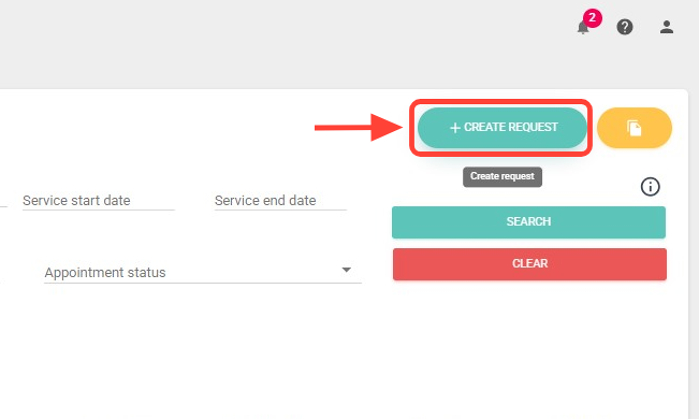
2. Click + Create Request.
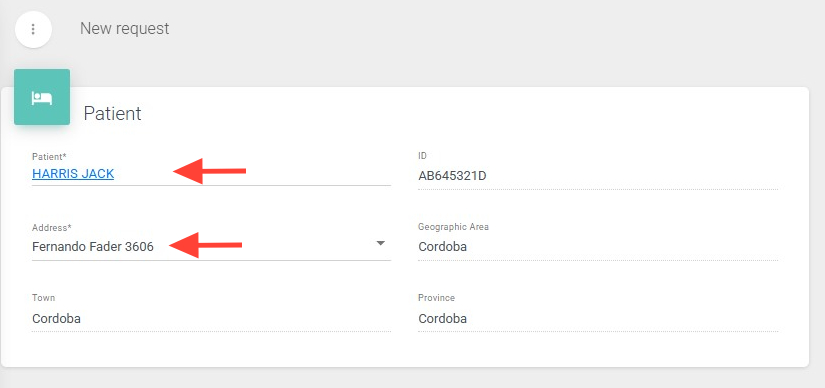
3. Select the patient by searching with their first name, last name, or ID number.
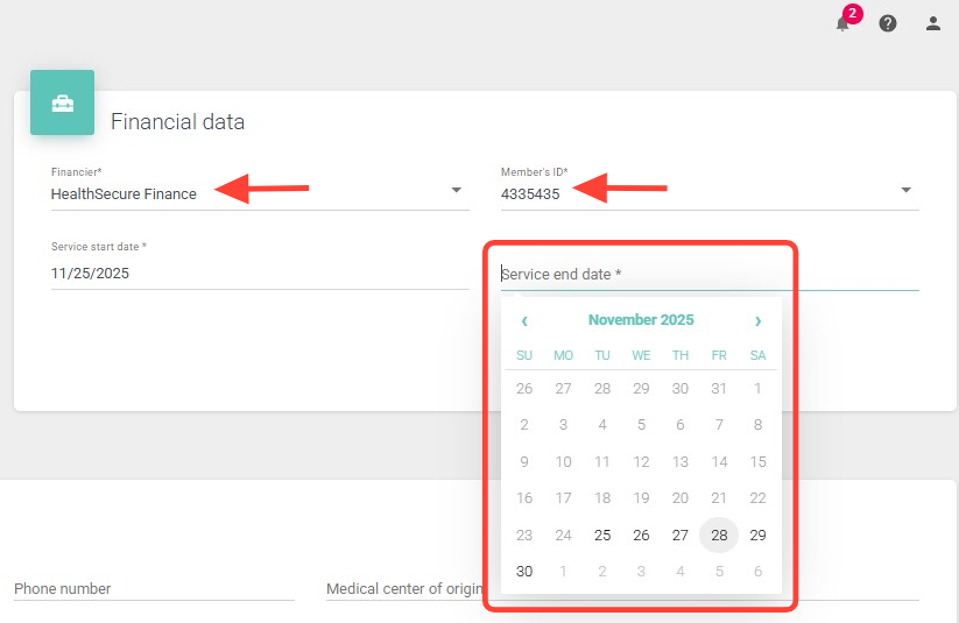
4. If the patient has more than one payer, select the appropriate one.
Set the start and end date range for the request.
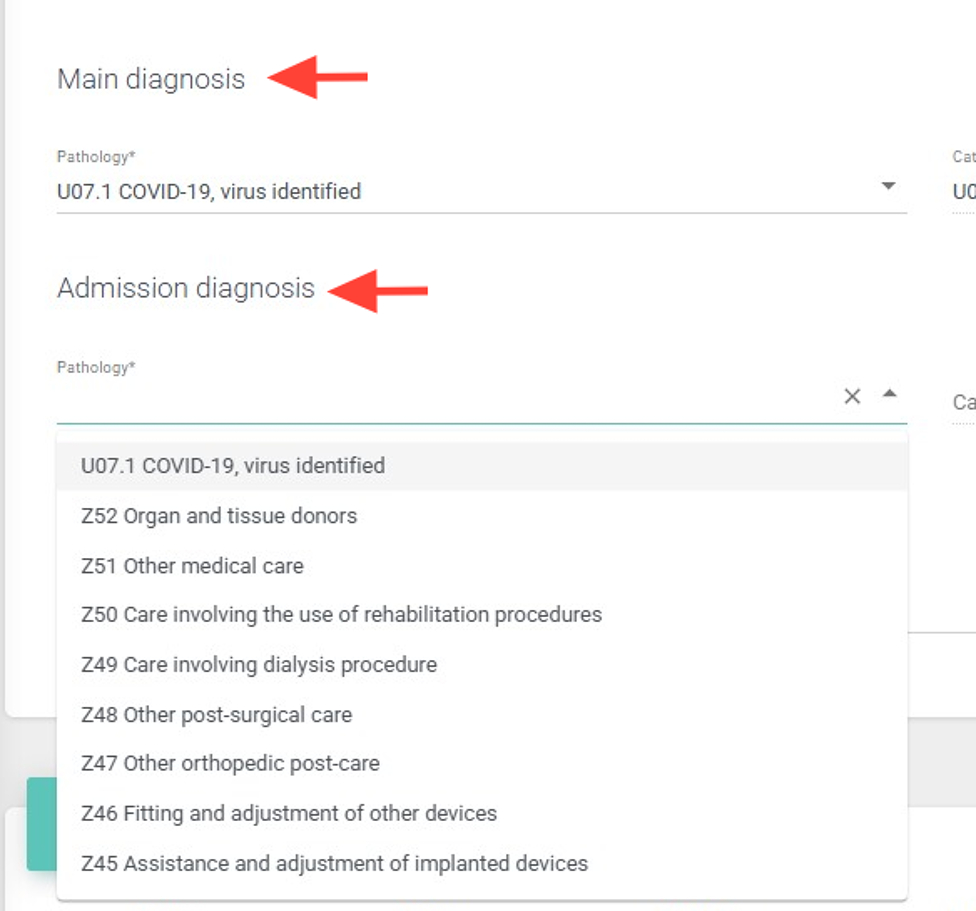
5. In Clinical Data, enter the diagnosis and condition(s) in the primary and secondary fields.
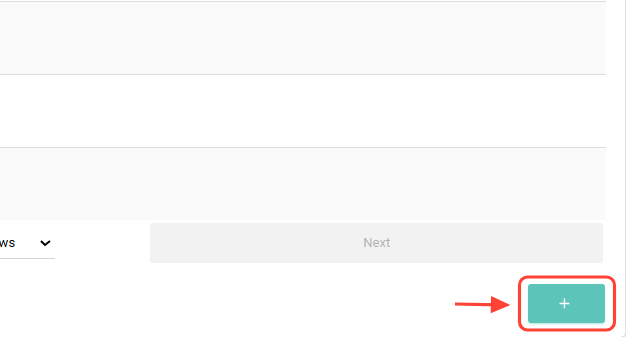
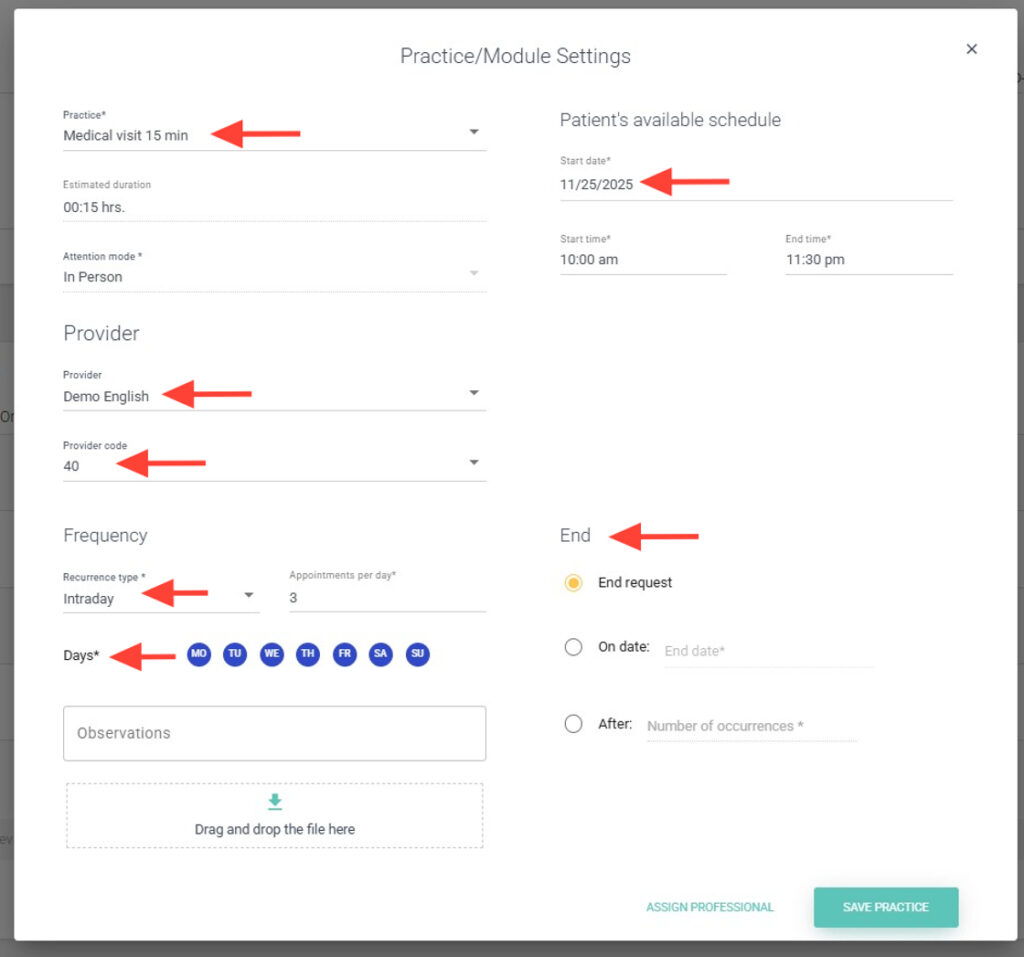
6. In the Practices/Modules panel, click + to add a practice and configure:
7. Practice to perform, Provider, Frequency, Patient availability and End date. You can assign a professional now or save the request to do it later.
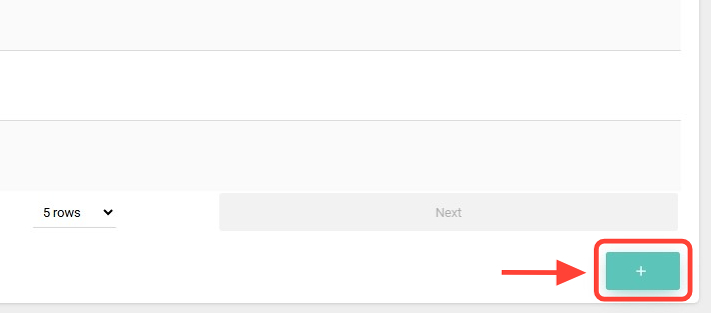
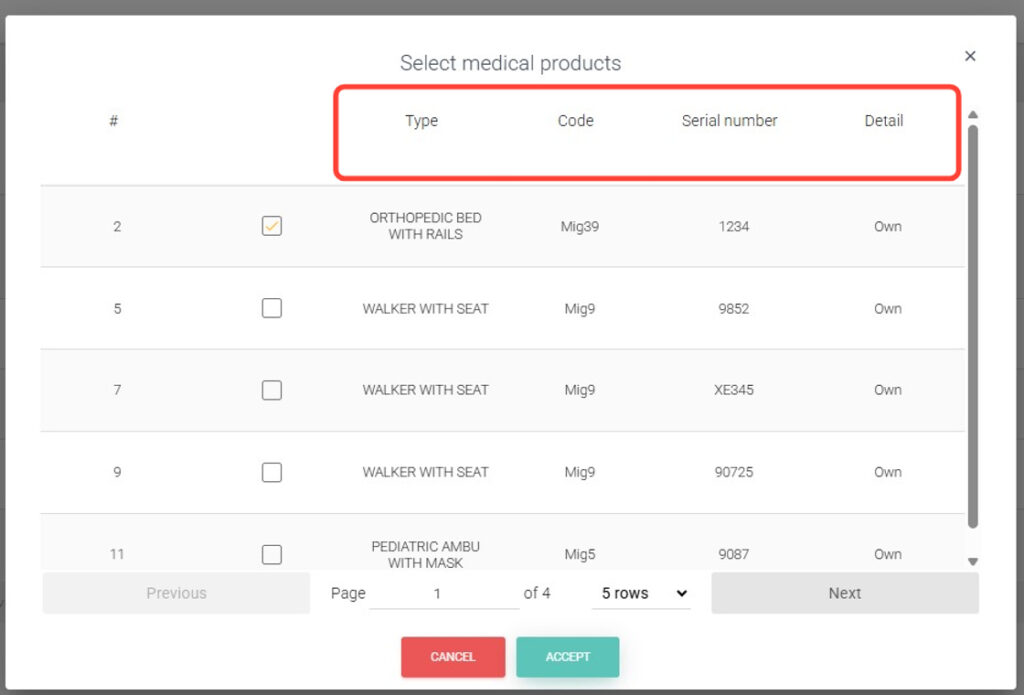
8. On the medical products board, tap + to add a product.
9. In Medical Products, add a product if needed by searching by Type, Code, Serial Number, or Description.
10. Click Save Request. The request will be created and ready to be assigned.