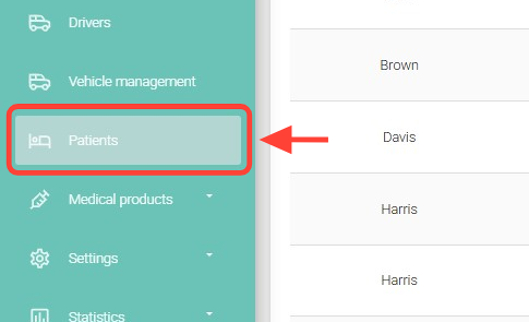
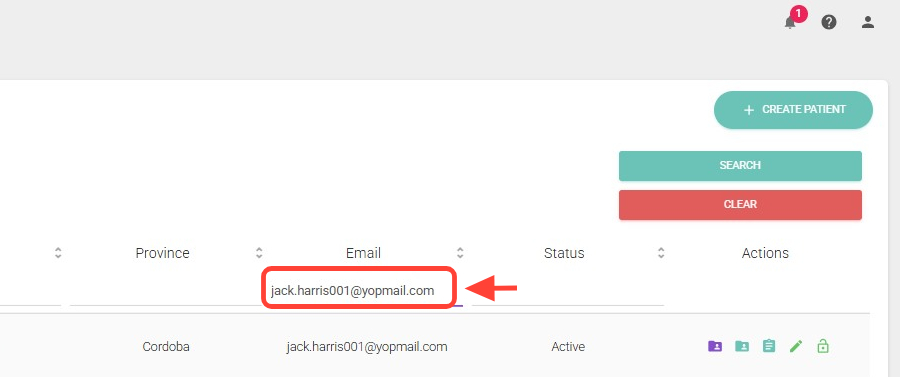
2. Search for the patient you want to modify.
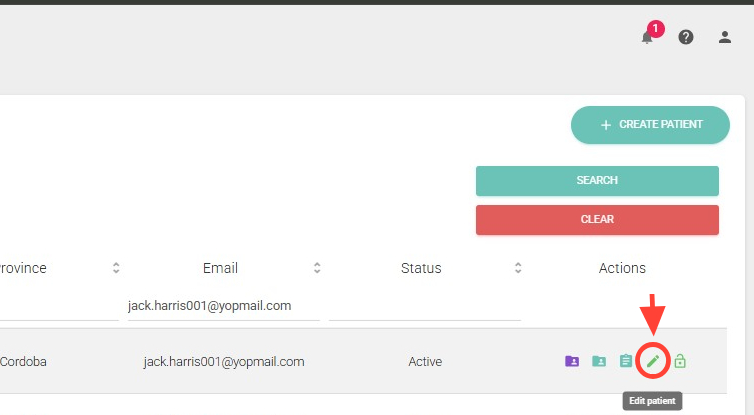
3. In the Actions column, click Edit.
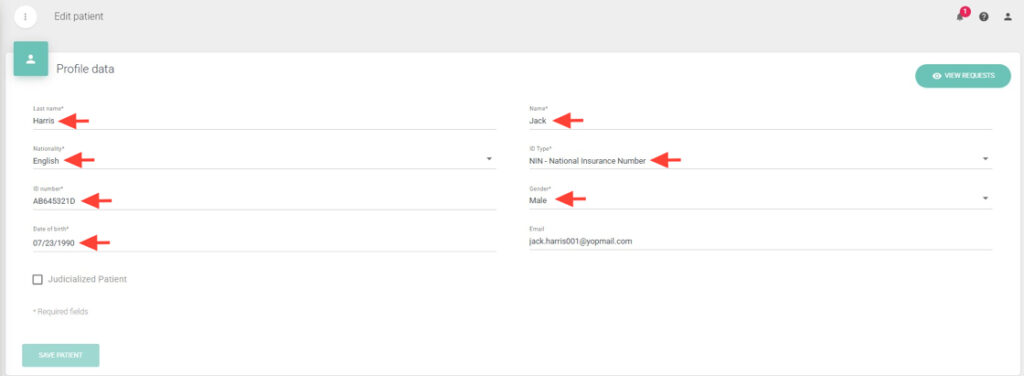
4. Within the profile, update the patient’s information, such as name, nationality, document type, and others.
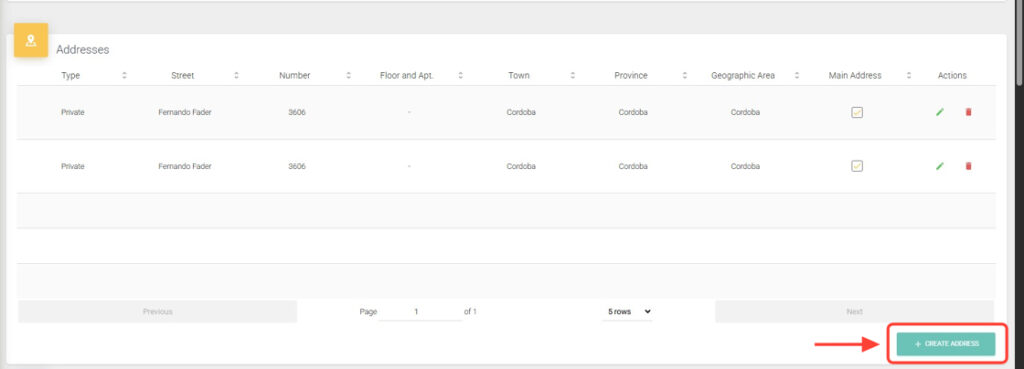
5. Add or remove addresses, phone numbers, geographic zones, funding sources, documentation, and any other data associated with the patient.
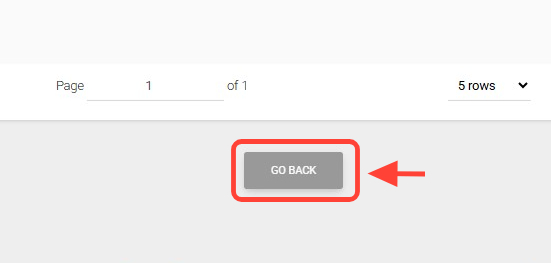
6. Click Go Back to finish.