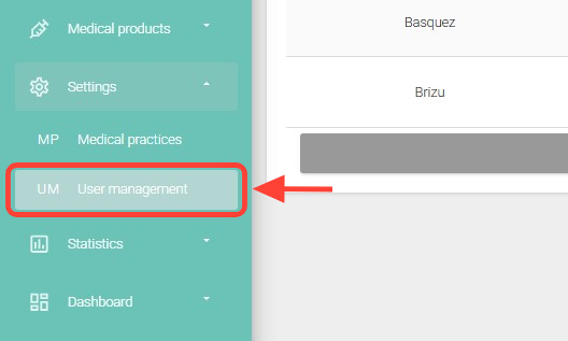
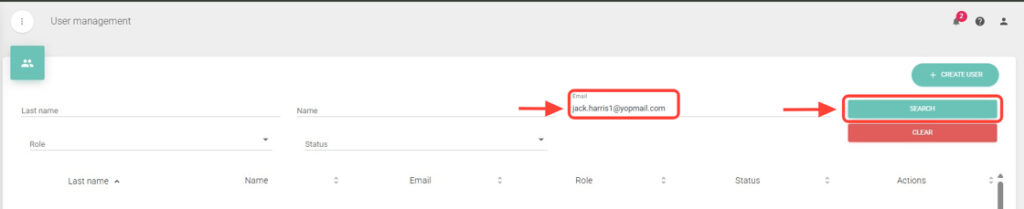
2. Search for the patient you want to invite using the available fields, such as Last Name, First Name, or Email.
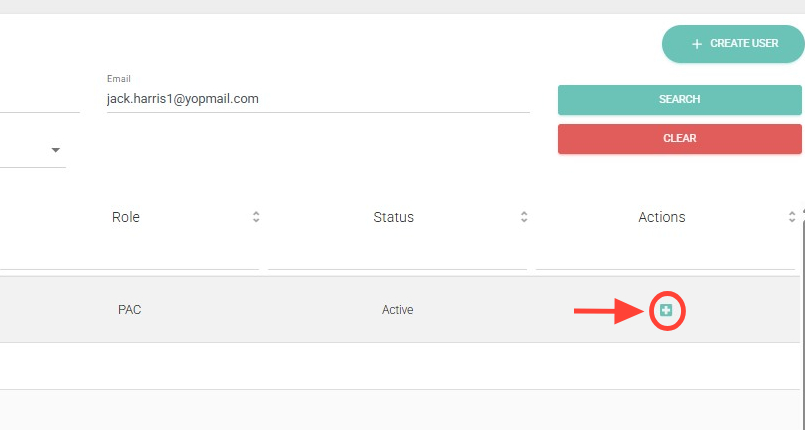
3. In the Actions column, click Invite.
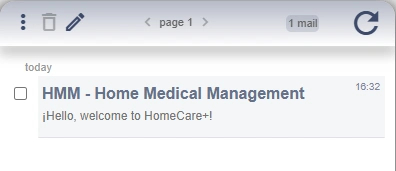
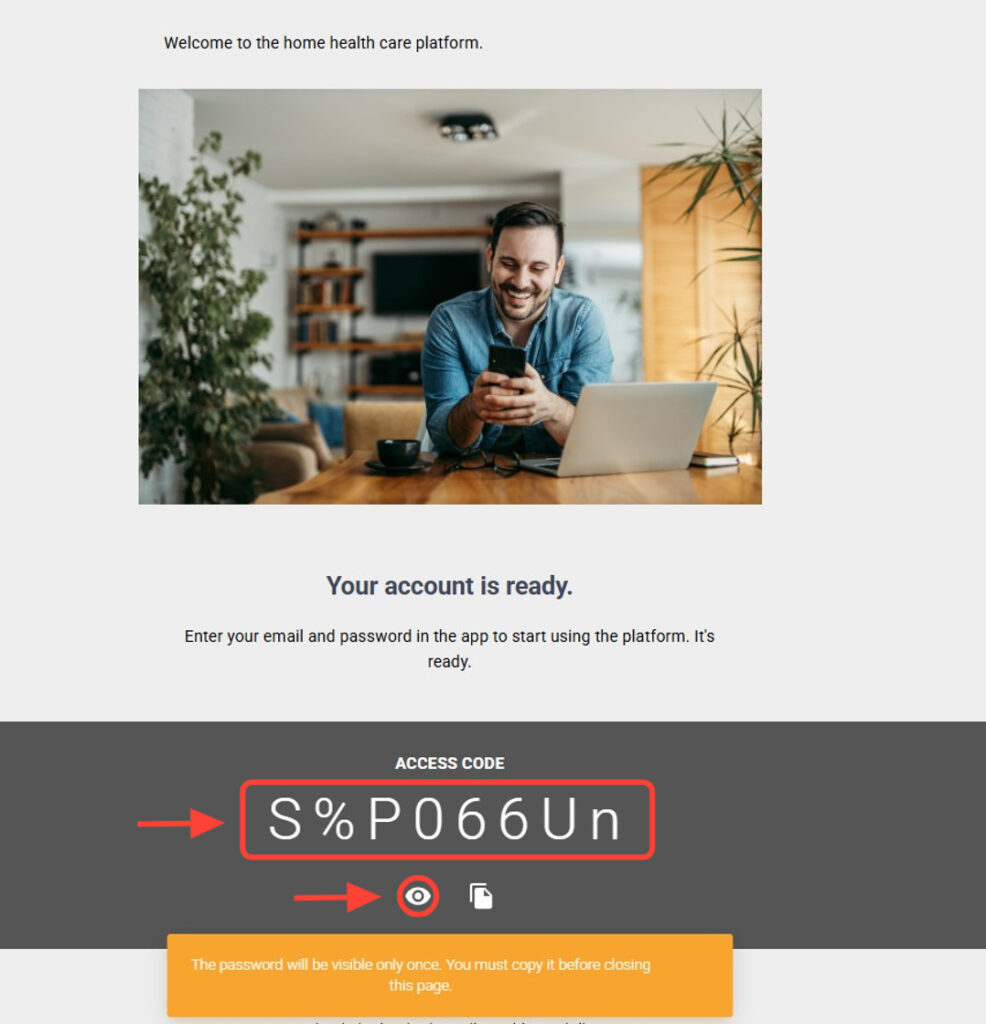
4. The patient will receive an email with the access key to log in to the app. Remember that the key can only be viewed once; if the browser is closed, the patient must reset it using Forgot My Password.
5. The patient must click “Accept Invitation” to obtain the access key.
6. Then, they should click the eye icon. Doing so will display the access key along with a warning message: “The access key will be visible only once. You must copy it before closing this page.”
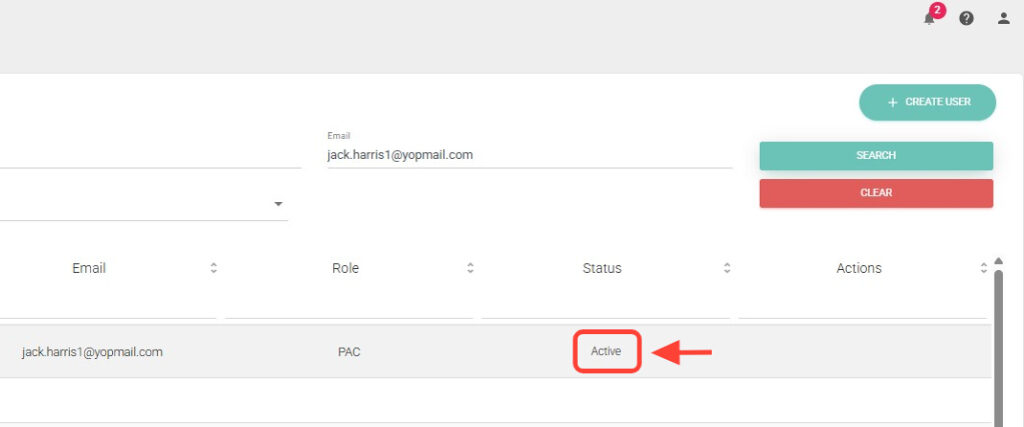
7. Once the patient has accepted the invitation, searching for them again on the web will show them as Active.