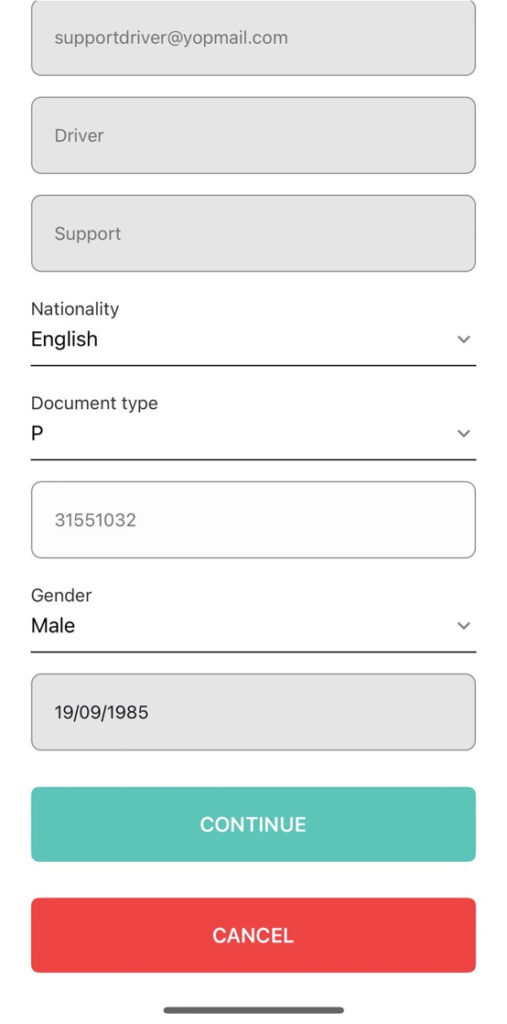
When completing your registration in the app, you will be asked to upload your personal documents.
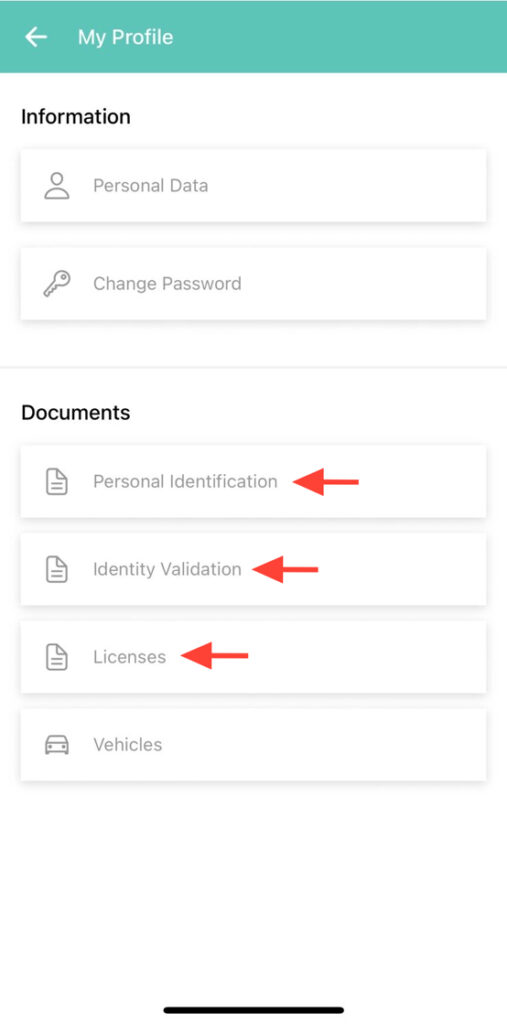
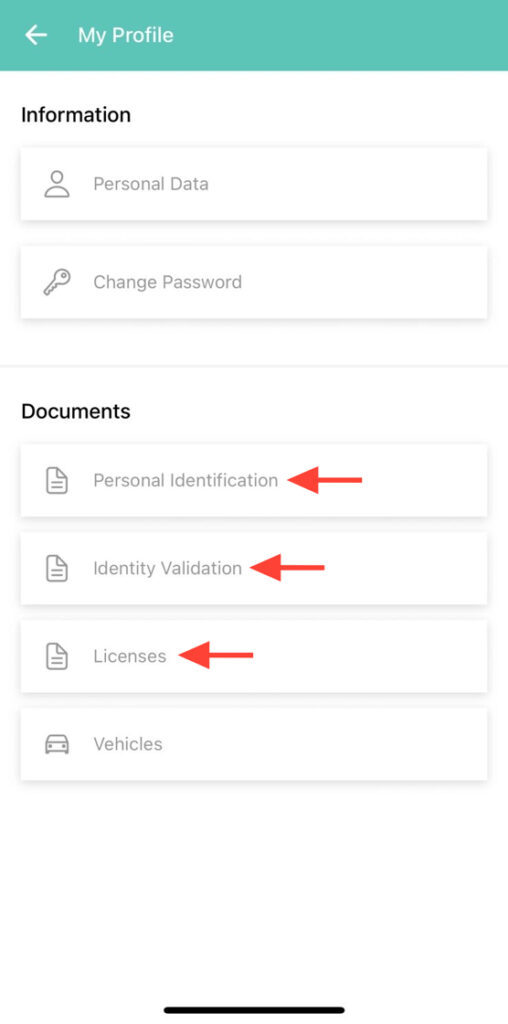
2. You must upload the following: Personal Identification, Identity Validation and Driver’s License.
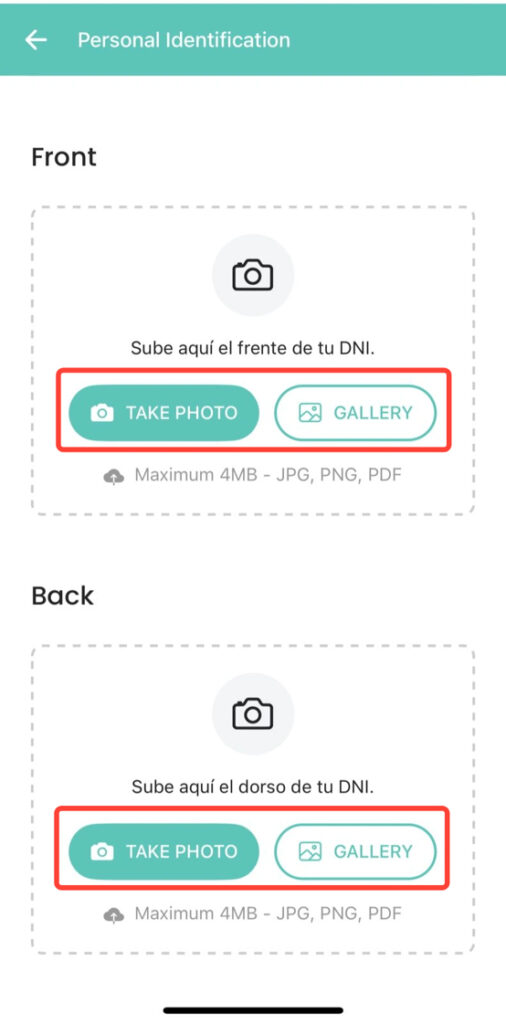
3. Each document can be uploaded in two ways: by taking a photo directly from your device or by uploading a file stored on your device. Once all the documents have been uploaded, they must be approved by your coordinator.
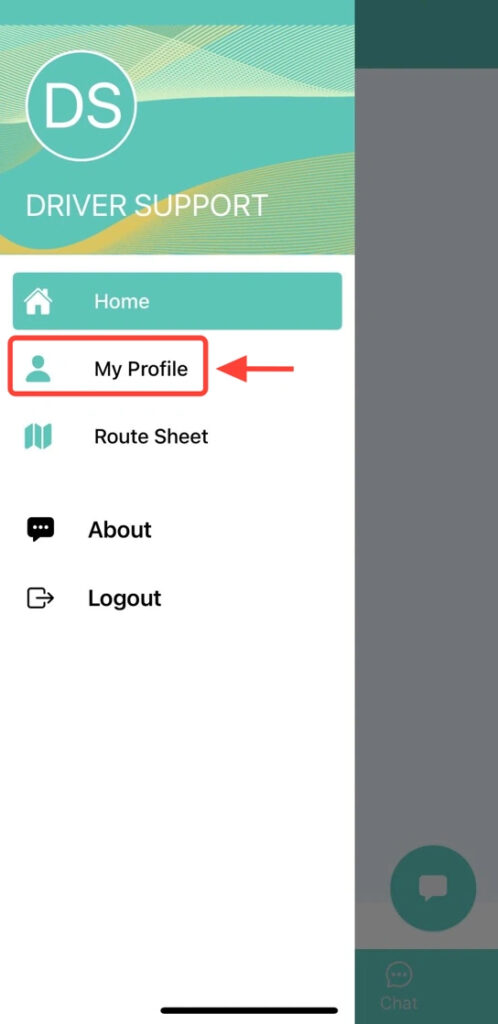
4. If your documentation is rejected or you are asked to re-upload it, go to Menu > My Profile.
5. Select the document you need to upload again and repeat the same upload process.