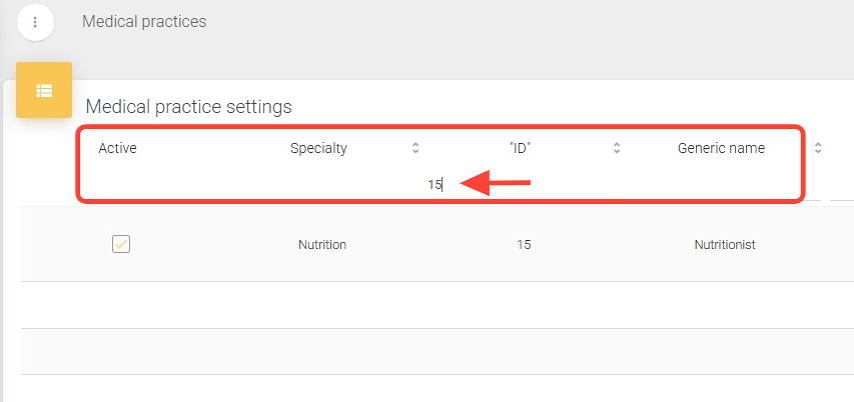
2. Search for the practice you want to deactivate using filters such as Specialty, ID, or Generic Name.
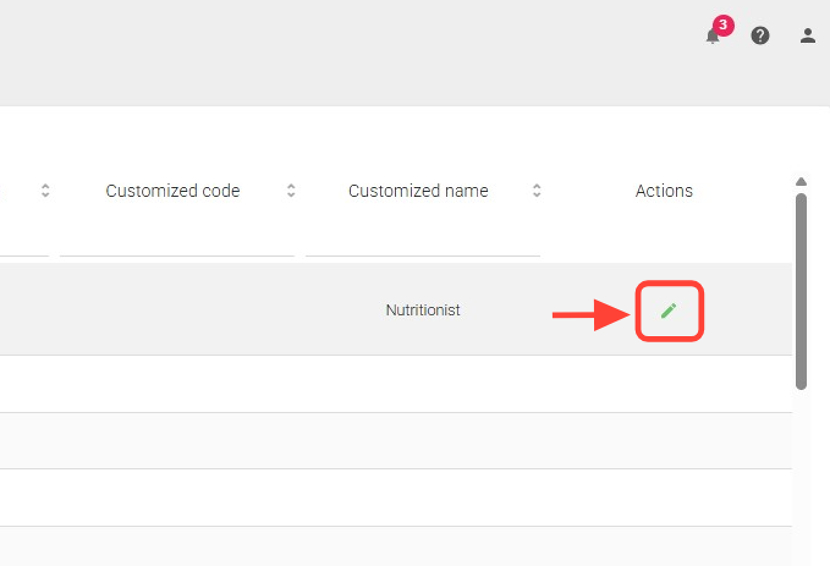
3. In the Actions column, click the Edit button for the selected practice.
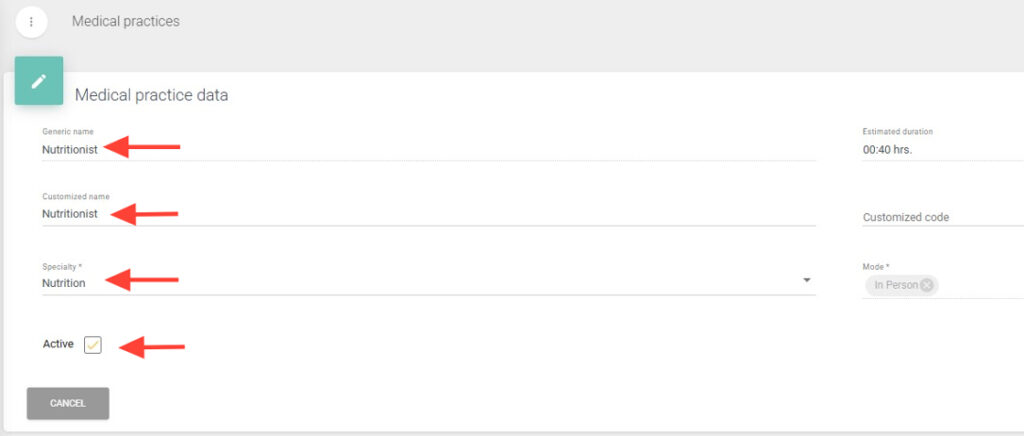
4. Within the form, you can add or modify the Custom Name, Custom Code, and select the Specialty of the practice.
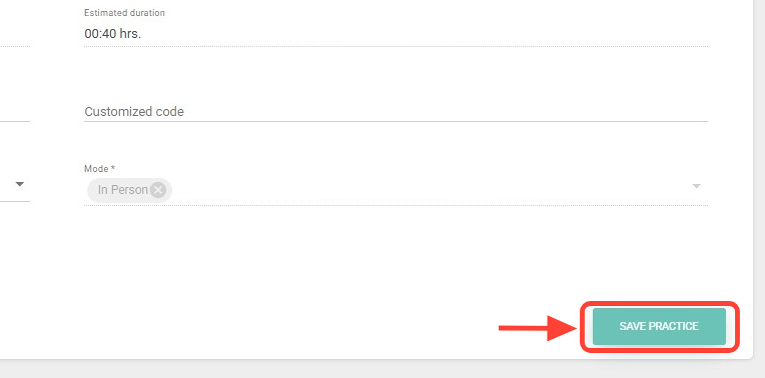
5. Finally, click Save Practice to apply the changes.
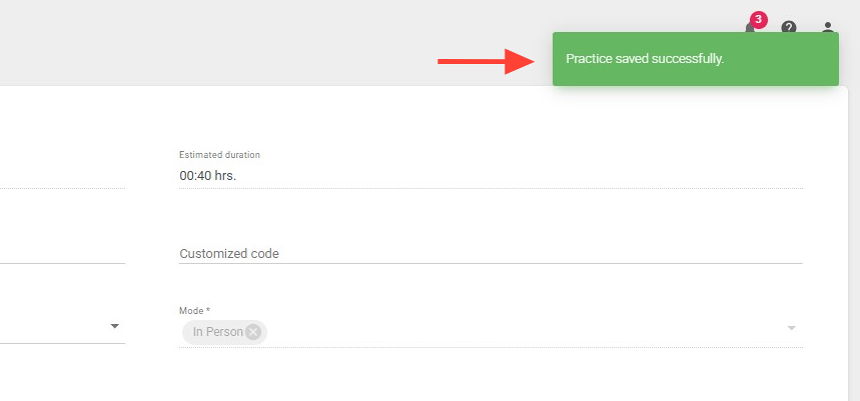
6. At the top right, you will see a notification confirming that your procedure has been successfully saved.