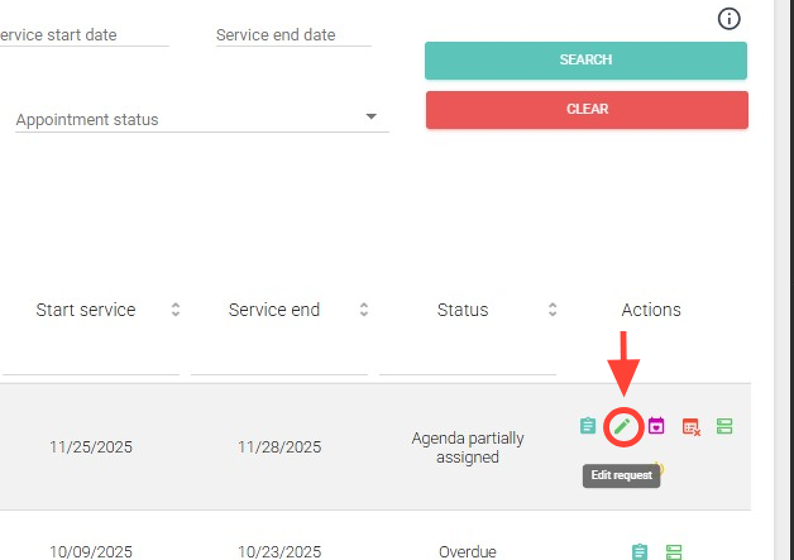
2. In the Actions column, click the Edit button.
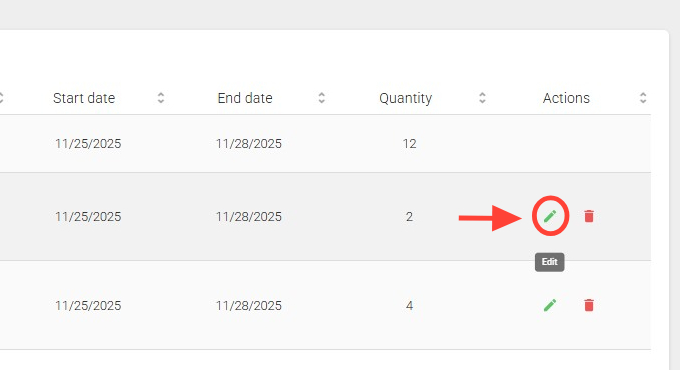
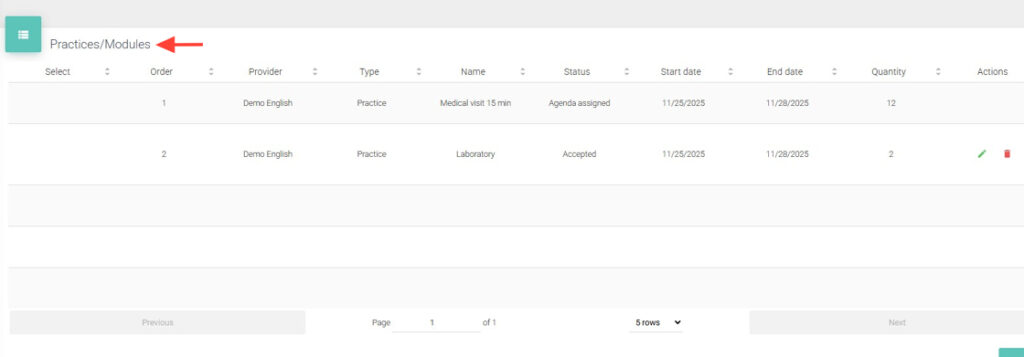
3. Go to the Practices/Modules panel and find the procedure you want to modify. Click Edit in the corresponding Actions column.
4. Make the necessary changes and click Save Practice.
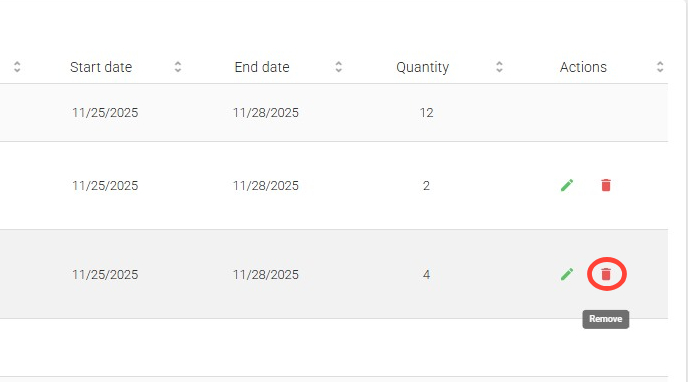
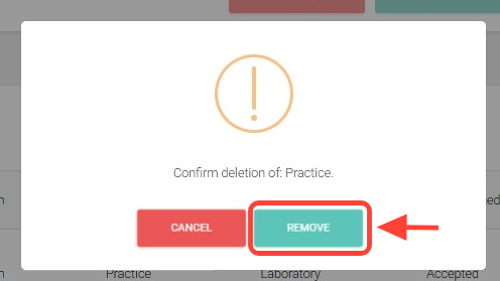
5. If needed, you can also delete procedures by clicking Delete in the Actions column.
6. Then, click Remove.
7. Once deleted, the procedure will no longer appear in the Practices/Modules panel.
The procedure will be updated according to your modifications.
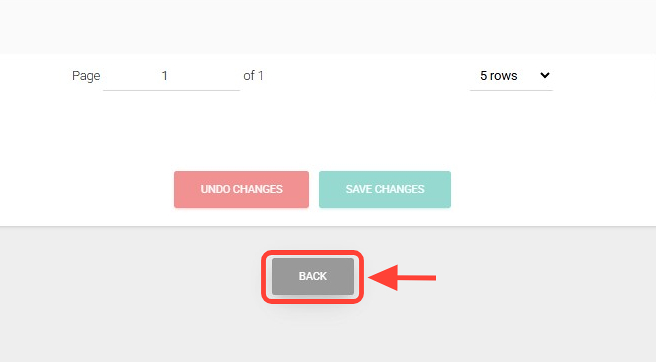
8. Finally, click Back at the bottom of the screen.
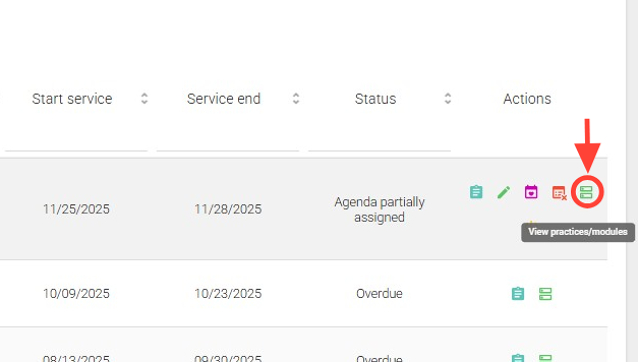
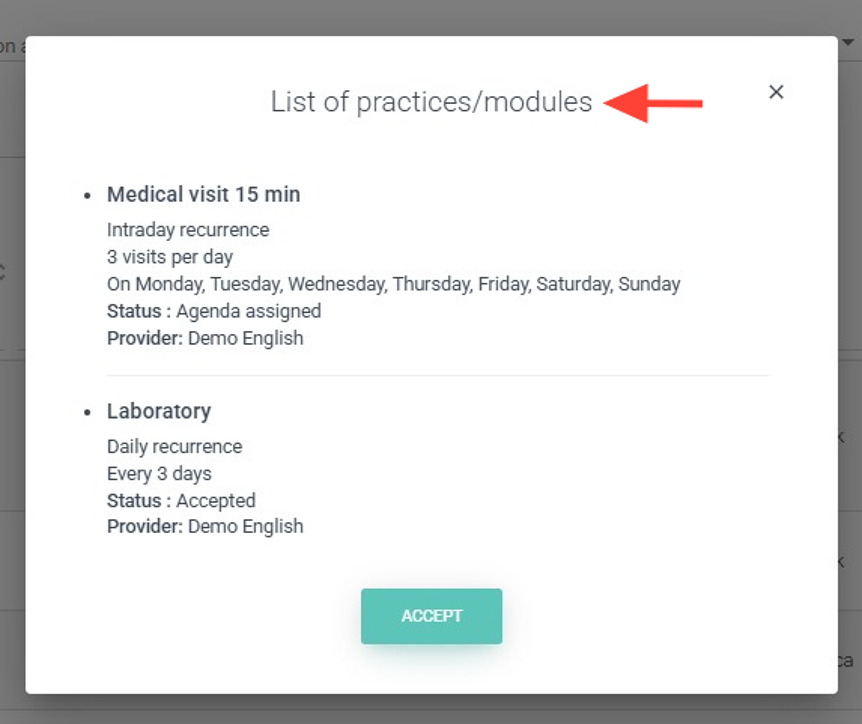
9. By clicking the View Practices/Modules button in the Actions column, you can check the status of the procedures included in the request.
Note: that canceled procedures will not be displayed.
10. A list of practices/modules will be shown.