HMM Global
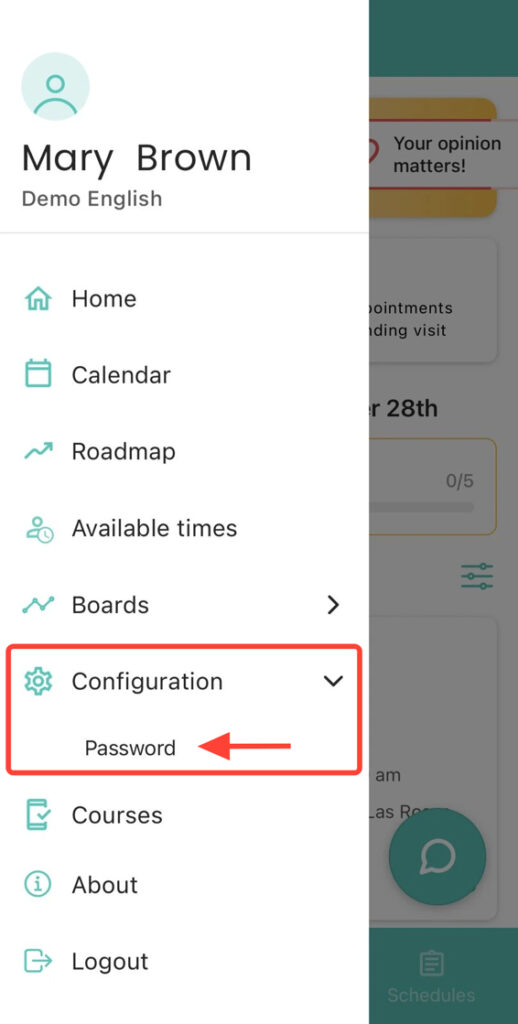
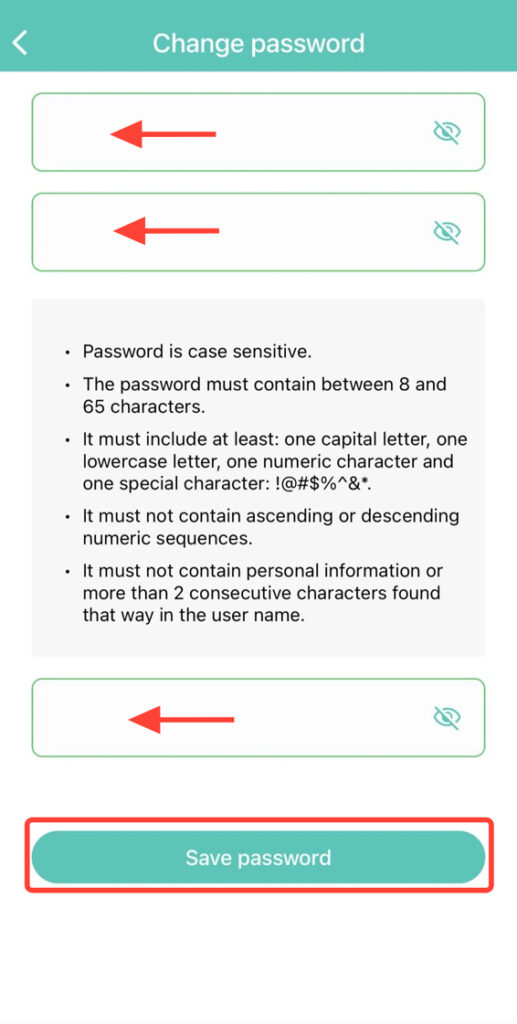
2. Enter your current password. Type your new password and confirm the change.
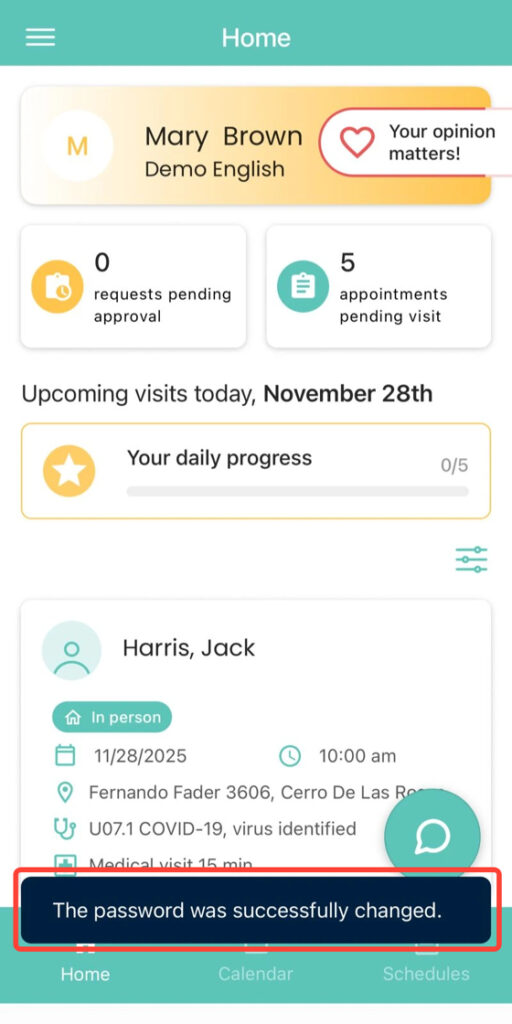
3. At the bottom of the screen, you will see a notification confirming that your password has been successfully updated.