HMM Global
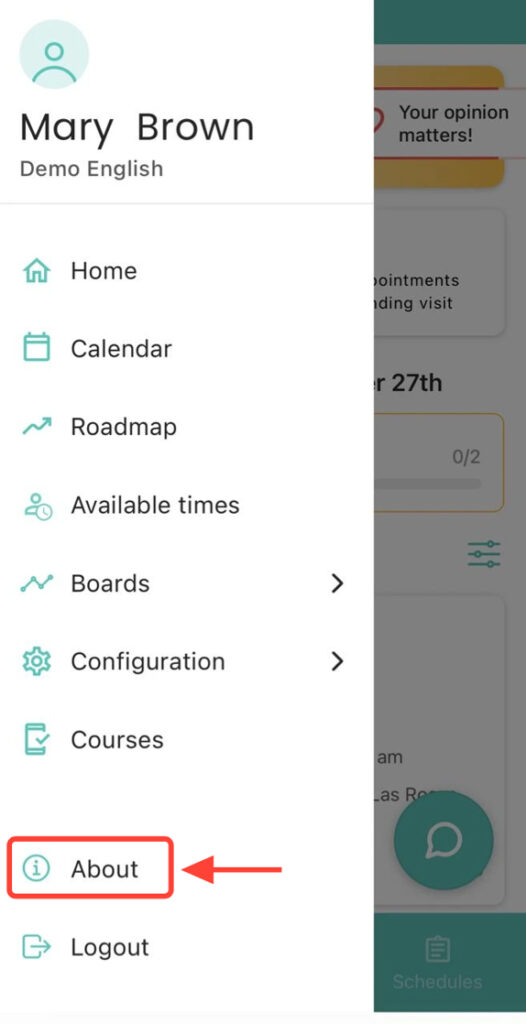
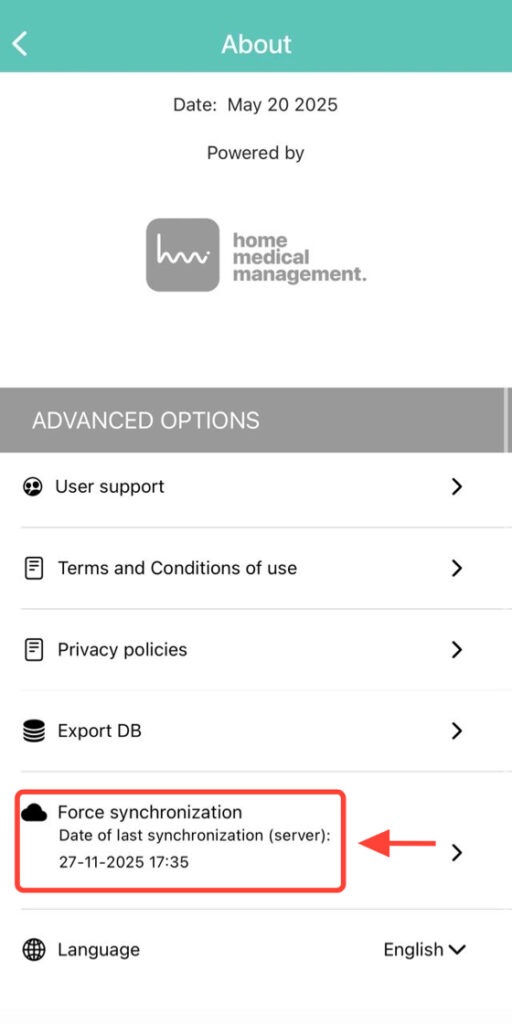
2. Press Force Synchronization.
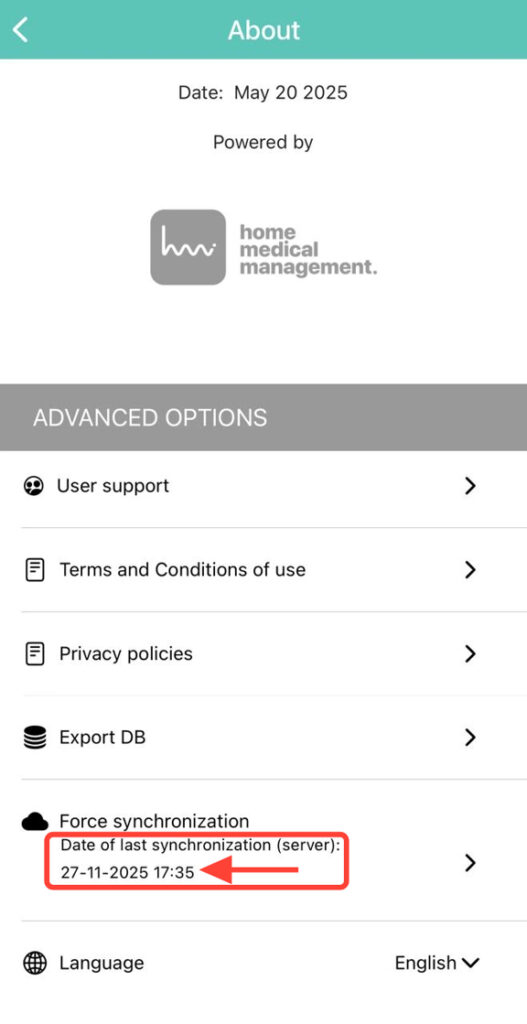
3. Verify that, once the synchronization is complete, the current date and time are displayed correctly.