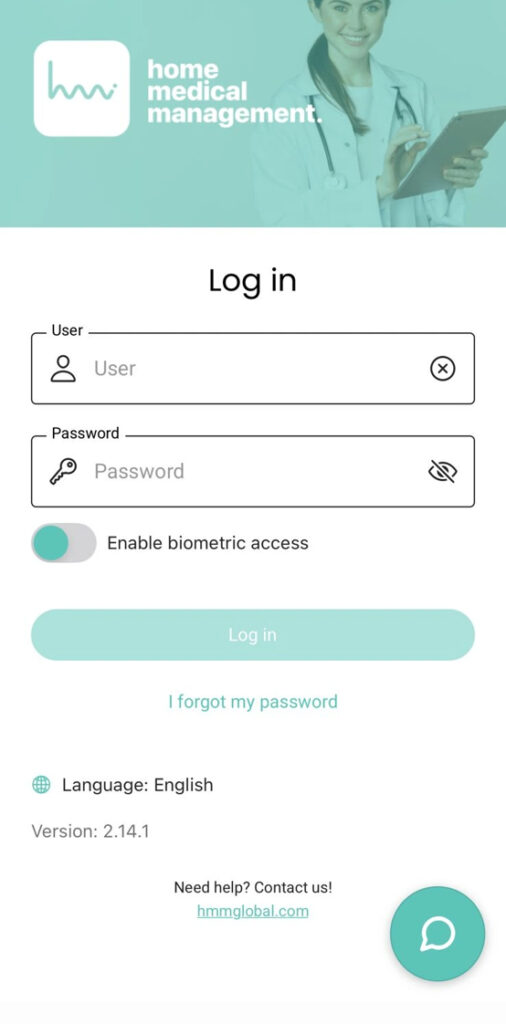
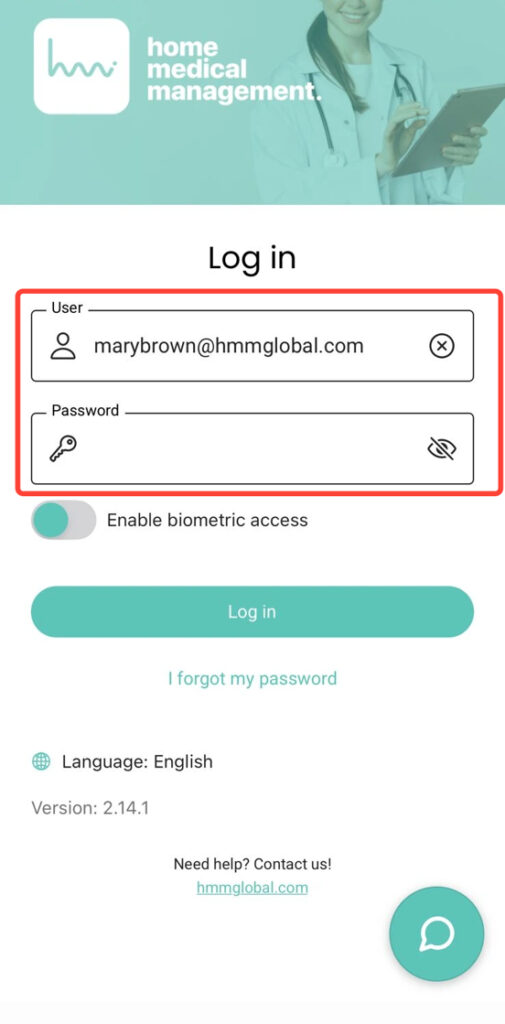
2.Enter your Username and Password. Your username was assigned by your coordinator. The password was provided in your invitation and must be changed after your first login.
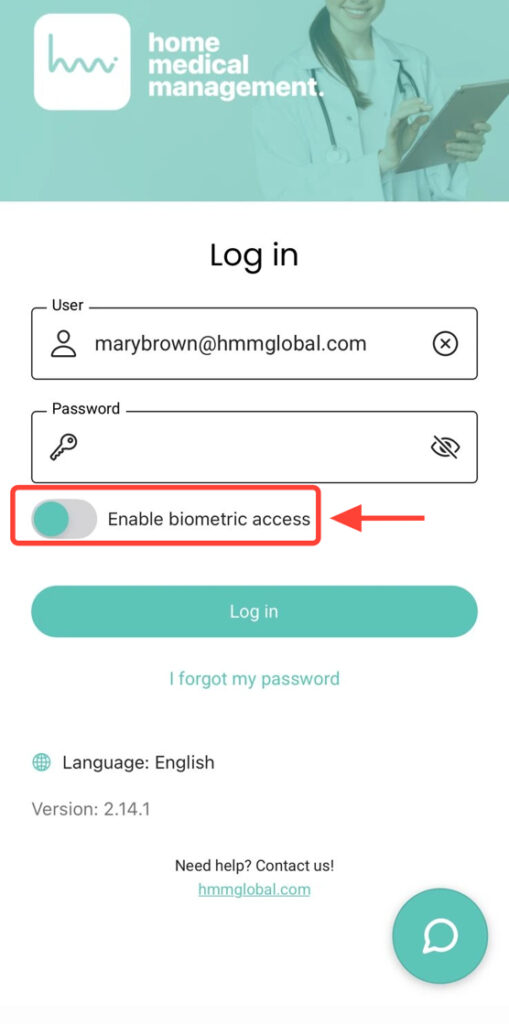
3. If your device supports fingerprint or Face ID, enable or disable biometric access using the corresponding button.
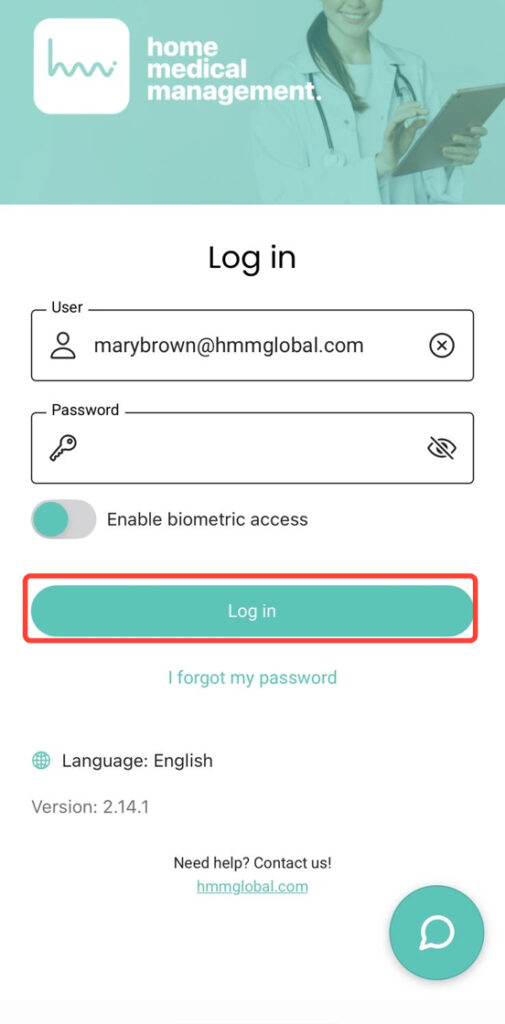
4. Tap Log In to access the application.
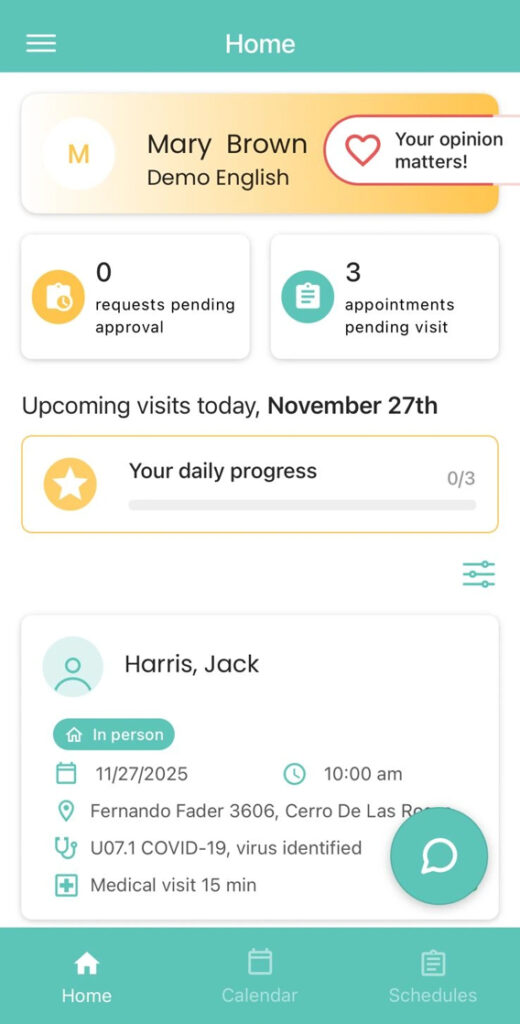
5. After logging in successfully, you will see a screen similar to the following.