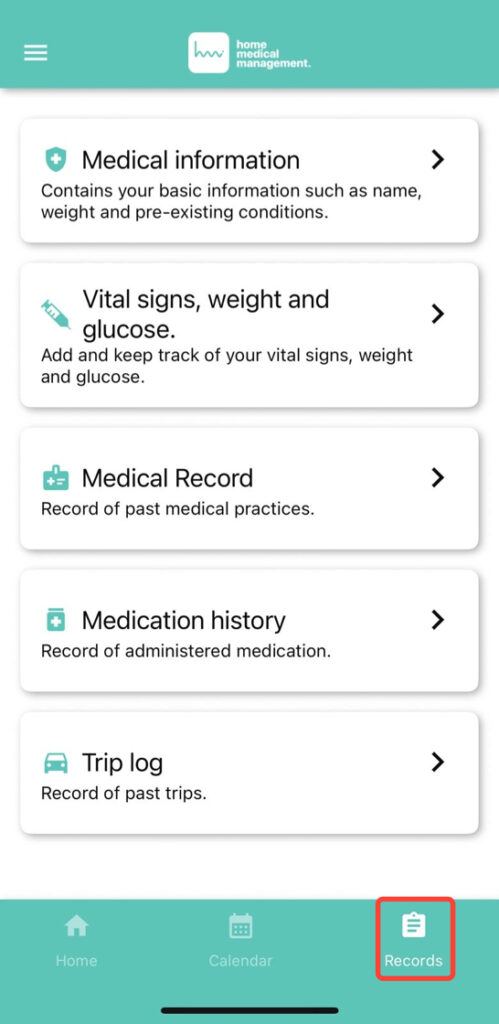
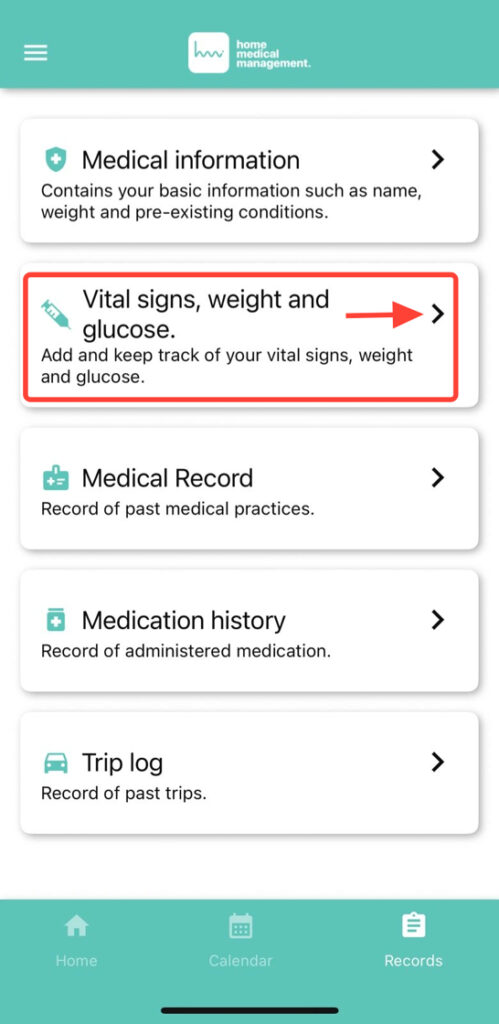
2. Click on Vital signs, Weight and glucose.
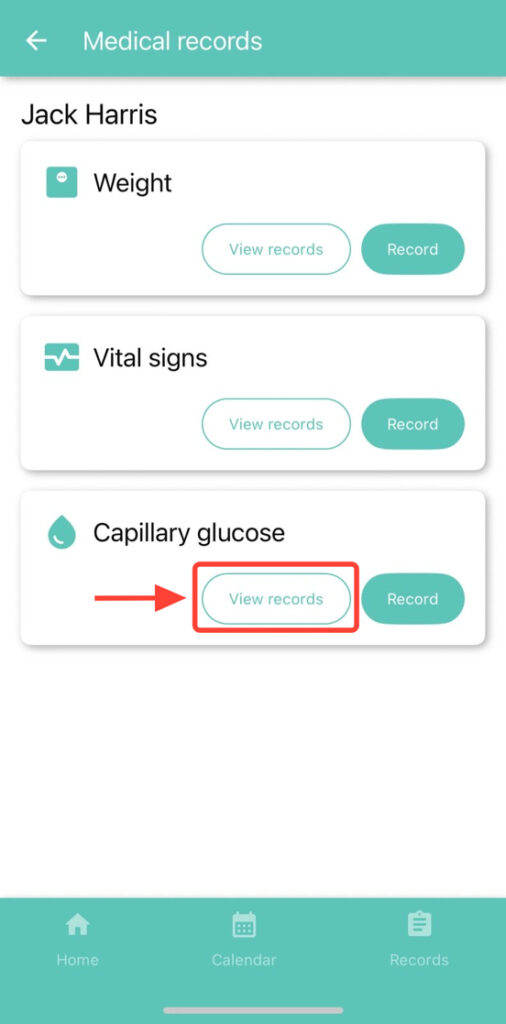
3. You will see the options Weight, Vital Signs, and Capillary Glucose. Tap View Records within the Capillary Glucose section.
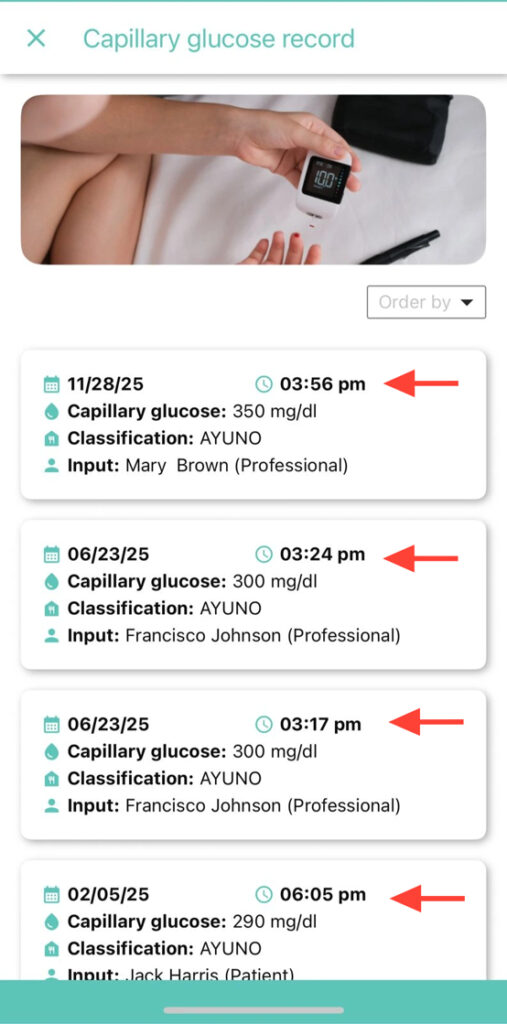
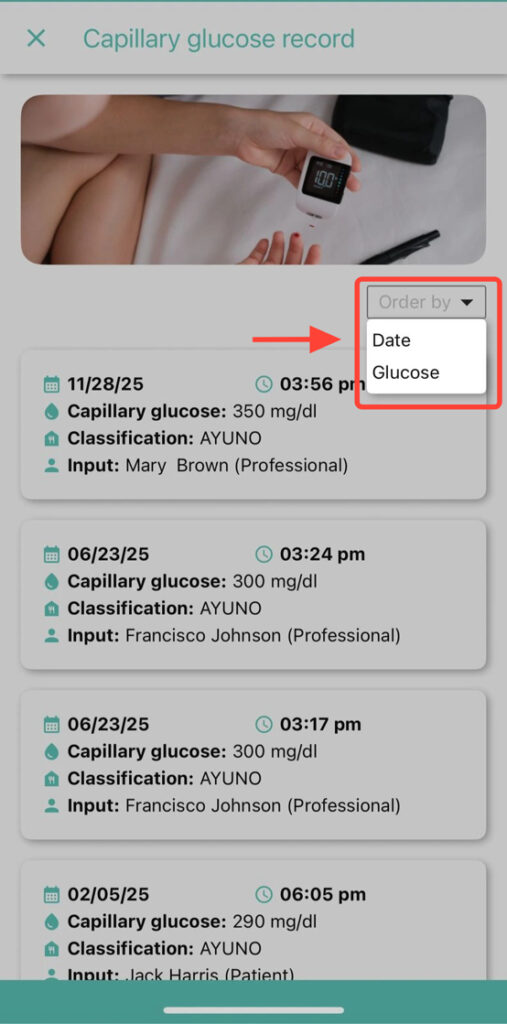
4. You will be able to see all available records, whether they were manually entered by you or your healthcare professional.
5. By tapping on the option you choose, you can sort them by date or glucose level.