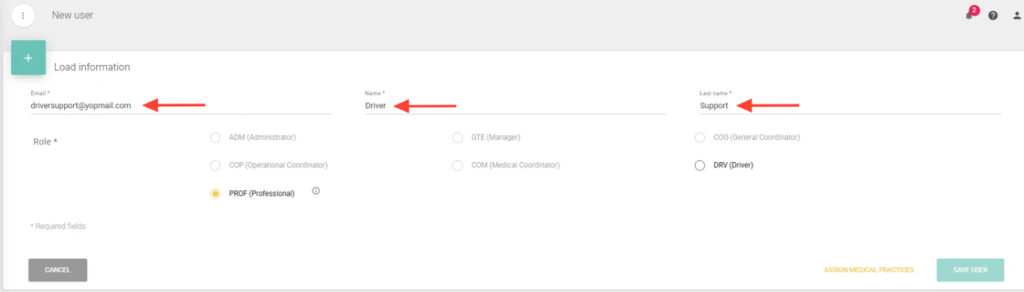
3. Fill in the required fields: Email, First Name, and Last Name.
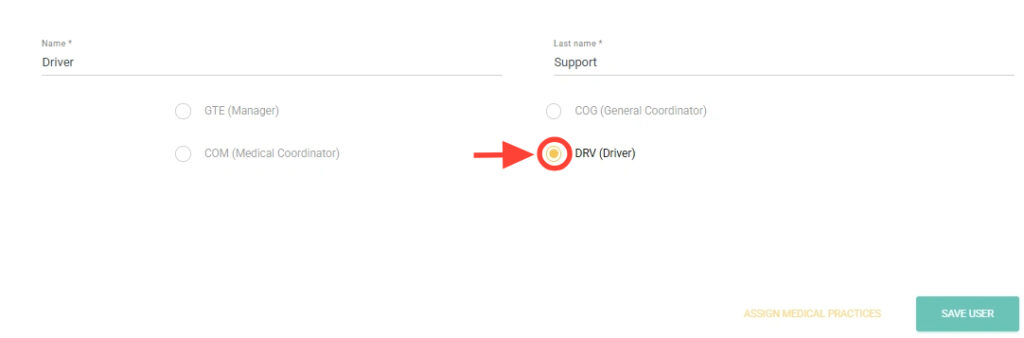
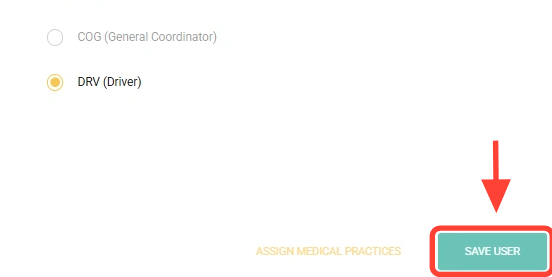
4. Click the DRV (Driver) role.
5. Press Save User.
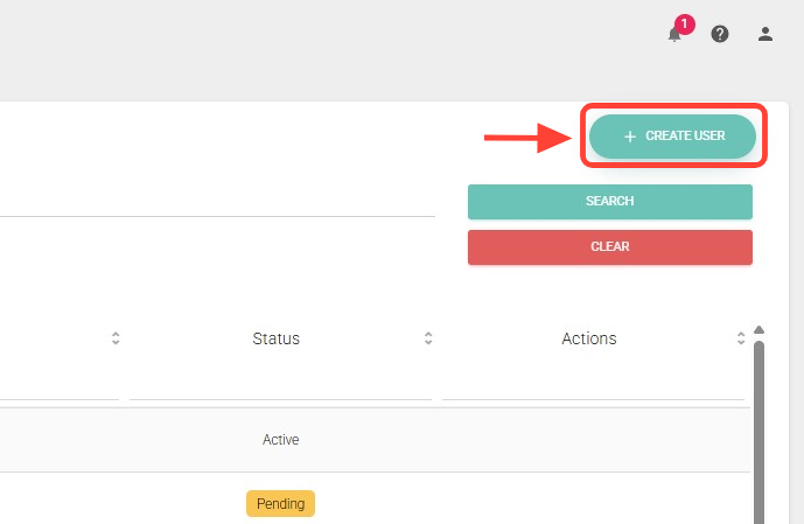
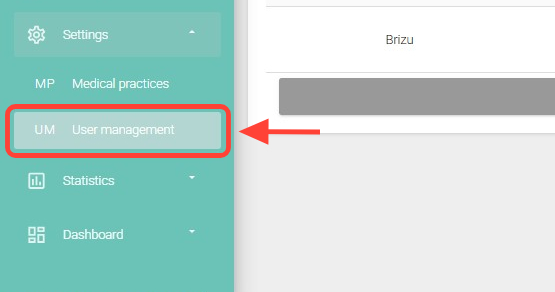
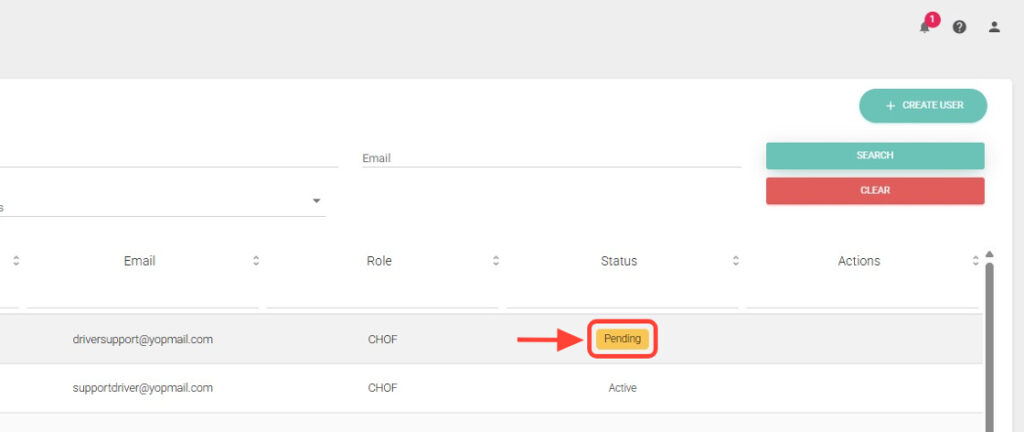
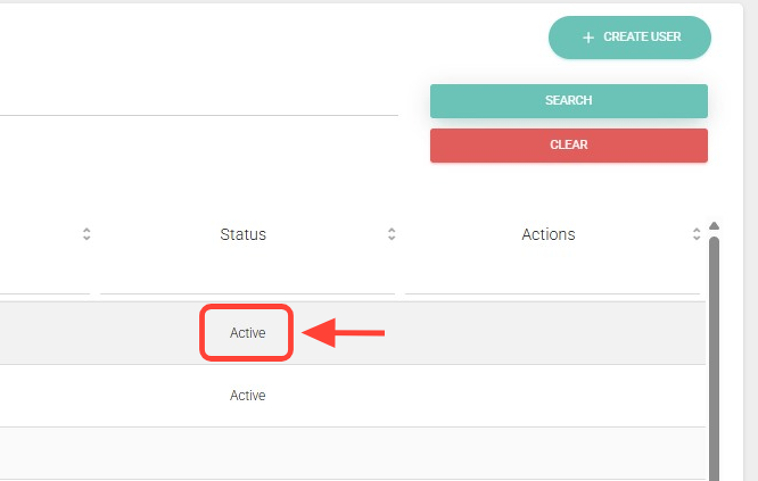
6. From User Management, you can search for the driver to check if they are in Pending or Active status. Use the available filters such as email, name, status, etc.
7. If the driver is in Pending status, it means they have not accepted the invitation yet. Keep in mind they have 72 hours to do so. After this time, you will need to create the user again.
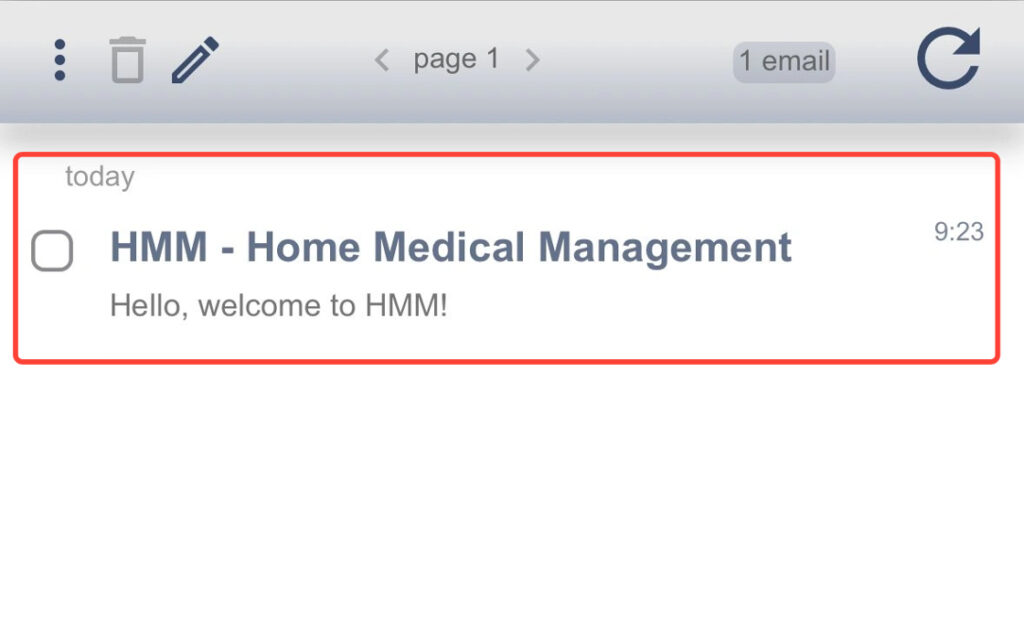
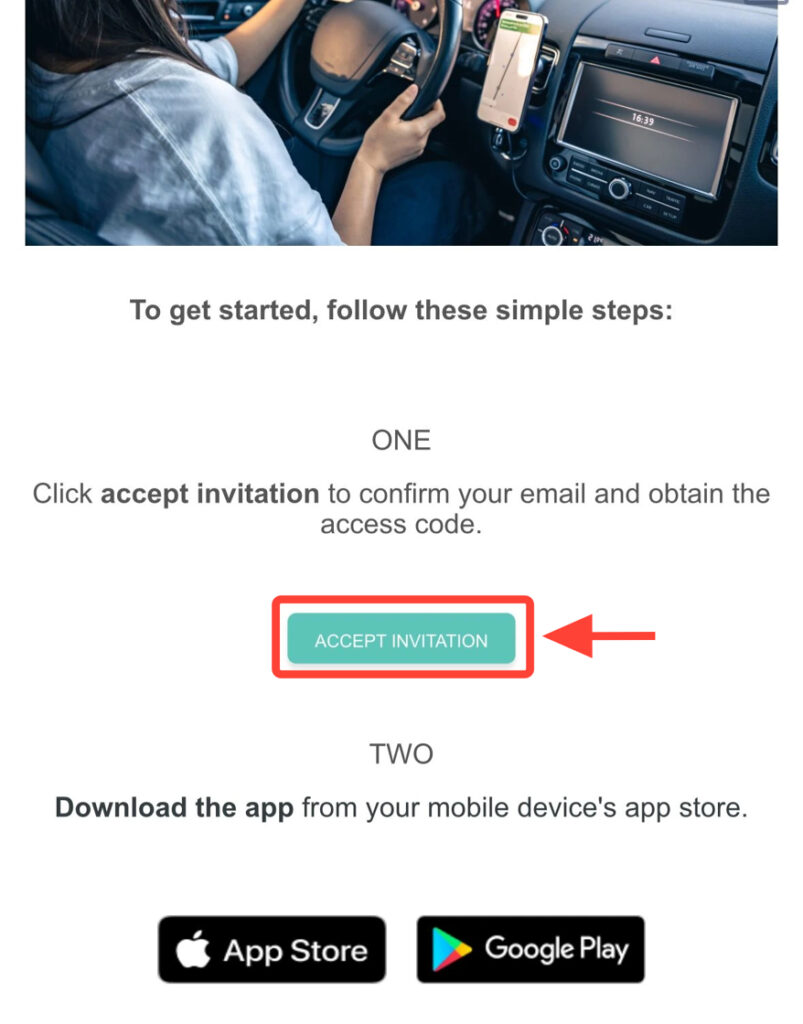
8. Once the user is created, the driver will receive an invitation via email, which they must accept to activate their access.
9. They must clic “Accept Invitation” to complete the access process.
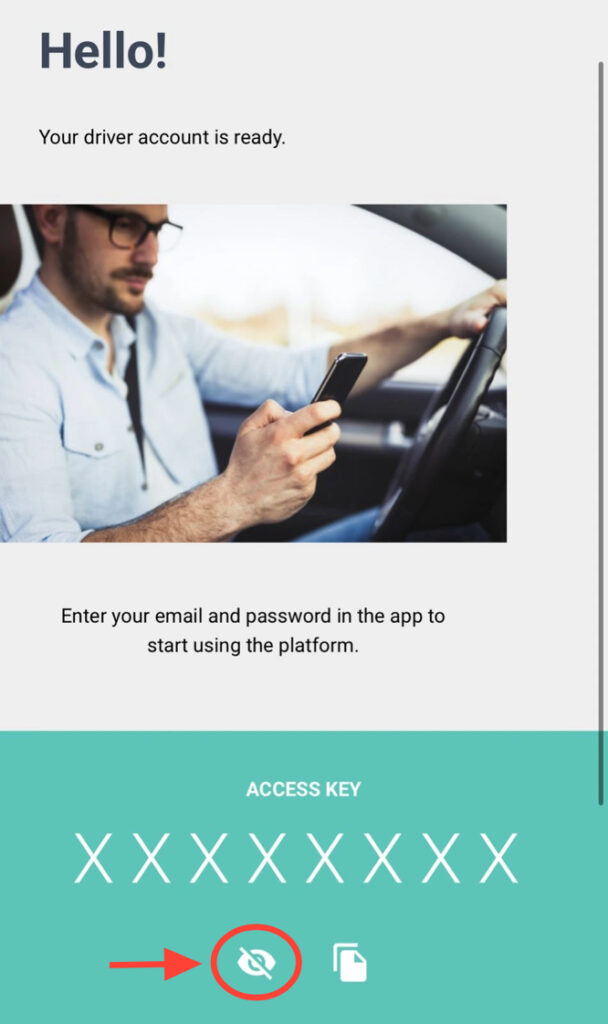
10. Upon accepting the invitation, they will receive the access key, which can only be viewed once. If they close the browser or email, they must reset their password using Emma or by clicking Forgot My Password in the app.
11. Once the driver accepts the invitation, their status will show as Active on the web. Remember that on their first access to the app, they must complete their registration.
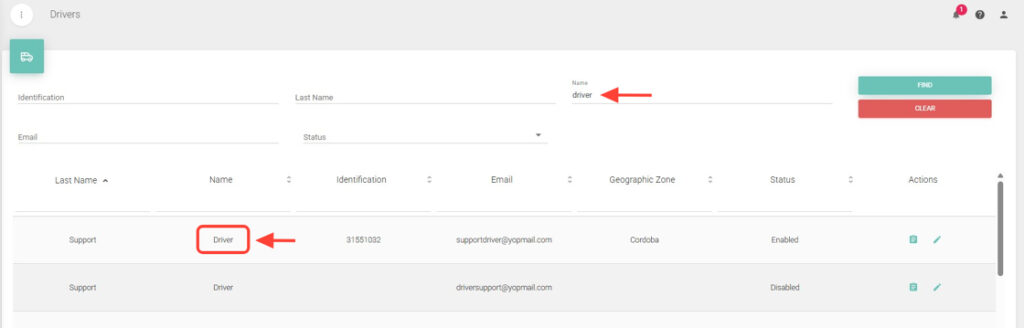
12. After completing it, you will be able to find them in the Drivers section.