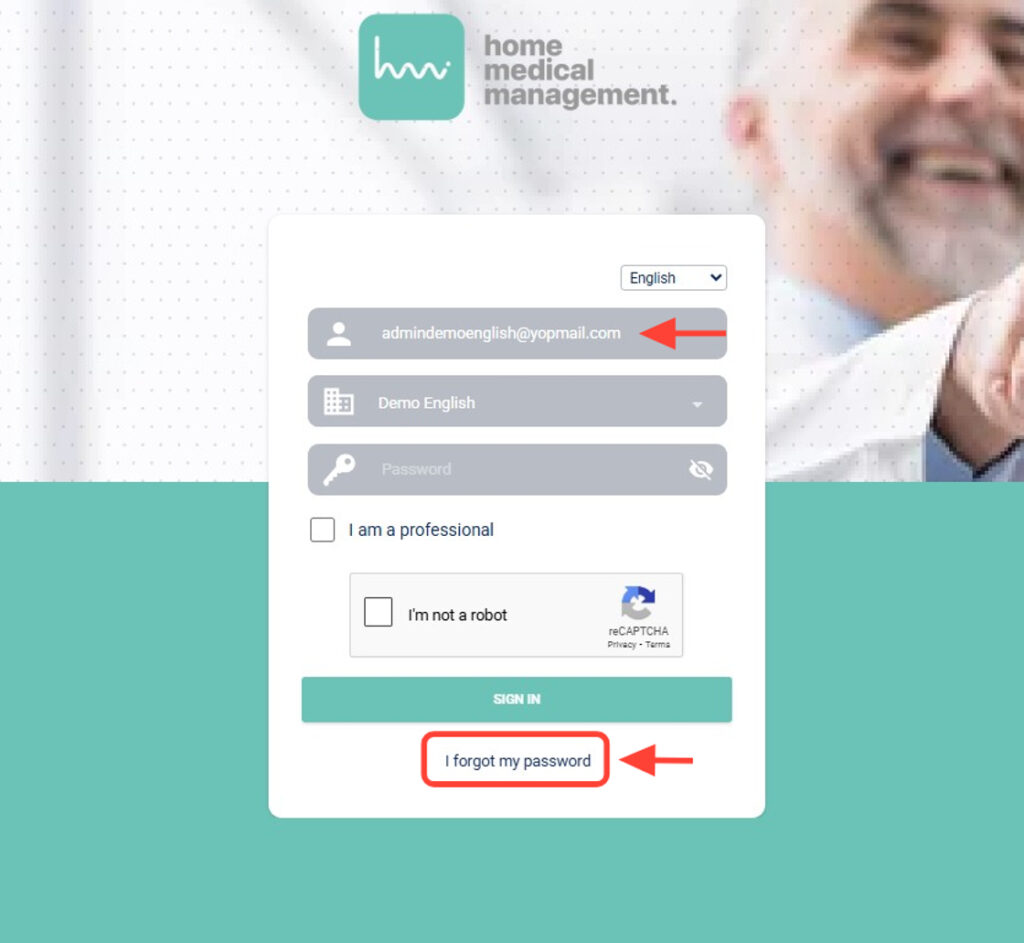
Go to the URL https://admin.hmmglobal.com/login and, in the User field, enter the email you use to access the web.
Then click “Forgot my password.”
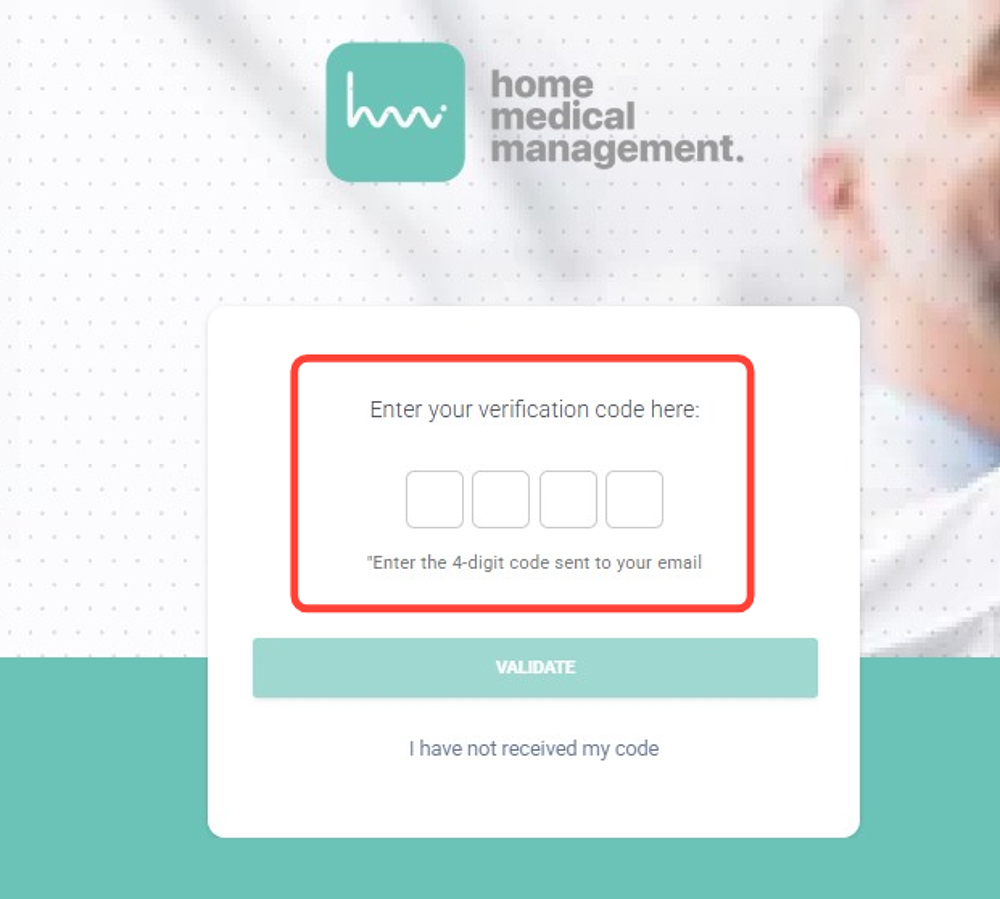
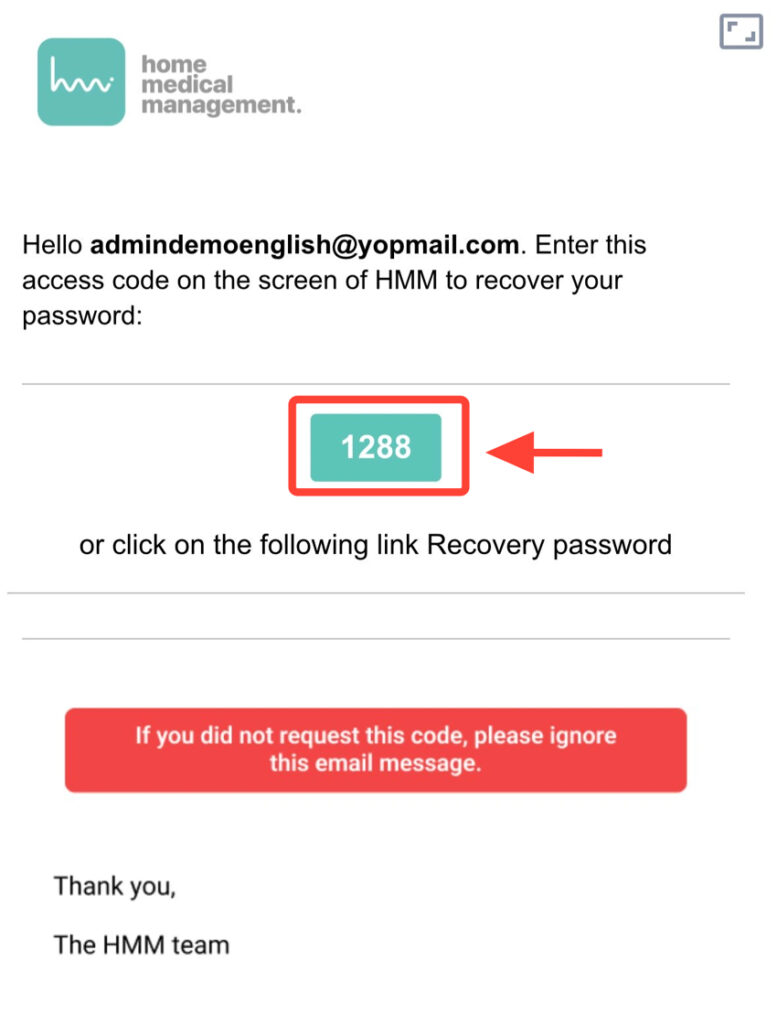
2. You will be asked to enter a 4-digit code, which you will receive in your email.
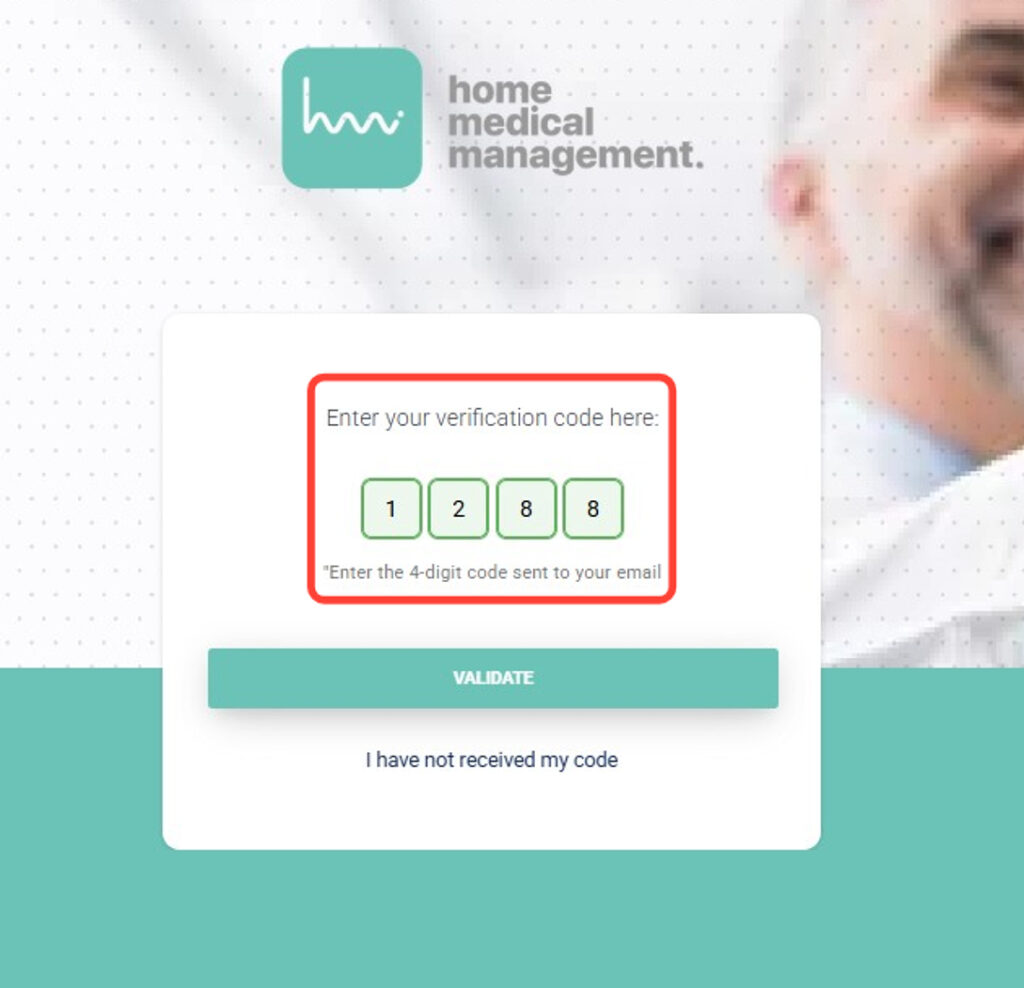
3. You can enter the code by copying it into the corresponding fields on the website. Alternatively, you can click Recover password directly from the email to generate a new one.
4. If you use the code you received, enter it into the four input fields.
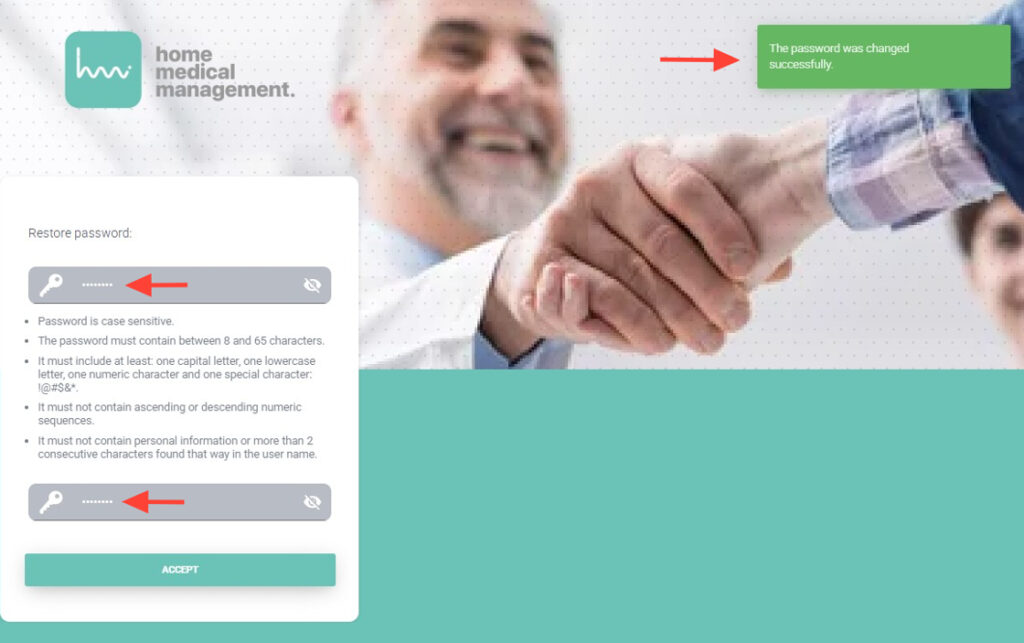
5. Enter your new password and click Accept to finish.