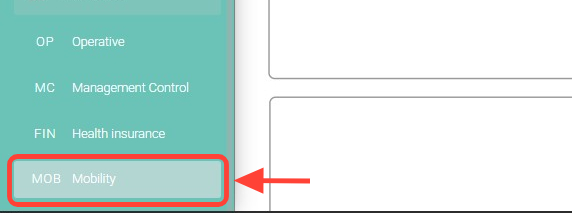
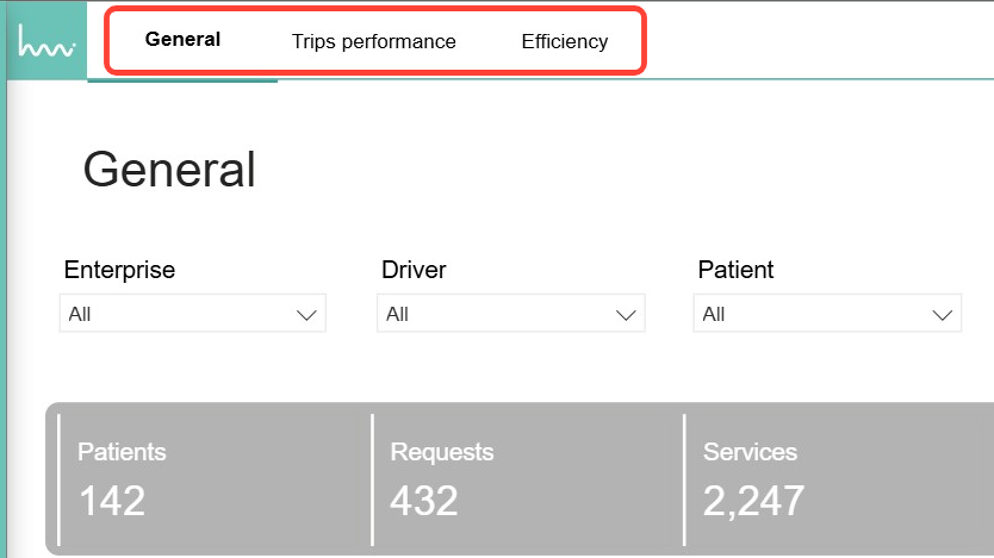
2. Once inside, you can access the sections you need, such as General, Trips perfomance and Efficiency.
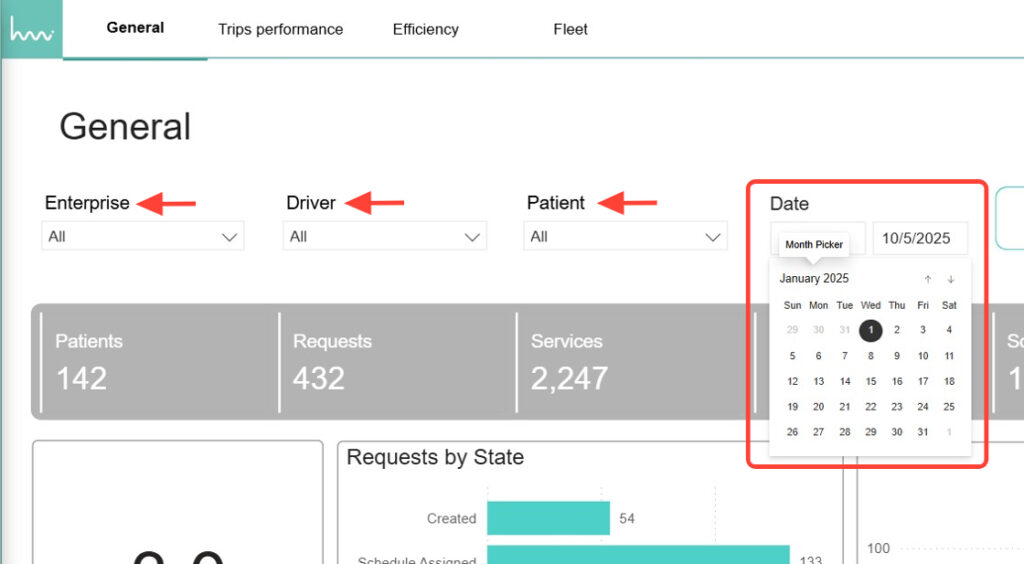
3. In each section, use the available filters to make your search more specific, for example, Date Range, Enterprise, Driver, etc., depending on the section you are in.