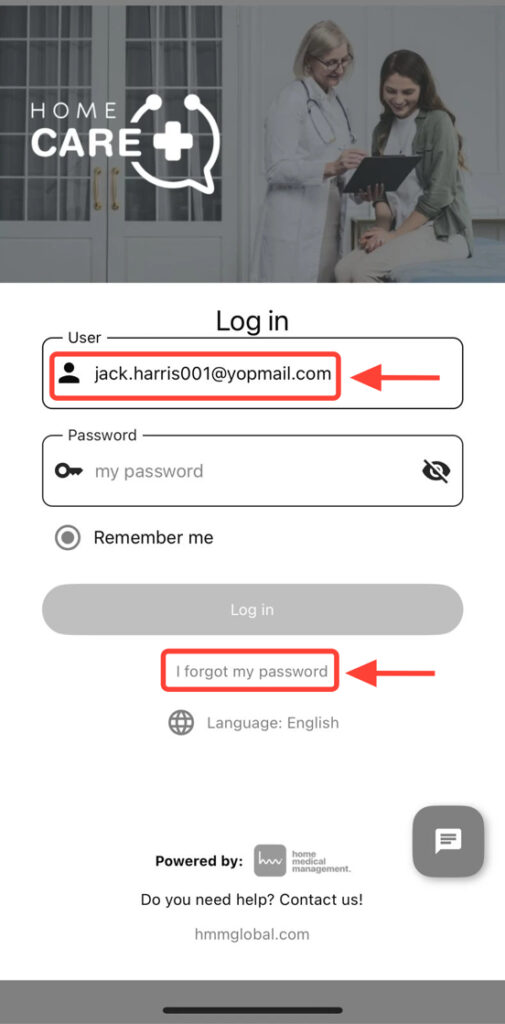
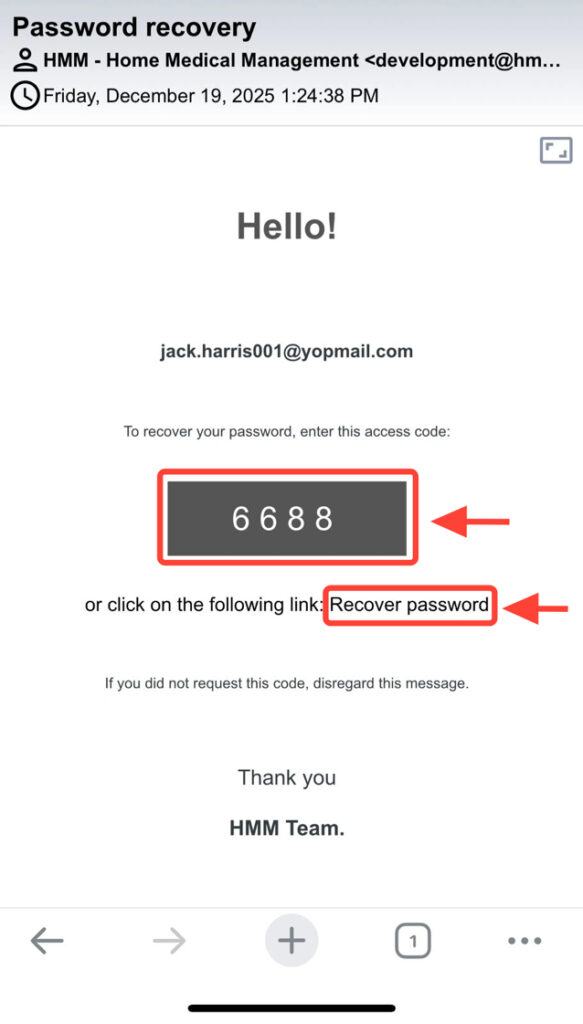
2. You will receive a 4-digit code in your email. Open it to view it.
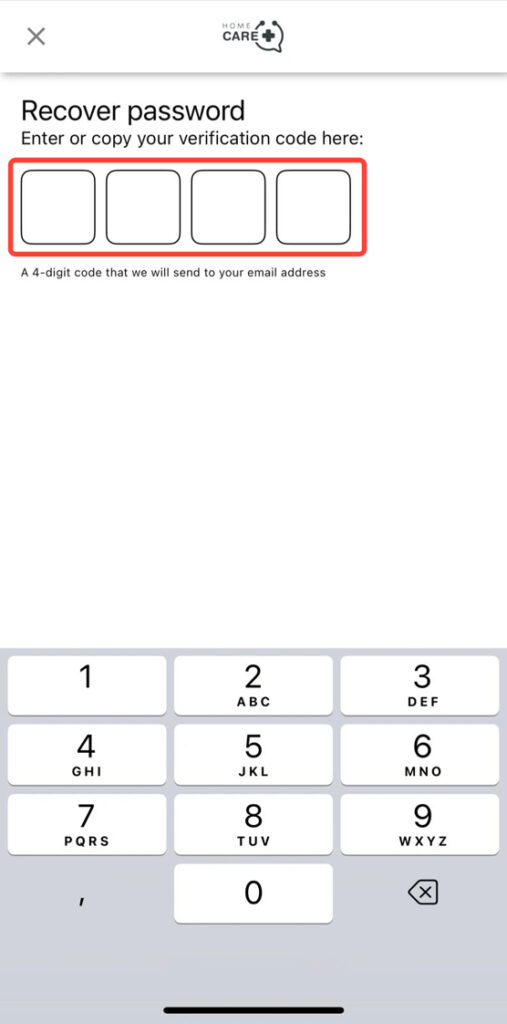
3. Enter the code in the app in any of the following ways:
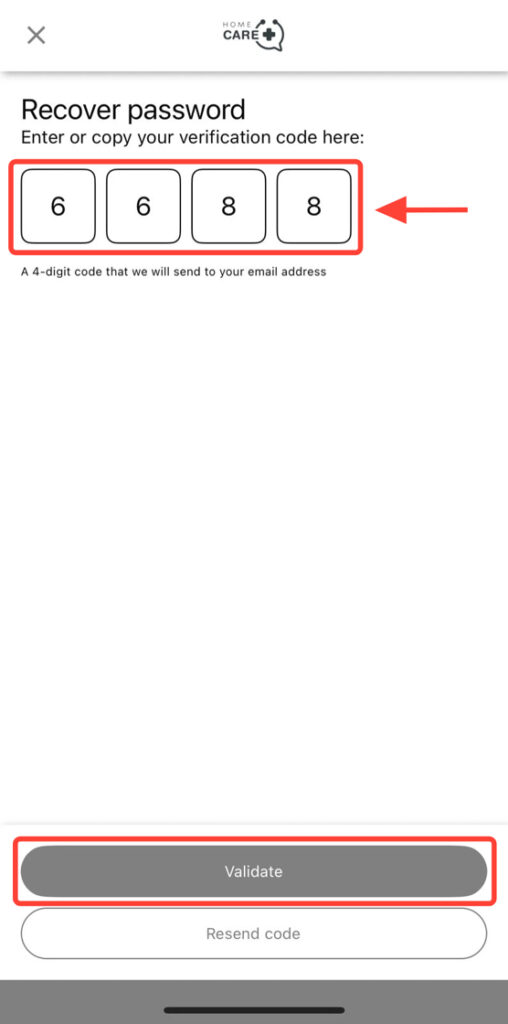
-Copy the code into the four fields.
-By tapping Recover password from email to generate a new one.
4. Enter the four-digit code and click Validate.
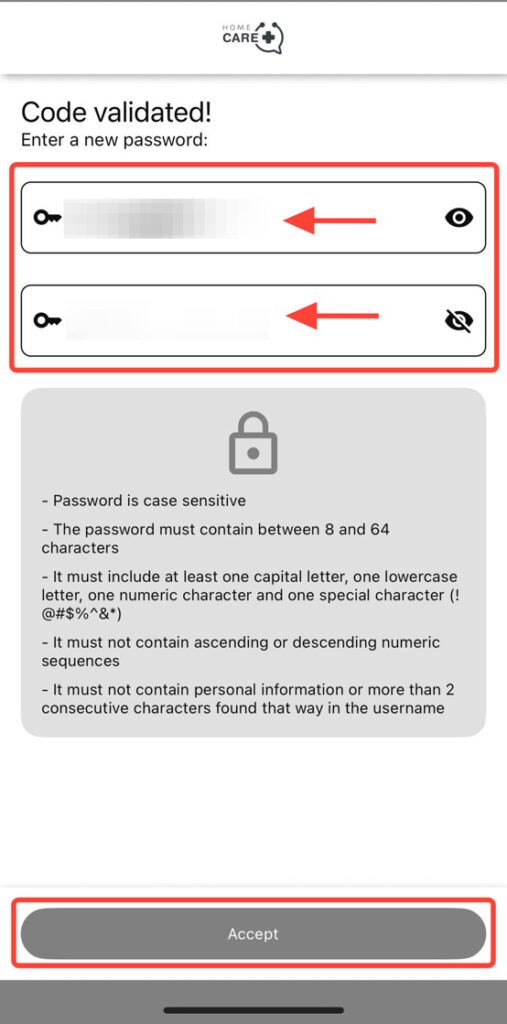
5. Enter your new password and click Accept to complete the process and reset your access.
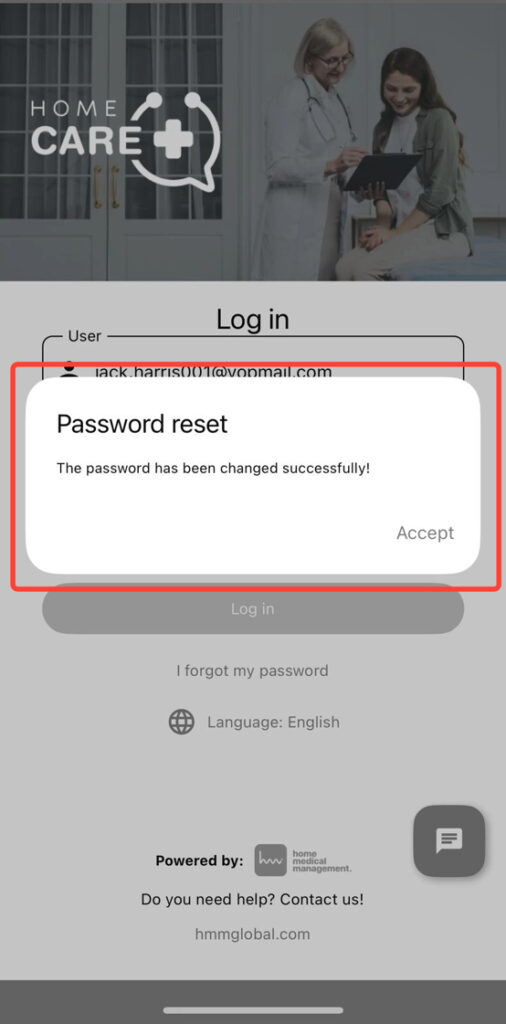
6. At the bottom, you will see a notification confirming that your password has been successfully reset.