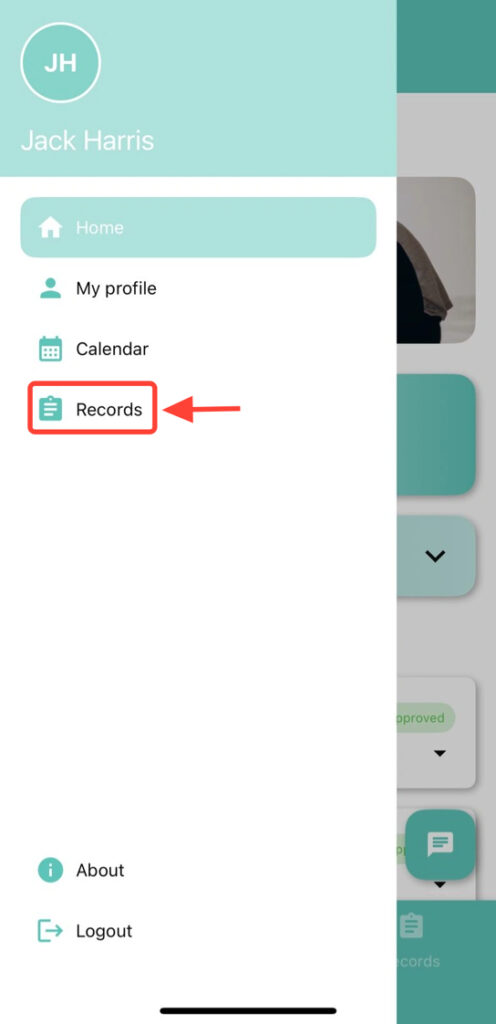
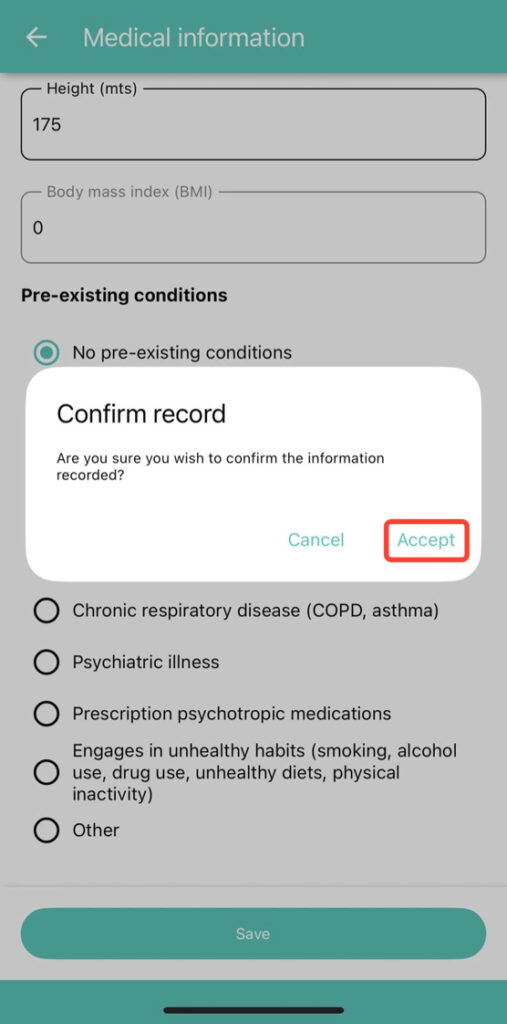
From the left side menu or the main screen, tap Records.
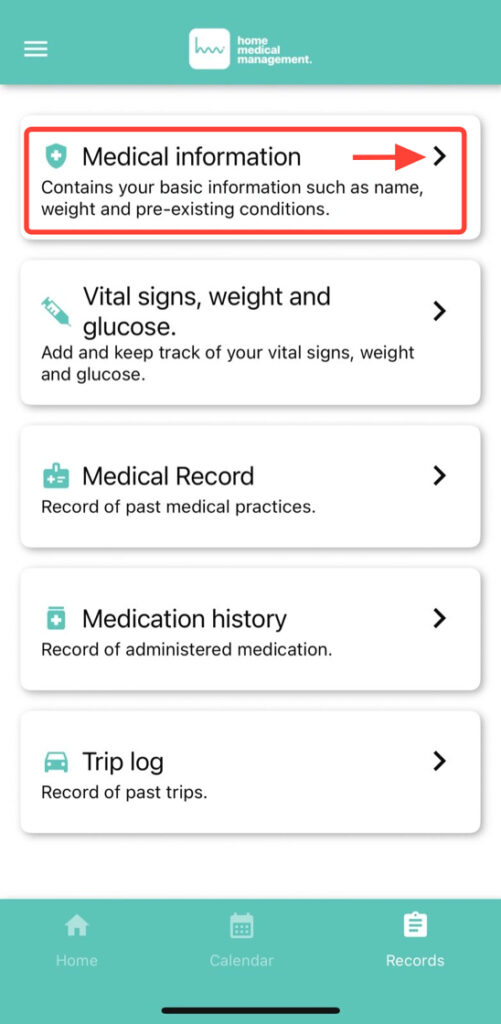
2. Tap Medical Information.
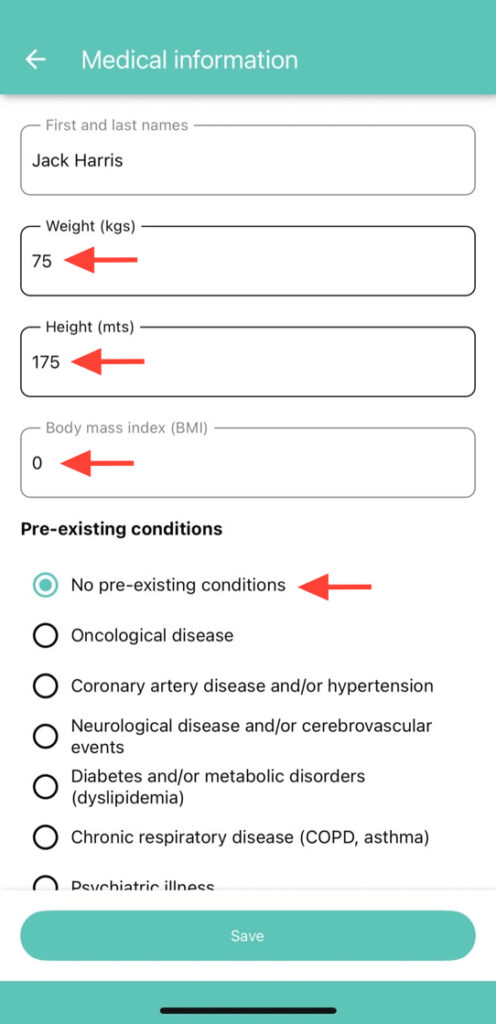
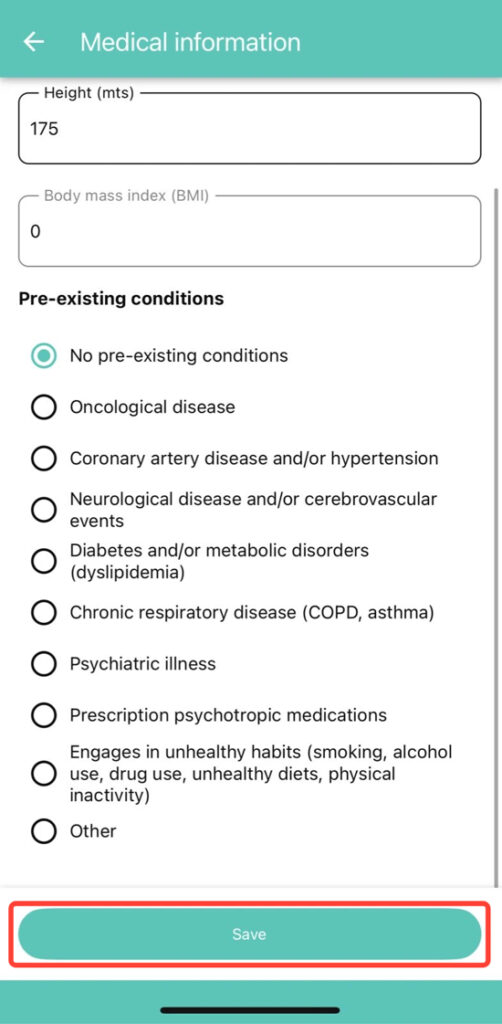
3. You will see your weight, height, and body mass index. You can also select your pre-existing conditions and edit the fields you need. If you did not make any changes, go back by tapping the arrow.