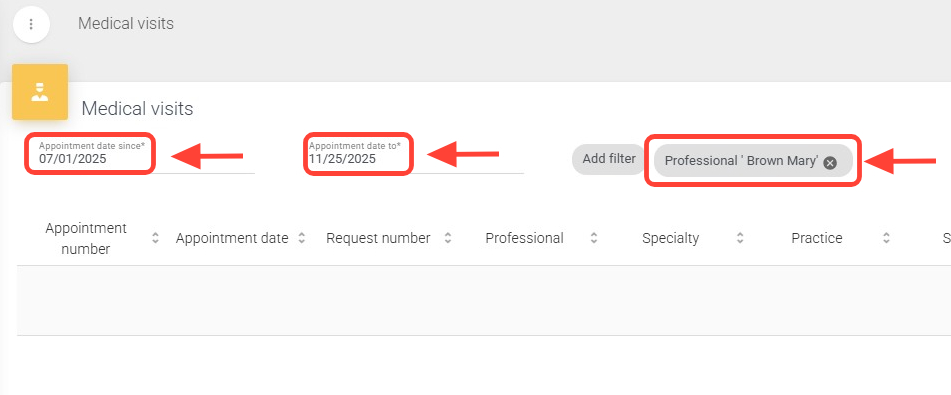
2. Fill in the required fields marked with an asterisk (\*) and, if desired, add additional filters such as Professional, Procedure, or others.
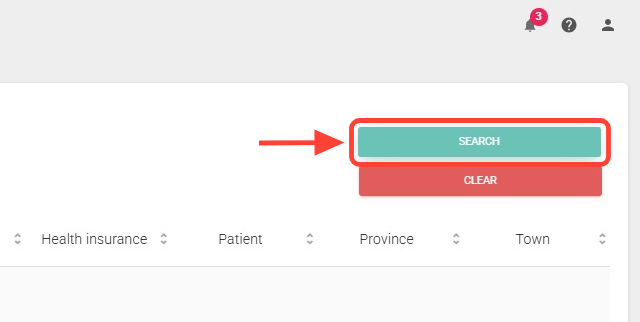
3. Click Search to view the medical visit results.
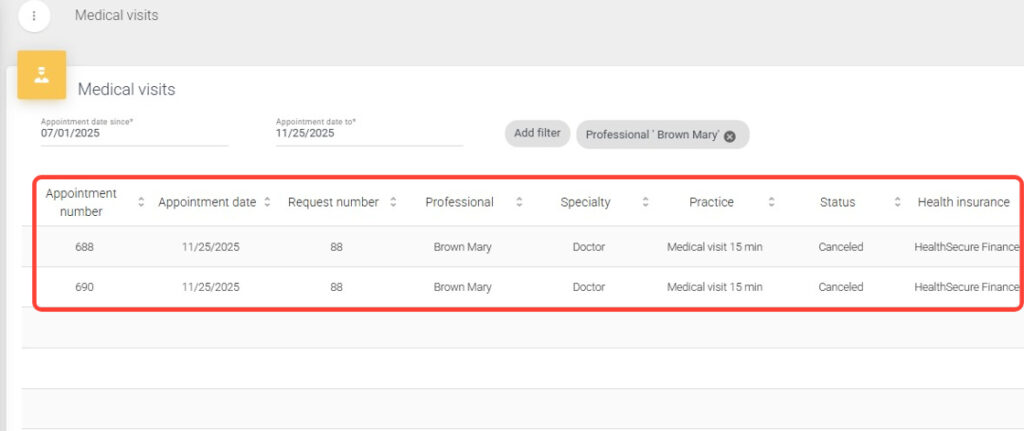
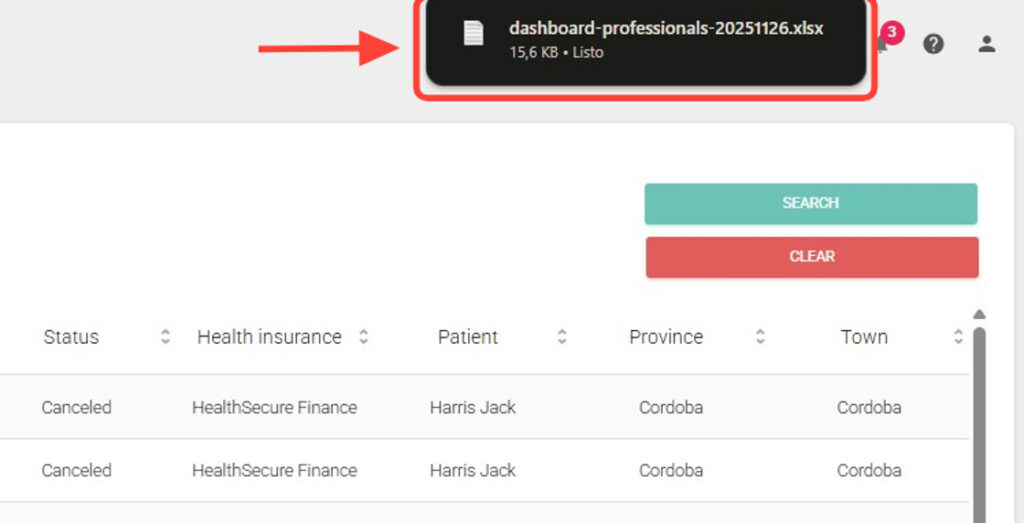
4. The results will display detailed information such as Appointment Number, Date, Assigned Professional, Appointment Status, and more.
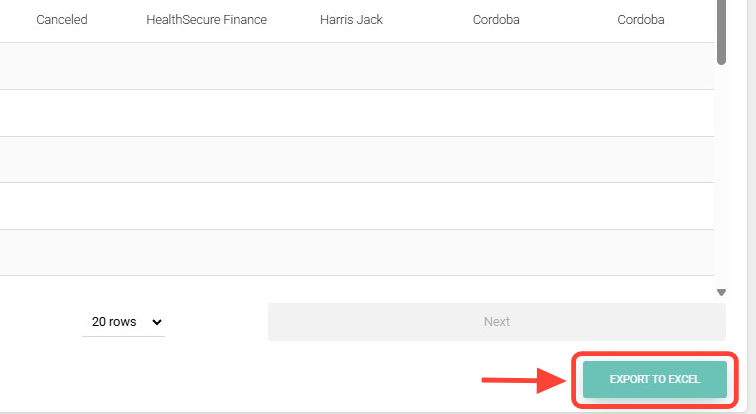
5. To export this data, click Export to Excel.
6. The file will be downloaded to your computer, usually in the Downloads folder.