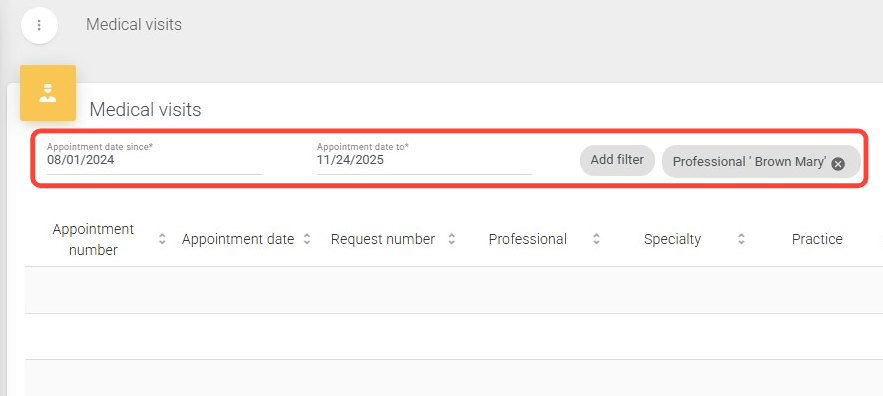
2. Fill in the required From and To date range fields. If desired, apply additional filters such as Professional, Practice, and others.
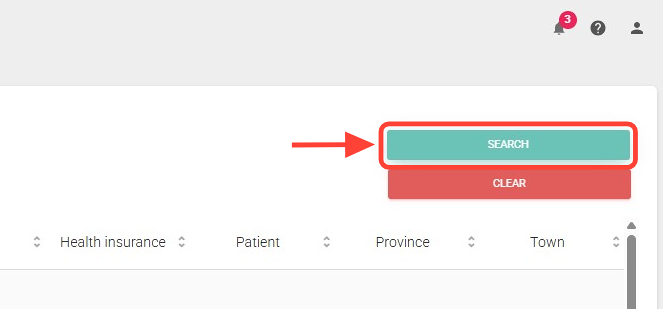
3. Click the Search button to display the results.
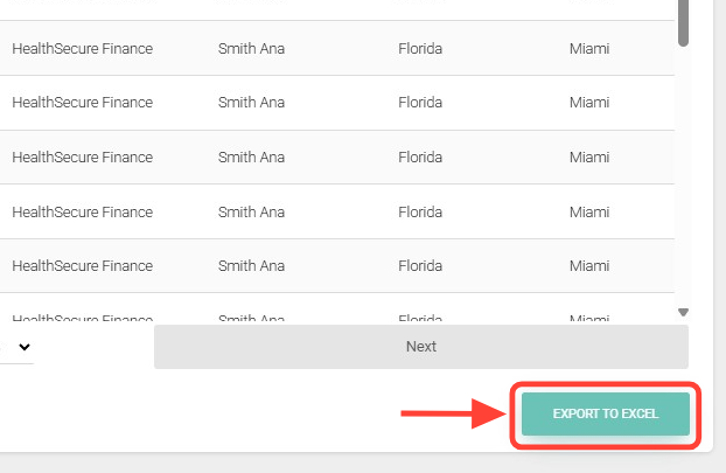
4. In the bottom-right corner, click Export to Excel.
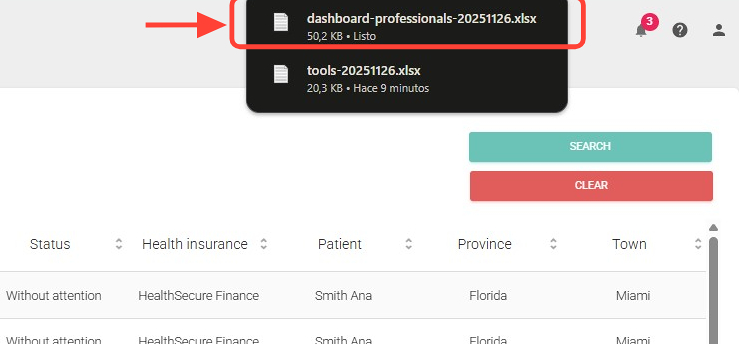
5. The file will download automatically to your computer; look for it in your Downloads folder.