Go to the Statistics > Professional Performance section.
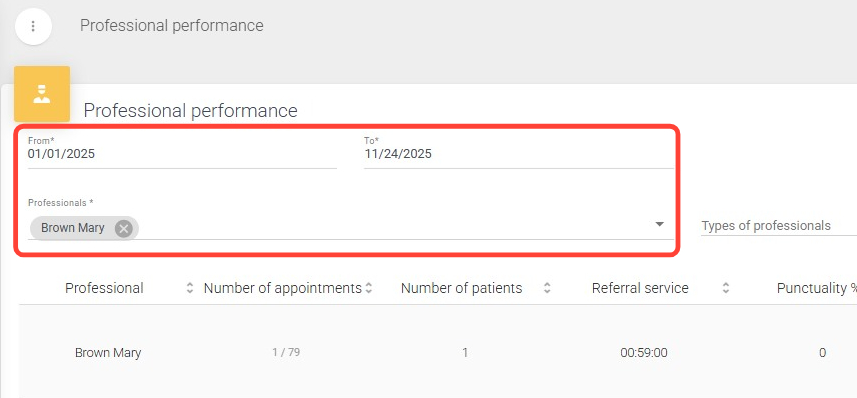
2.Fill in the required From/To date range fields and the Professionals field. If desired, use the Professional Types dropdown menu to select the type you need.
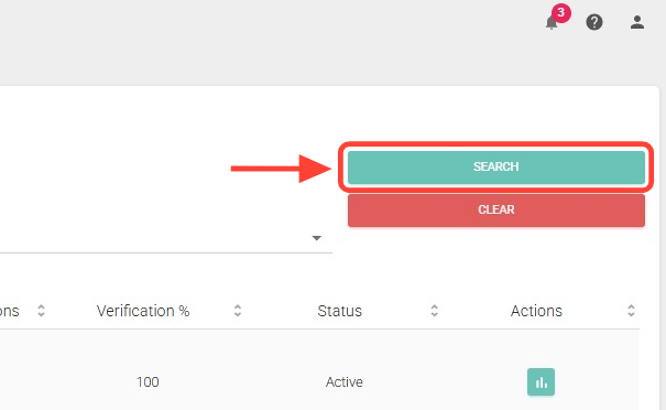
3. Click the Search button to obtain the results.
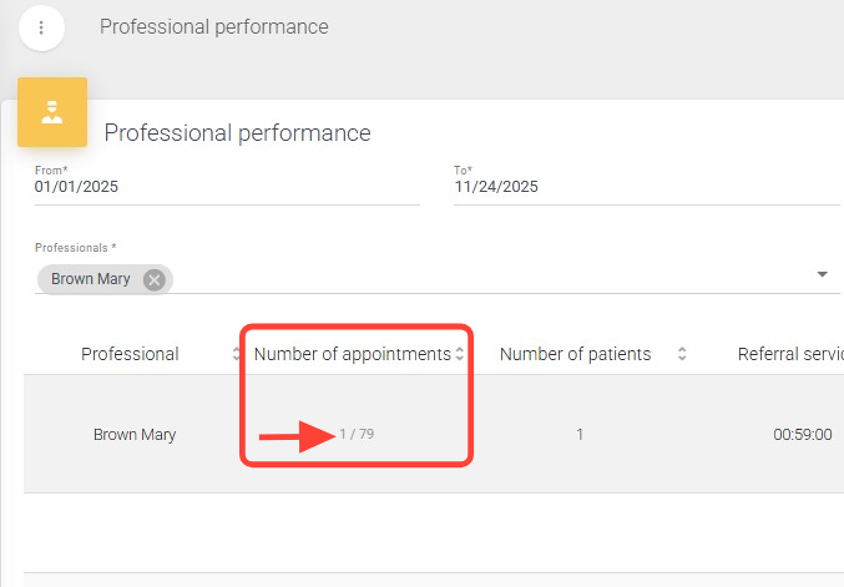
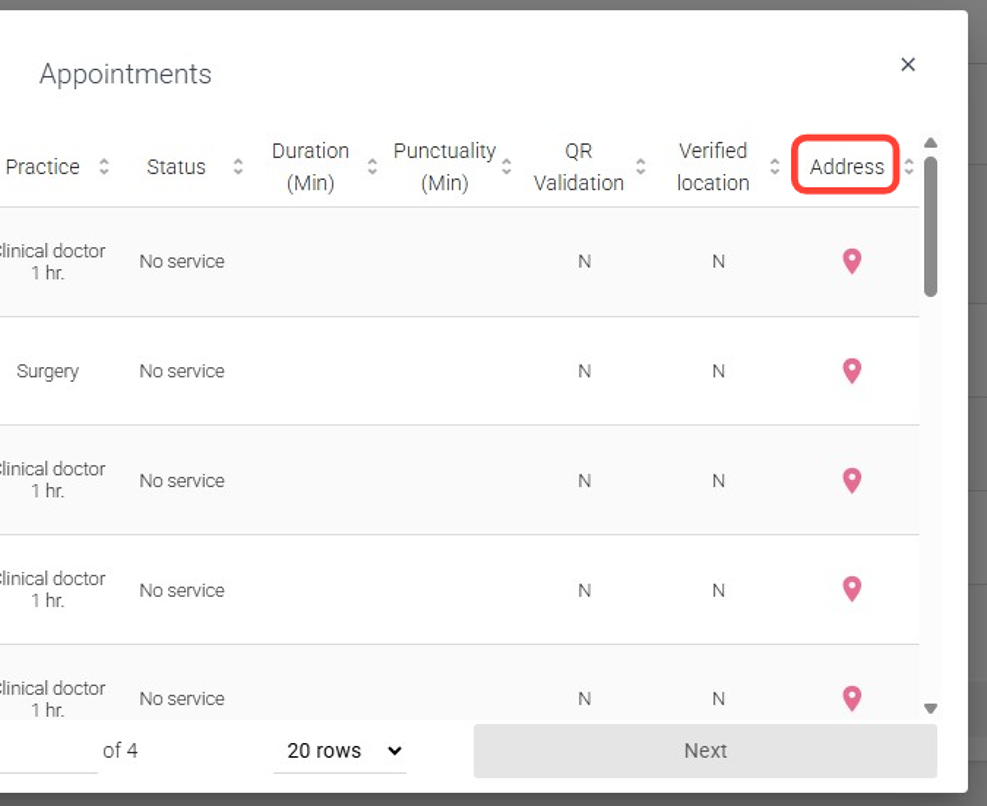
4.In the Number of Appointments column, click to view the appointments assigned to the professional. These may appear in different statuses: Unattended, Canceled, Completed, among others.
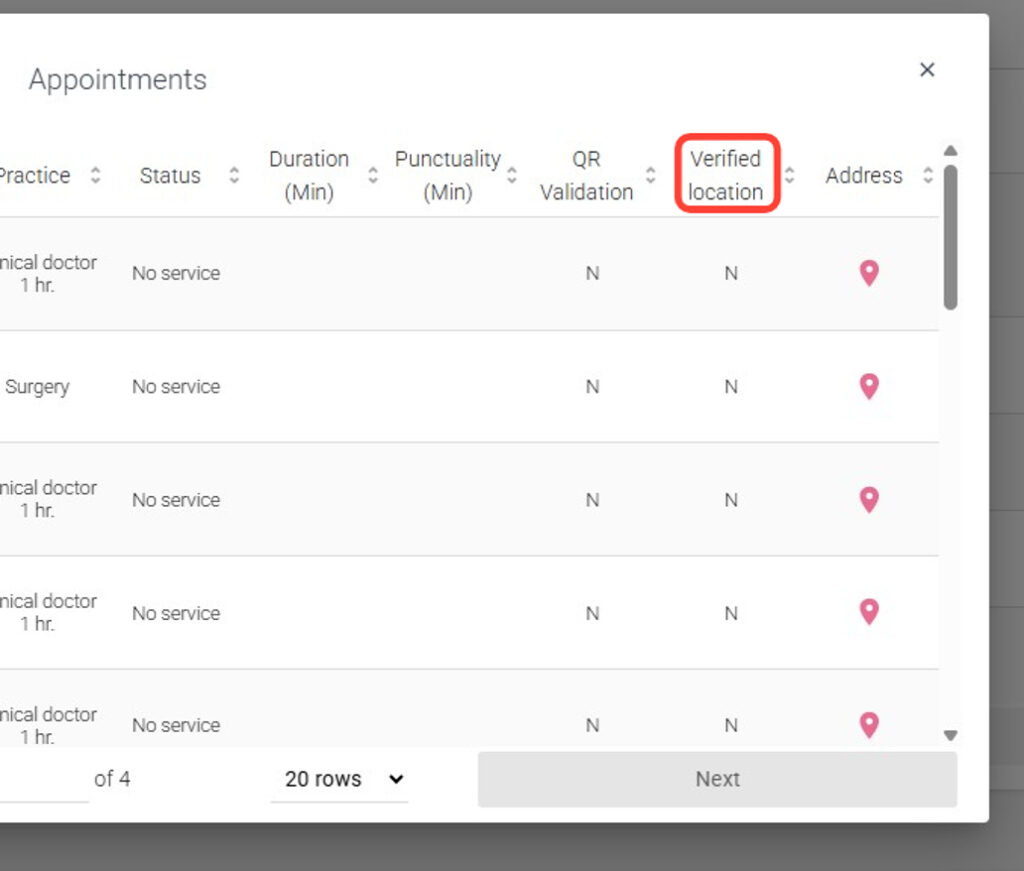
5.In the Verified Location column, you will see two types of results:
N: The professional started and ended the appointment outside the patient’s home.
S: The professional started and ended the appointment inside the patient’s home.
6.In the Address column, click to view the patient’s service location.