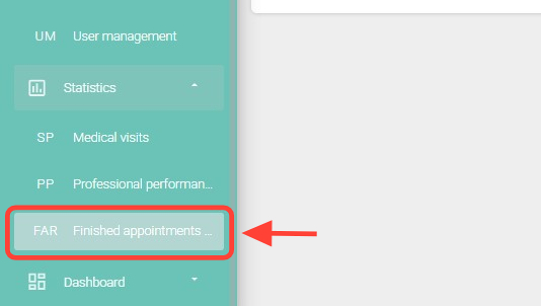
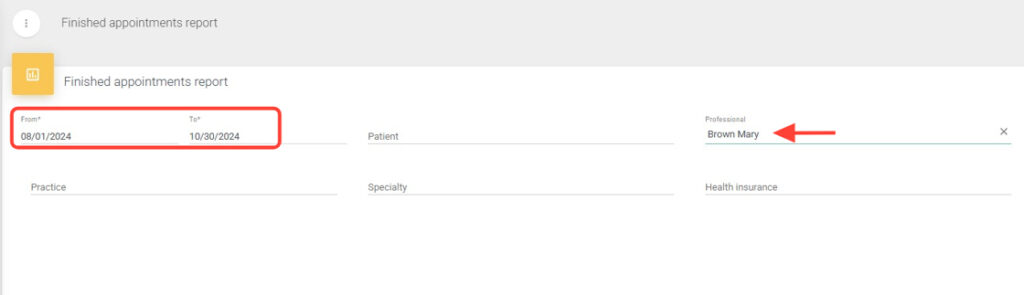
2.Fill in the required From/To date range fields.
If desired, use the additional fields — Patient, Professional, Practice, Specialty, Payer — to perform a more specific search.
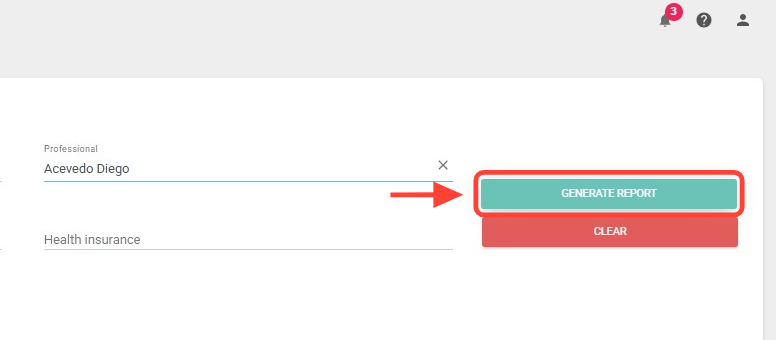
3.Click the Generate Report button to successfully generate it.
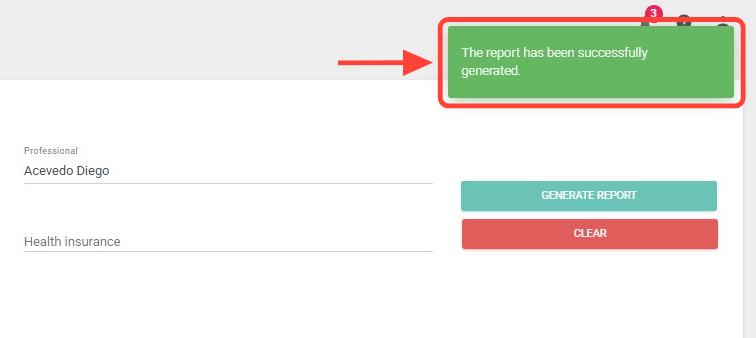
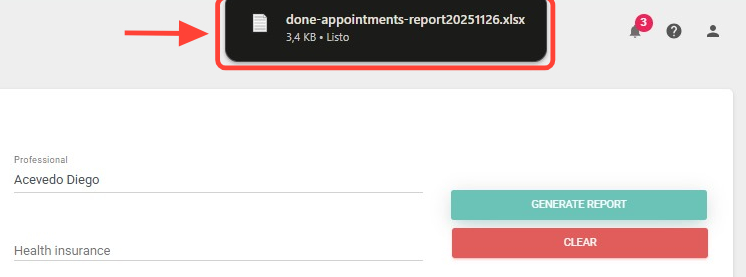
4. A notification confirming that your report has been successfully generated will appear in the upper-right corner.
5. The file will download automatically to your computer; look for it in your Downloads folder.