HMM Global
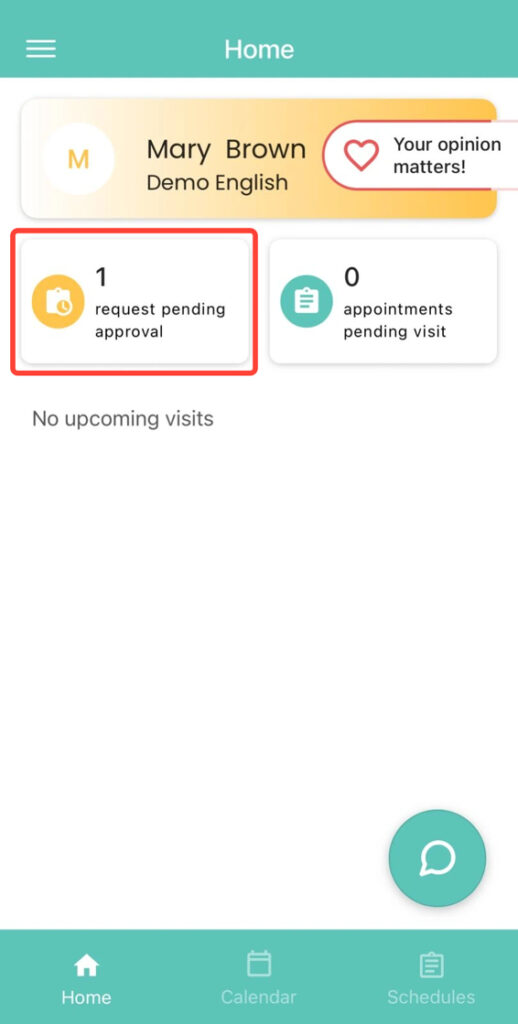
2. On the Home screen, tap the requests pending approval option located in the upper-left corner.
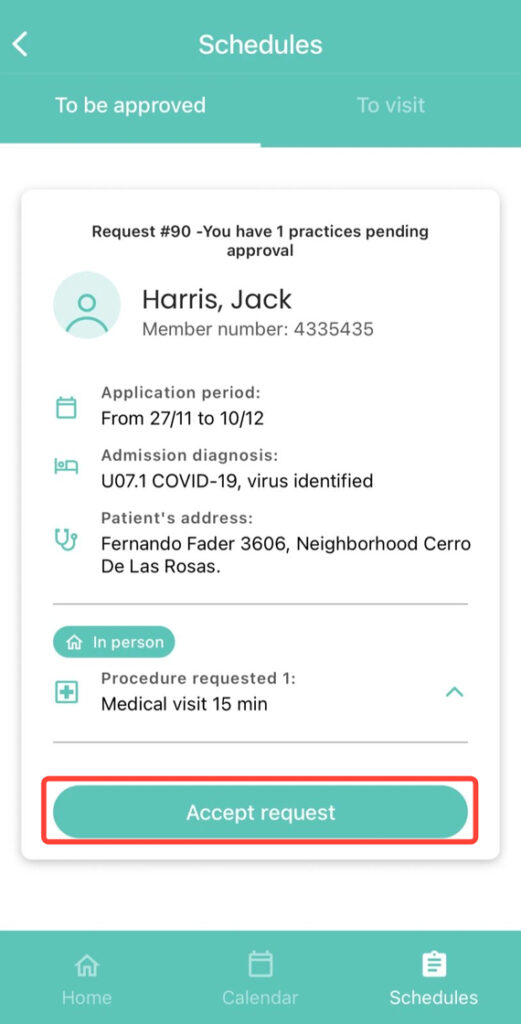
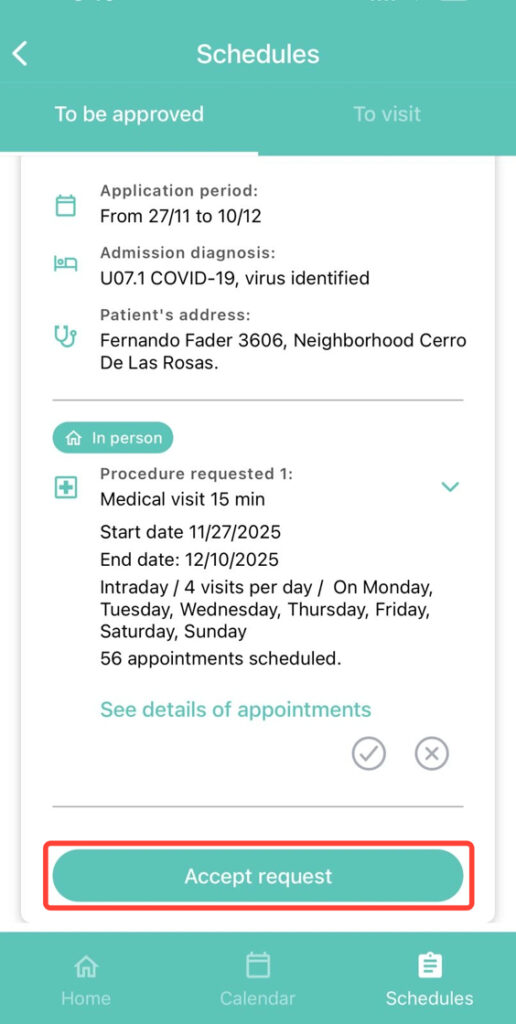
3. Tap the Accept Request button to approve the entire request.
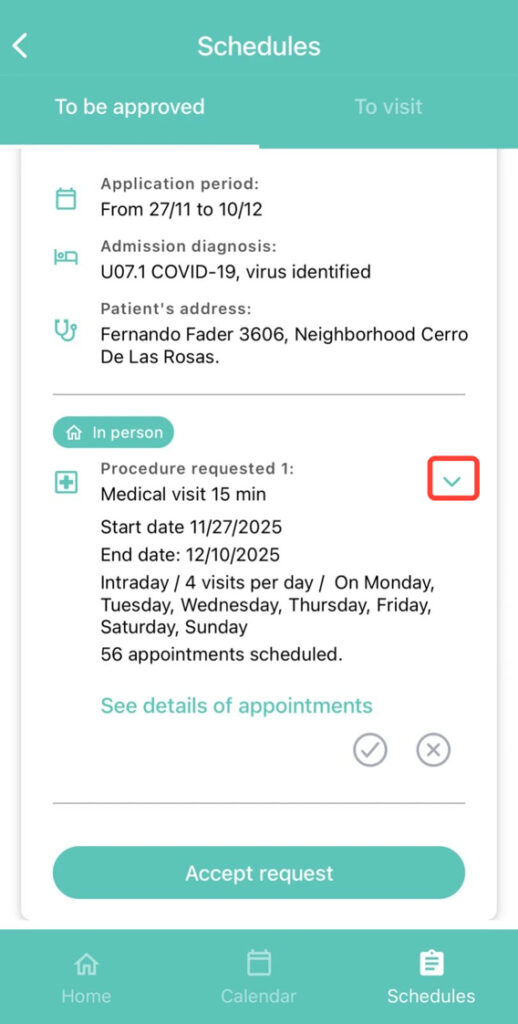
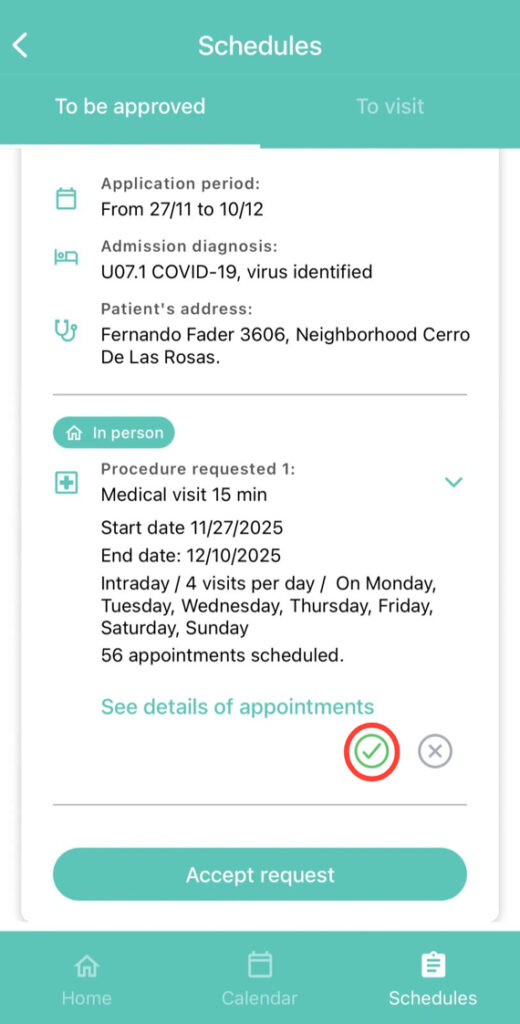
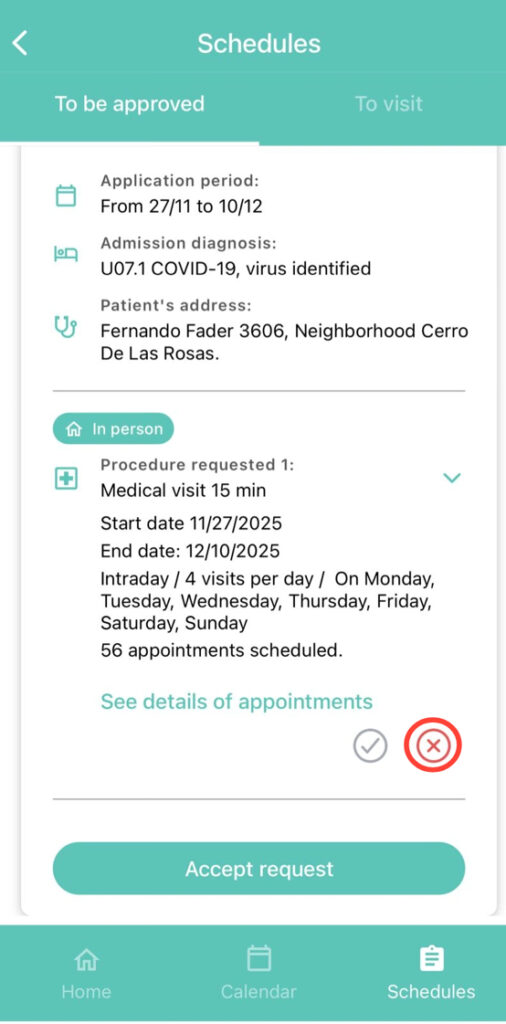
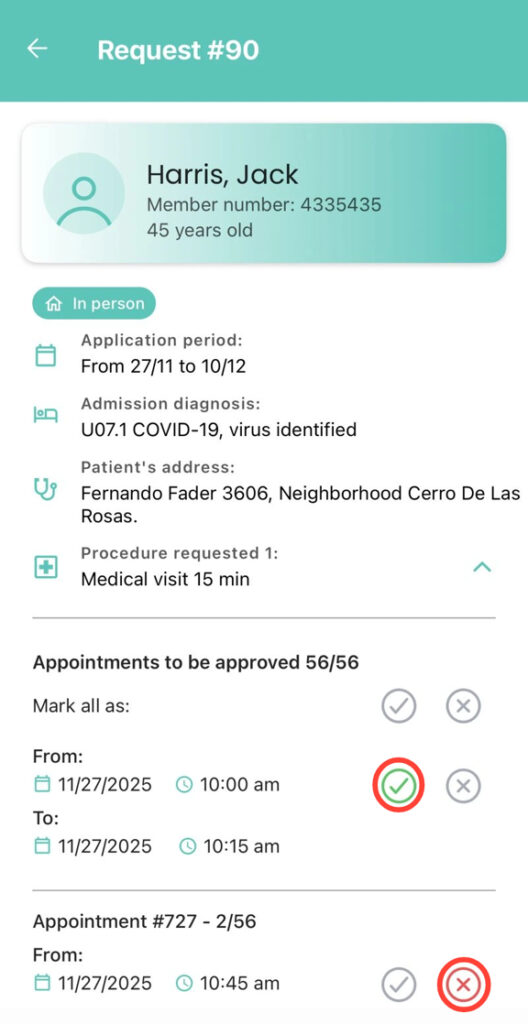
4. You can also tap the arrow inside the Practice section to manage it:
5. PTap the check mark to approve all appointments in bulk.
6. Tap the cross to reject the entire request.
7. For either option, you must confirm by tapping Accept Request.
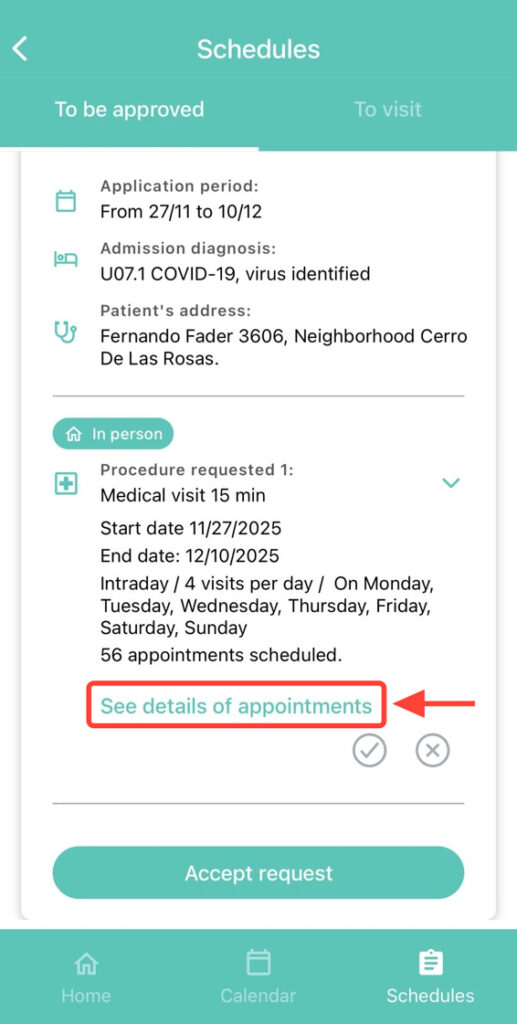
8. If you want to approve some appointments and reject others, select See details of appointments.
9. Once inside, choose which appointments to approve and which to reject.
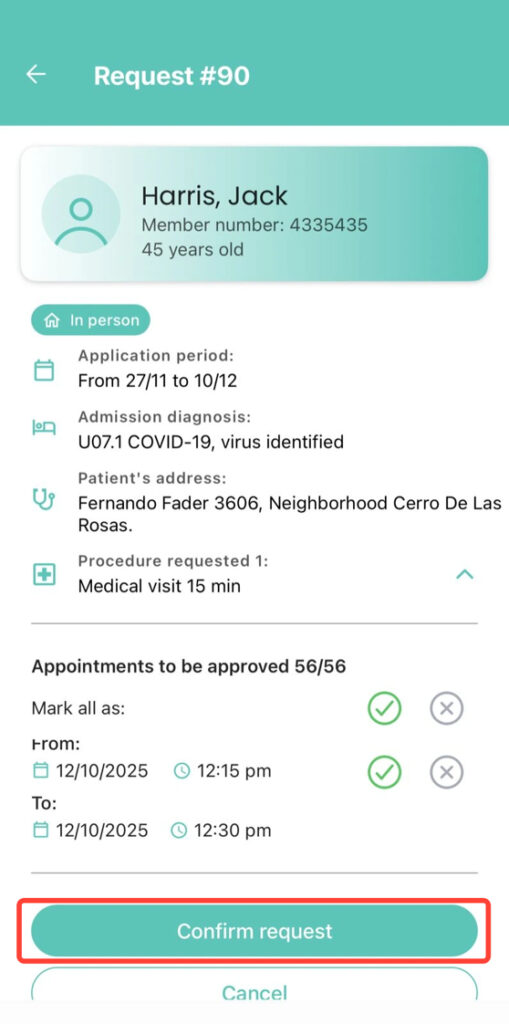
10. Finally, tap Confirm Request to save the changes.