HMM Global
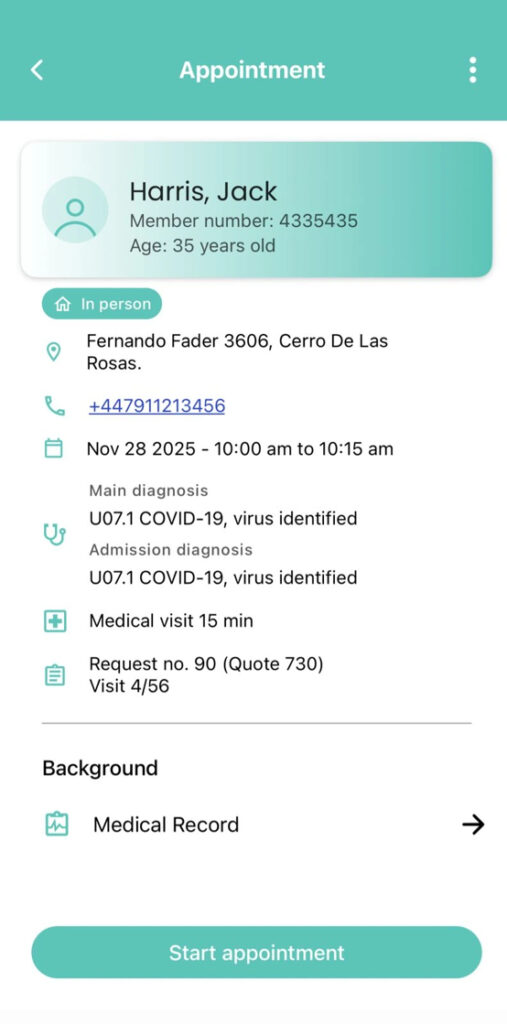
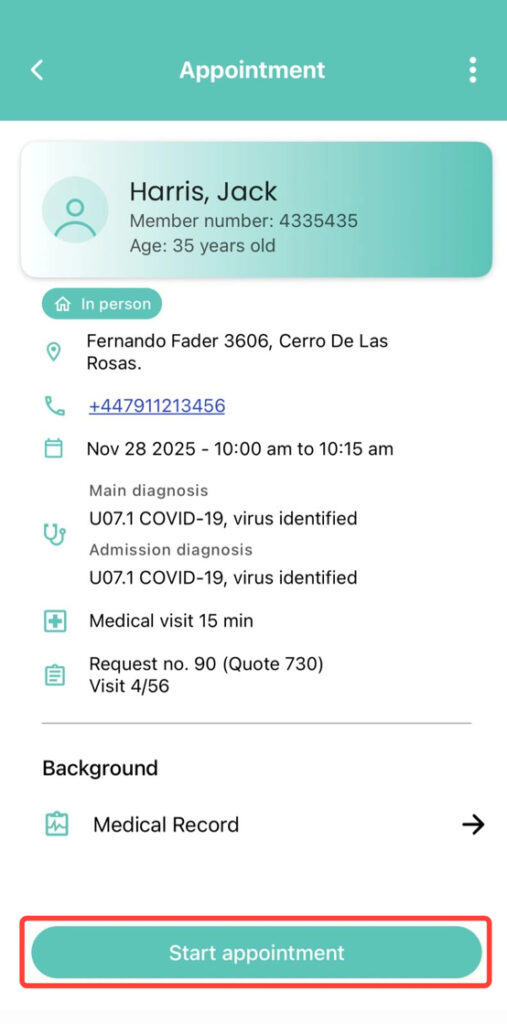
2. Once inside, tap Start Appointment.
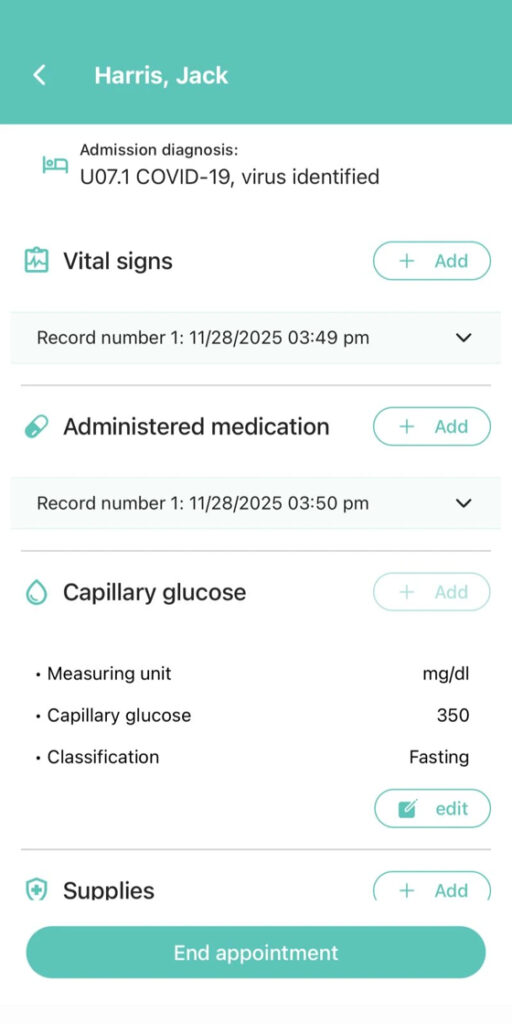
3. The appointment will be marked as In Progress. Keep in mind that you cannot open another one until you finish the current one.