HMM Global
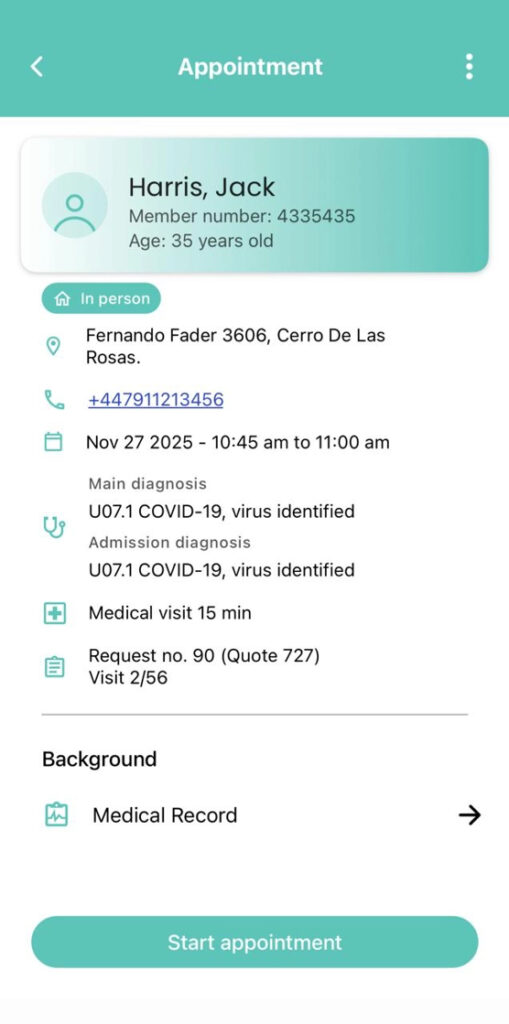
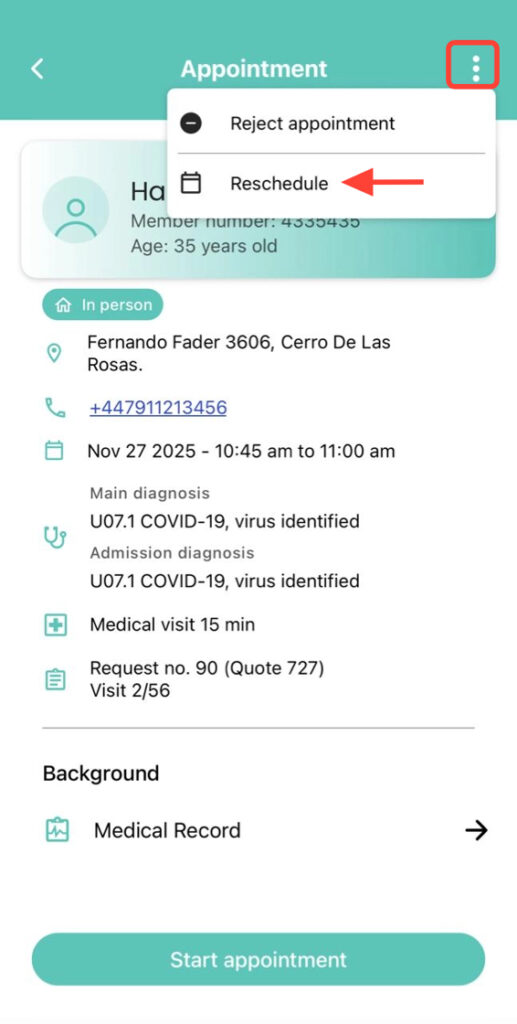
2. Inside the appointment, tap the three dots in the upper-right corner and select Reschedule.
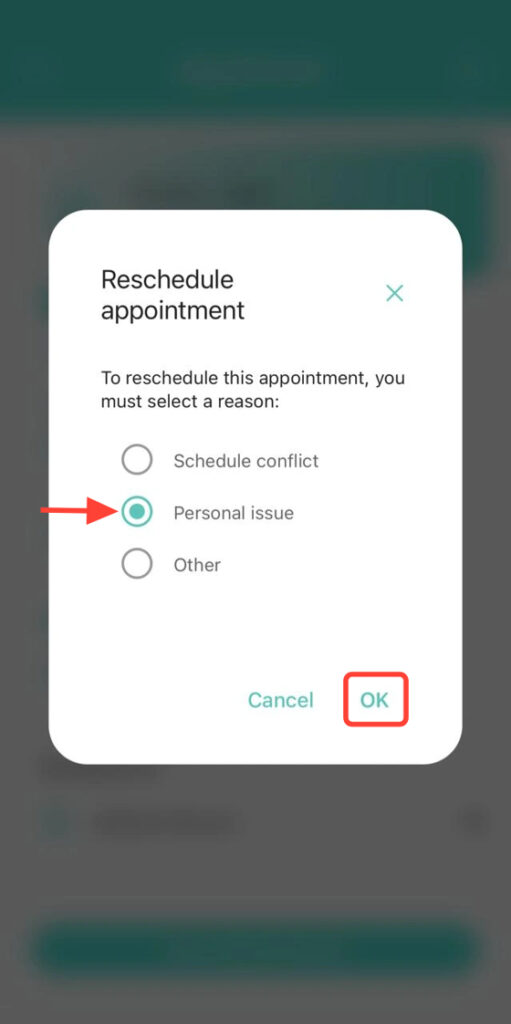
3. Choose the reason for the change and confirm.
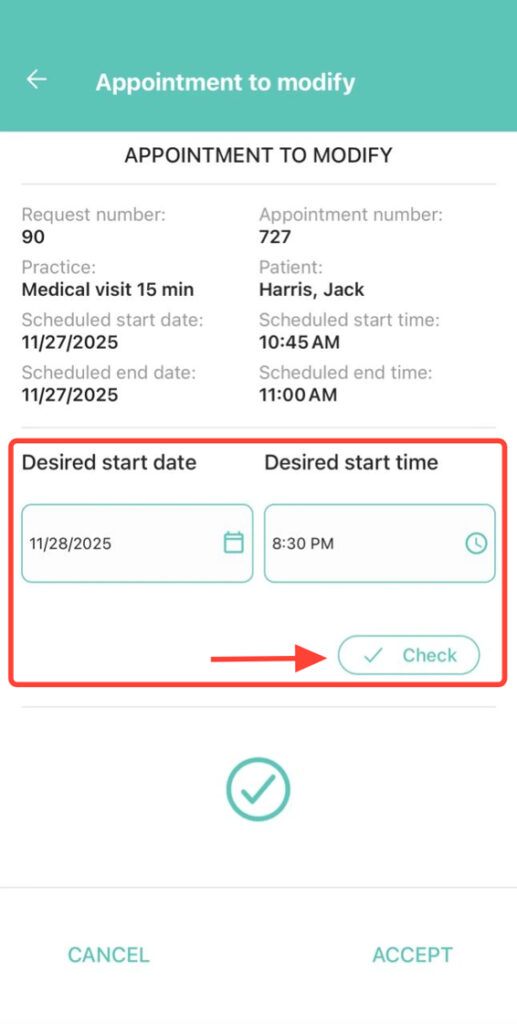
4. Set the new date and start time. Tap the check mark to validate availability. If it is not available, select another day or time.
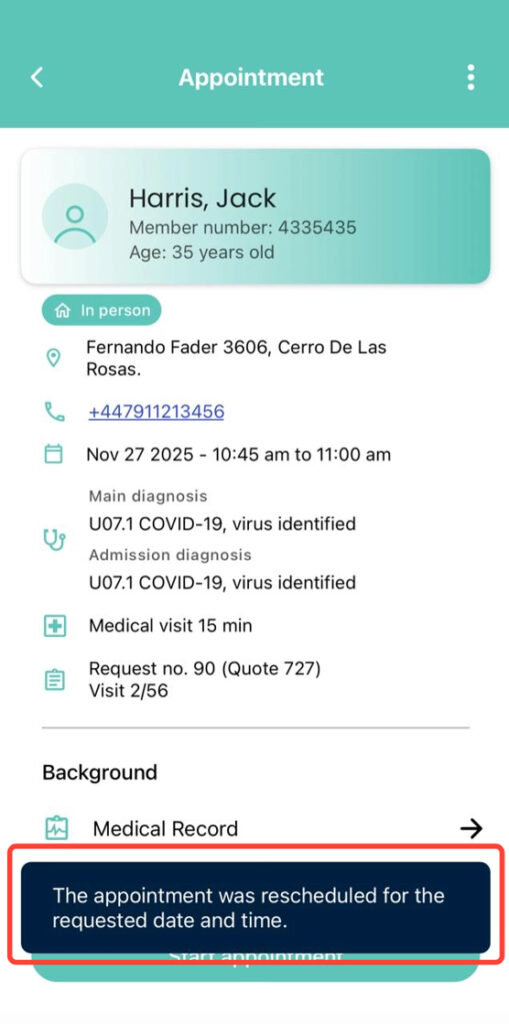
5. Once validated, press Accept to confirm the rescheduling.