HMM Global
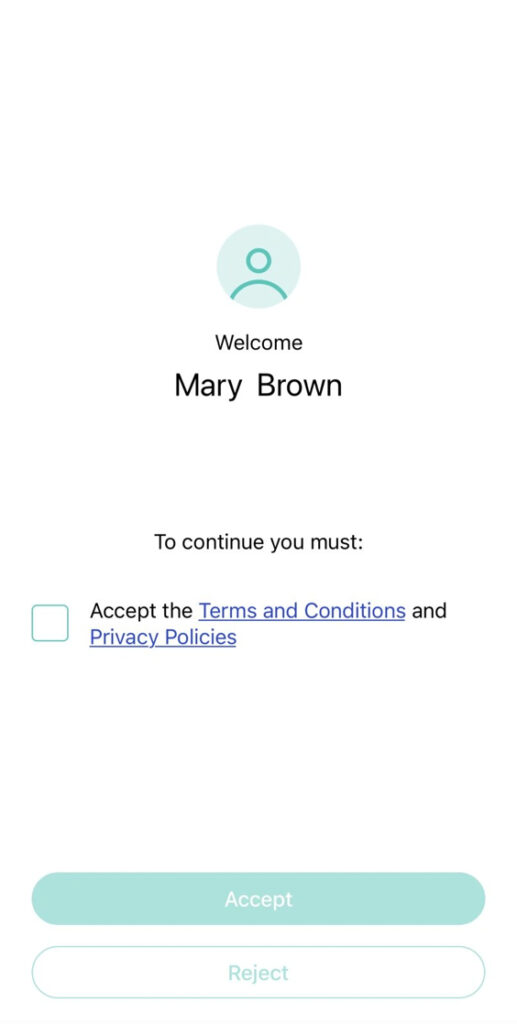
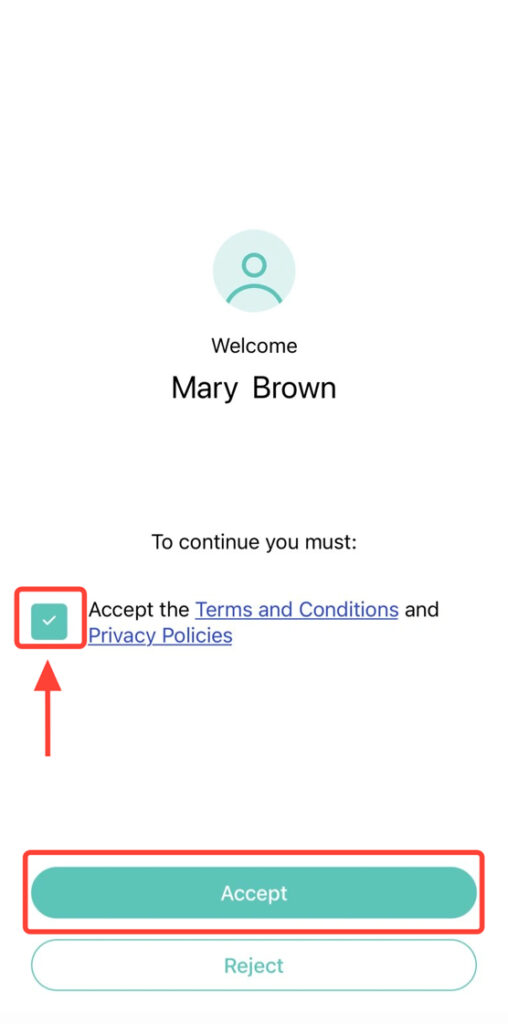
2. Press the checkbox to select it. Then, press Accept.
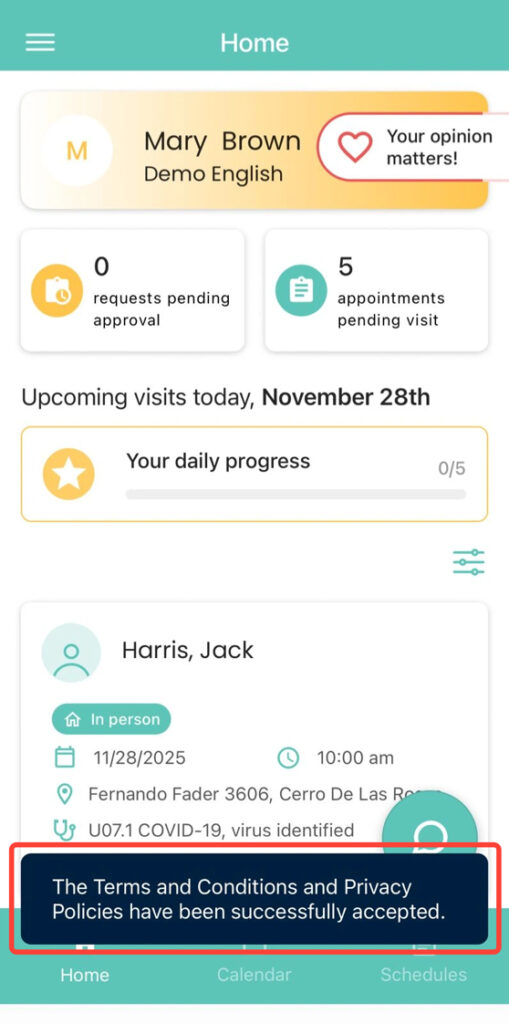
3. After accepting, you will enter the app’s home screen, where you will see the following message at the bottom:
“The Terms and Conditions and Privacy Policies have been successfully accepted.”