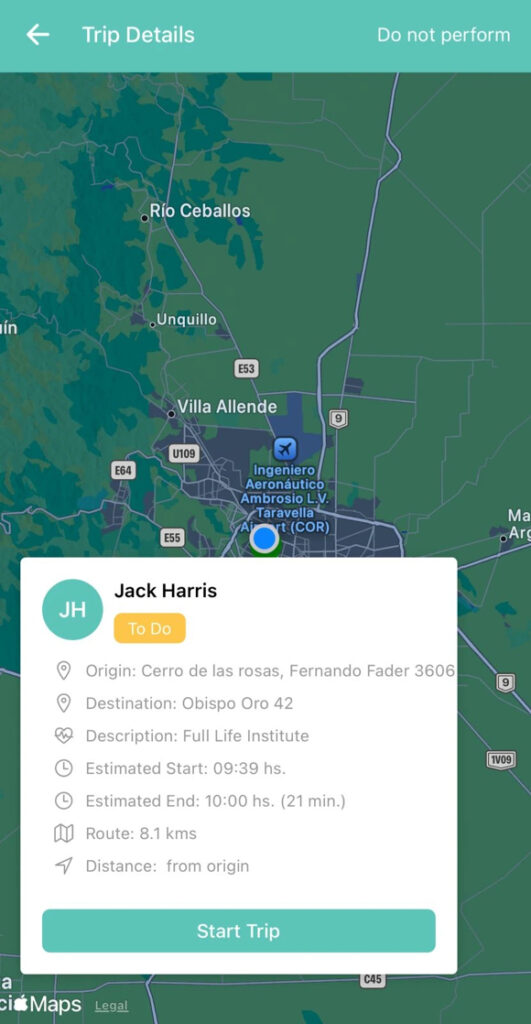
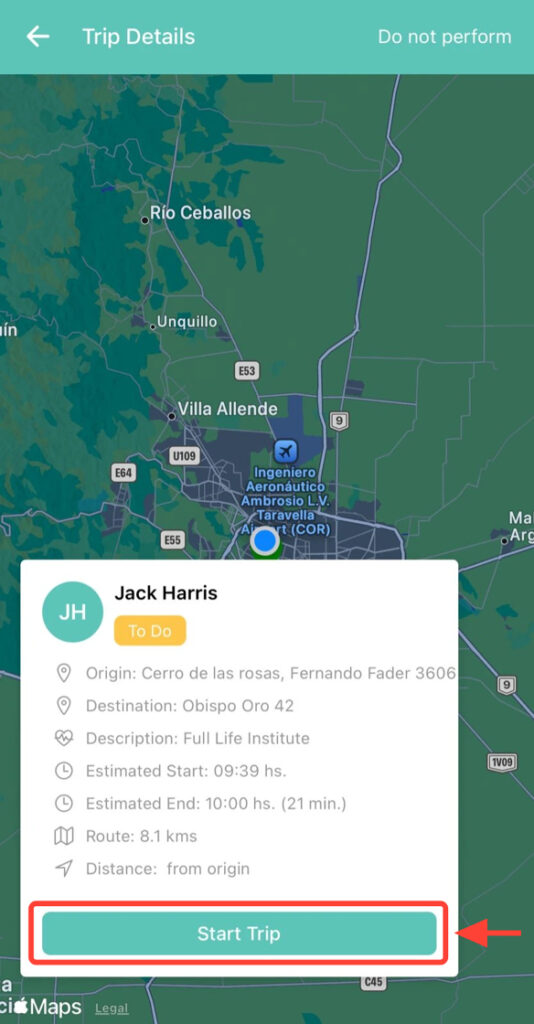
2. Tap Start Trip.
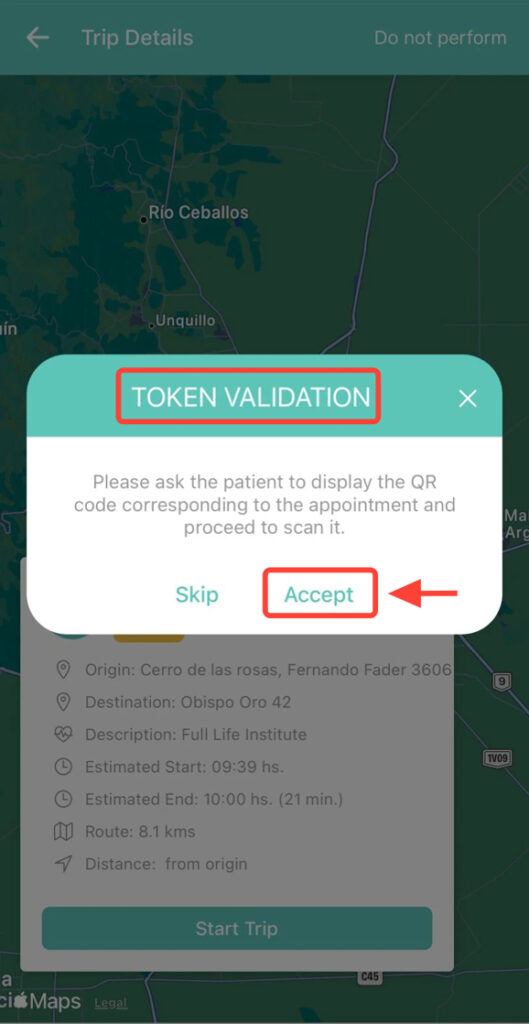
3. In Token Validation, click Accept.
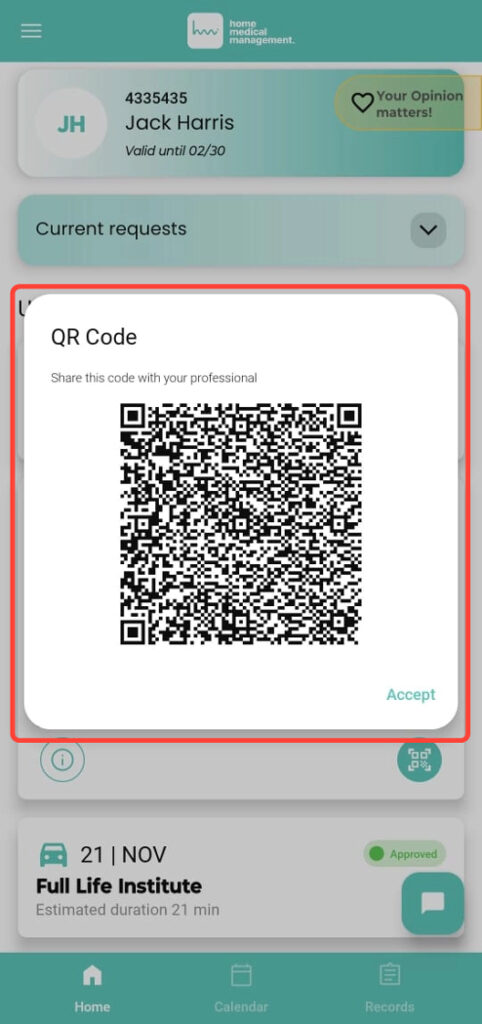
4. The patient will see a QR code in their app. Scan it with your device, making sure it matches the transfer you selected.
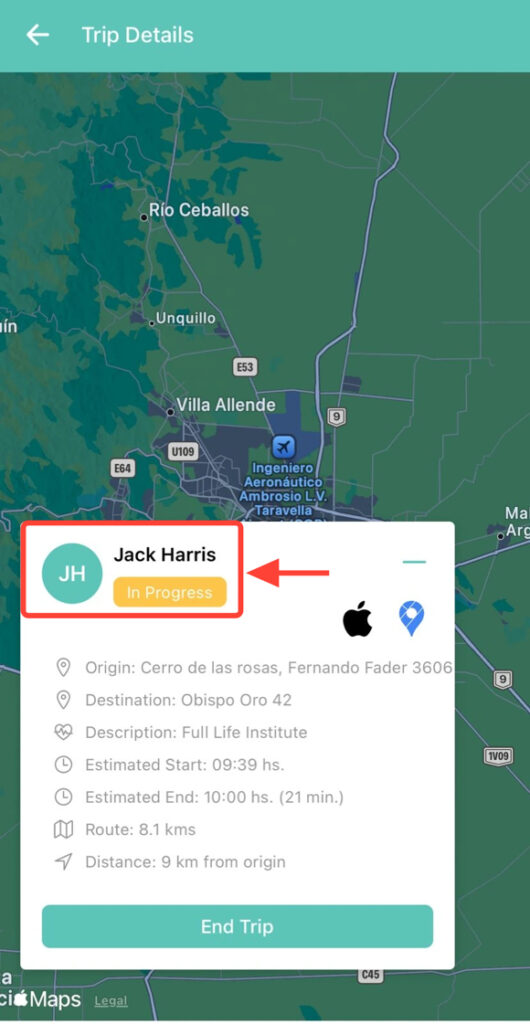
5. The transfer will then be in progress so you can carry it out.