HMM Global
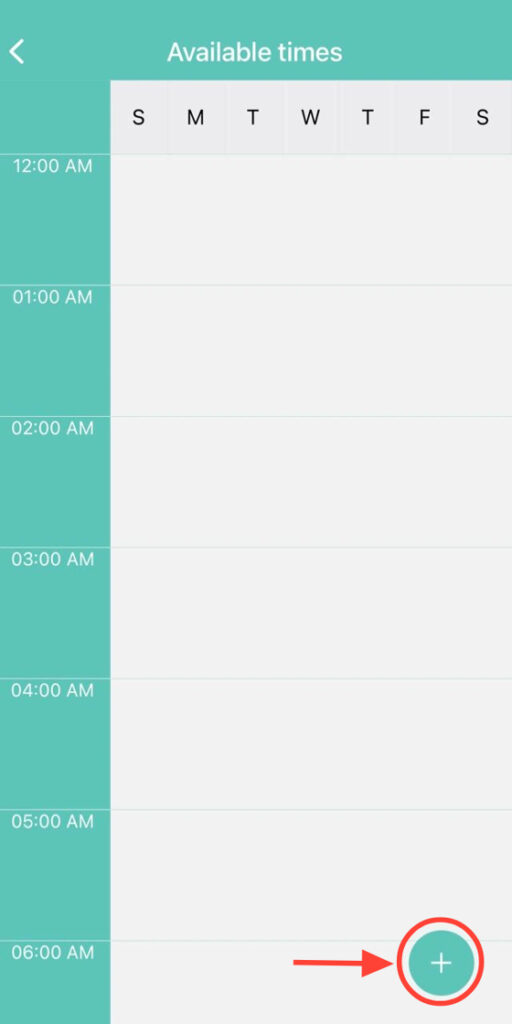
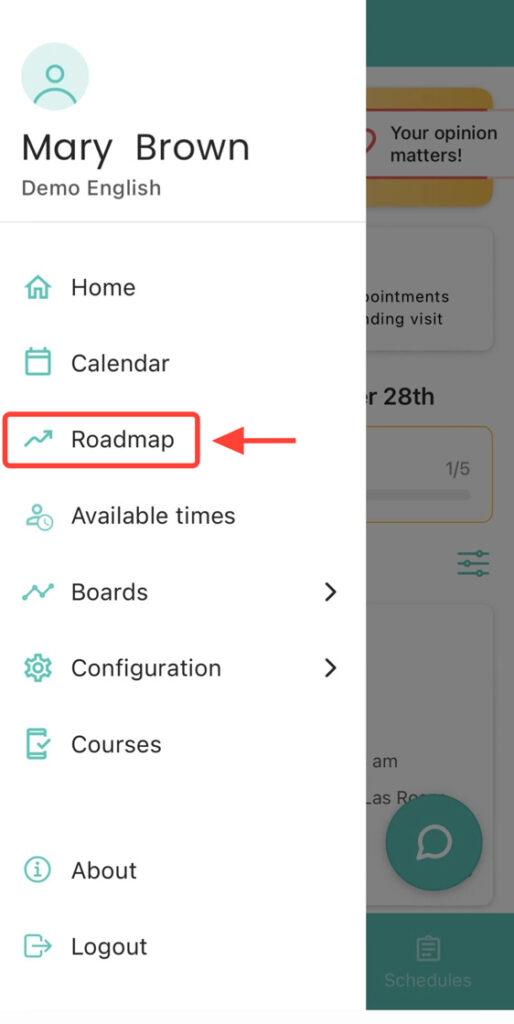
2. Press the + button to add a new schedule.
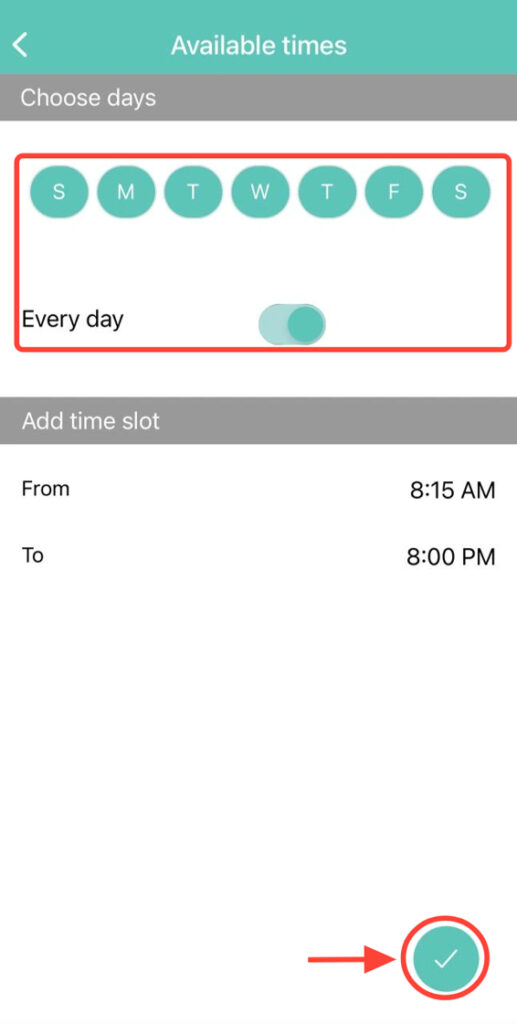
3. Select the available days and the time range, then confirm with the check mark.
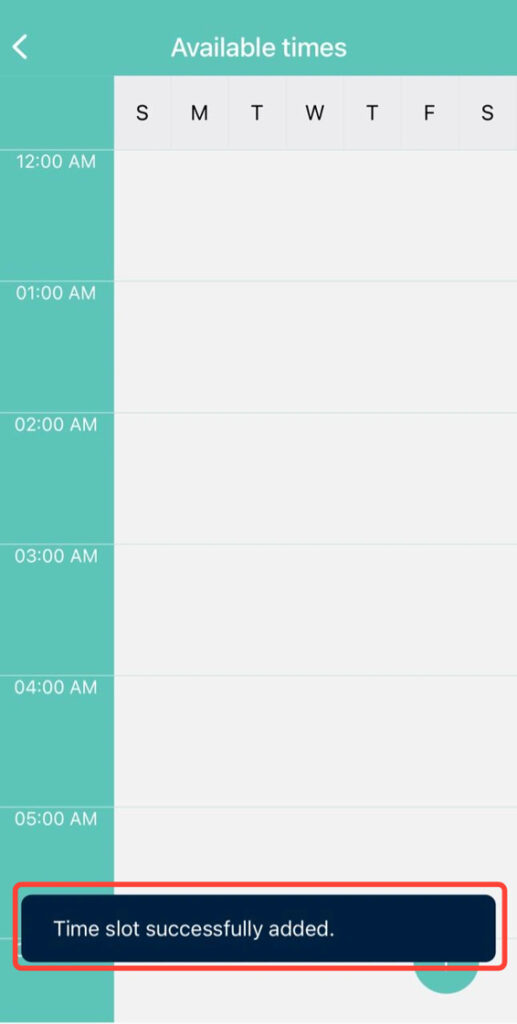
4. At the bottom of the screen, you will see a notification confirming that your schedule has been successfully updated.
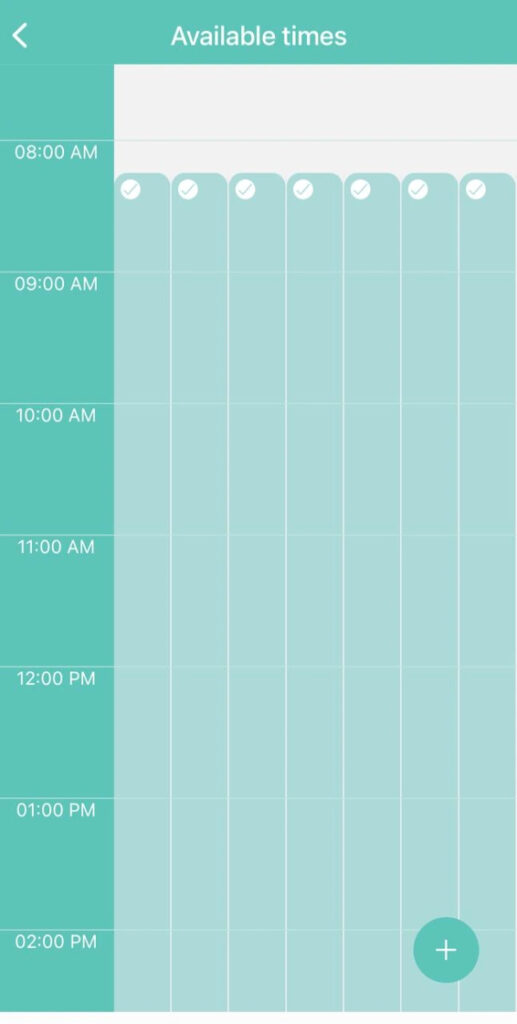
5. Verify that the time range has been saved correctly.